Setting Your Preferences In 3D LUT Creator
Автор: Howard Grill Photography
Загружено: 2021-11-20
Просмотров: 2575
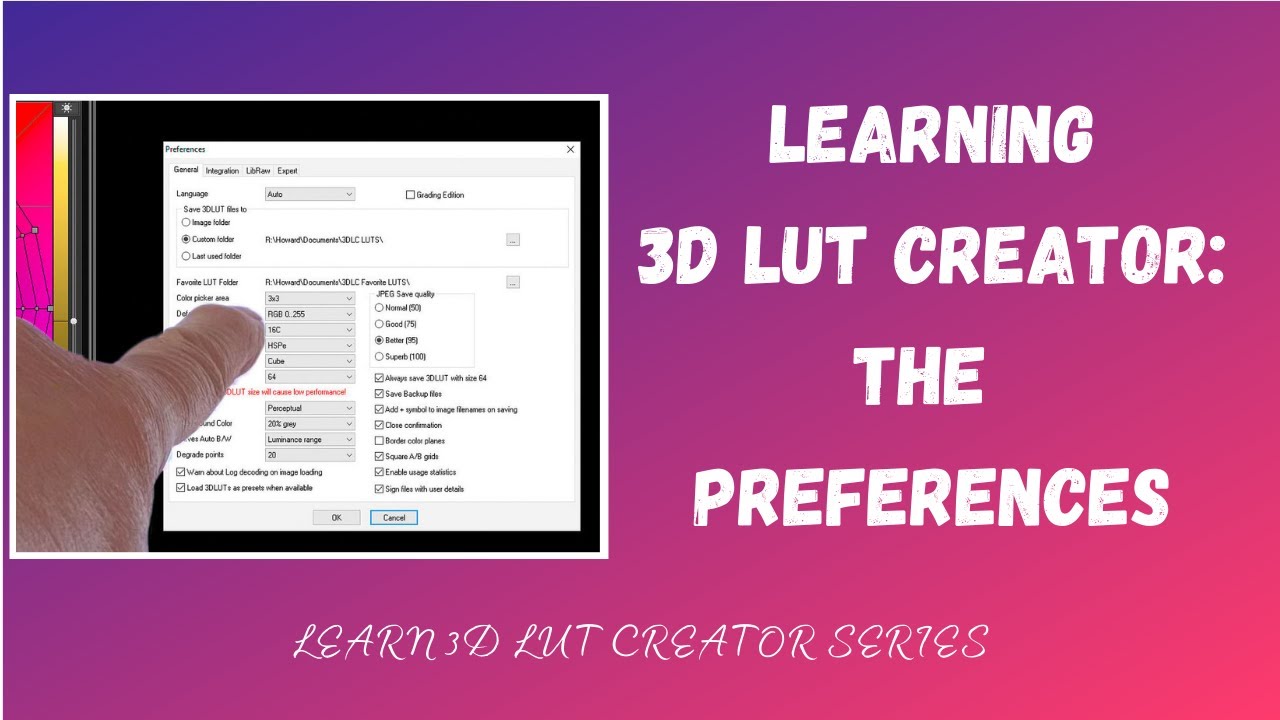
In this video, I describe how to go about setting your preferences in 3D LUT Creator. 3D LUT Creator is probably the most powerful and sophisticated software available for working with color. Blasphemous as it may sound, it's more powerful than Photoshop. However, most still photographers haven't heard of it because it has mainly been used in the video world. Nonetheless, its power has been designed to be equally harnessed for still photography. One problem, however, is that its documentation is, in my opinion, not particularly clear and there is precious little training available for the software.
My goal for this video series is to generate interest in the software (I have no financial association or affiliation) and, if there is interest, provide a series that will clearly teach and explain how this remarkable software can be used in conjunction with Photoshop to help achieve one's artistic vision in still photography.
My goal in this second video in the series is to explain how and why to choose the preferences in the software and to explain what Windows users can do to stop the 'running scripts warning' that Photoshop will give each time you try to import a LUT as an adjustment layer (not an issue for Mac users).
If you have any questions about the preferences please leave a comment below and I will do the best I can to try to answer them.
If this is of interest to you please do subscribe and turn on notifications so you don't miss the next video in this series! I appreciate your support.
#3dlutcreator #howtouse3dlutcreator #colorgrading
Chapters:
00:00 Introduction
00:49 Finding The Preference Settings
01:37 General Preference Settings
07:46 Integration Preference Settings
09:50 LibRaw And Expert Settings
10:22 Stop Photoshop Script Warnings
My Website: https://www.howardgrill.com and https://www.artandhealth.net
My Blog: https://www.howardgrill.com/blog
Subscribe To My Blog: https://www.howardgrill.com/blog-summary and https://www.artandhealth.net/healing-...
My Instagram: / howardgrill
Some of the equipment used to make my videos (Affiliate Links):
Audio:
Zoom H6 Recorder https://bhpho.to/331OVXt
Rode VideoMic NTG https://bhpho.to/3g6API4
Video:
Canon 5D Mk IV https://bhpho.to/2X4xQZ6
Lighting:
GVM Video Lights https://bhpho.to/331nRaD
Pixel G1S Multi Color Background Light https://amzn.to/339aky5
Доступные форматы для скачивания:
Скачать видео mp4
-
Информация по загрузке:


