Популярное

Музыка Кино и Анимация Автомобили Животные Спорт Путешествия Игры Юмор

Интересные видео

2025 Сериалы Трейлеры Новости Как сделать Видеоуроки Diy своими руками

Топ запросов

смотреть а4 schoolboy runaway турецкий сериал смотреть мультфильмы эдисон
dTub
Скачать

Play Smash Bros. on your Wii U with a GC Controller! MayFlash Adapter Overview

Автор: David V. Kimball

Загружено: 2013-06-25

Просмотров: 110063

Описание:

PATREON ►   / davidvkimball  
DISCORD ►   / discord  
TWITCH ►   / davidvkimball  

Watch Elevated: the Development Story of Super Smash Bros. Melee:    • Elevated: The Development Story of Super S...  

Great news! As of E3 2014, Nintendo has announced that they will be releasing their own Wii U GameCube controller adapter. So this video is sort of irrelevant now.

Here I show you some gameplay using a GameCube Controller to play Super Smash Bros. Brawl on a Wii U. This is made possible by a product called "GameCube Controller Adapter for Wii & Wii U" made by MayFlash. (link to product here: http://www.amazon.com/dp/B00BS520SG)

Smash Bros. Legacy Website: http://smashbroslegacy.com/
Facebook page:   / smashbros3dswiiu  

UPDATE - What I've found out since this video:

Since this video I have noticed that the connected GameCube controller output behaves differently depending on whether or not you're using a Wii U or Wii. The adapter works very well on Wii (minus no rumble support) and the quirks seem to be either a cause of Wii U HDMI, or Wii U in general. I'll be looking into this. Comment on this video or send me a tweet if you'd like to know more.

How it works:

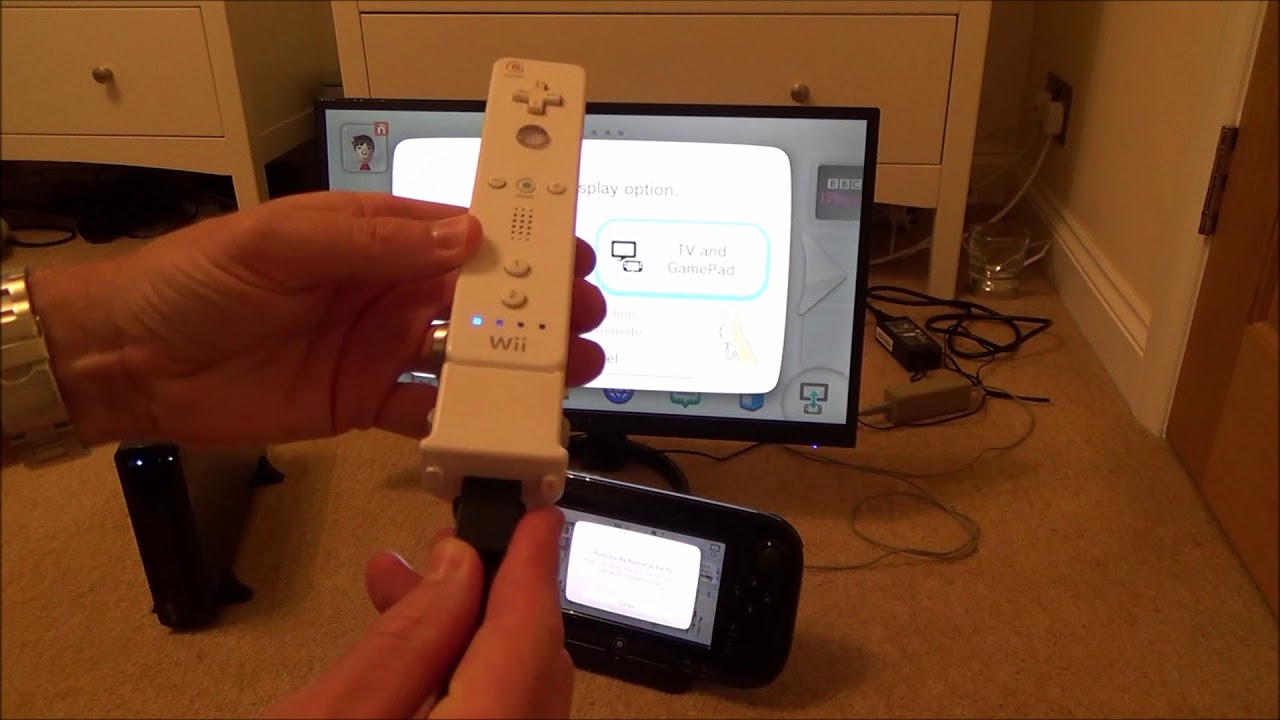
The adapter essentially makes the GameCube controller work as a Classic Controller. The adapter plugs into the back of your Wii Remote, and the adapter has a port on the end of it that the GameCube controller can plug into.

How to play SSBB with a GameCube Controller:

1. Power on your Wii U, open the Wii Channel.
2. Insert the Super Smash Bros. Brawl disc into your console.
3. Plug your GameCube controller into your MayFlash adapter.
4. Sync a Wii Remote to your Wii U and turn it on.
5. Plug your MayFlash adapter into a Wii Remote.
6. The light on the adapter might blink on and off for a while, wait for it to finish (if the light stays on, double press the Turbo button to turn it off).
6. Use your GameCube Controller to select the game and start SSBB.
7. FIGHT!

Note: Remember, go turn off tap jump or other settings, be sure to edit your control scheme for the CLASSIC CONTROLLER. Editing the GameCube control settings will not change your control experience.

To open the Classic Controller's Wii Home Menu, press and hold the Start button on your GC controller.
To activate the Classic Controller's Select button, press the Start button once on your GC controller.
To activate the Classic Controller's Start button, double-tap the Start button on your GC controller.
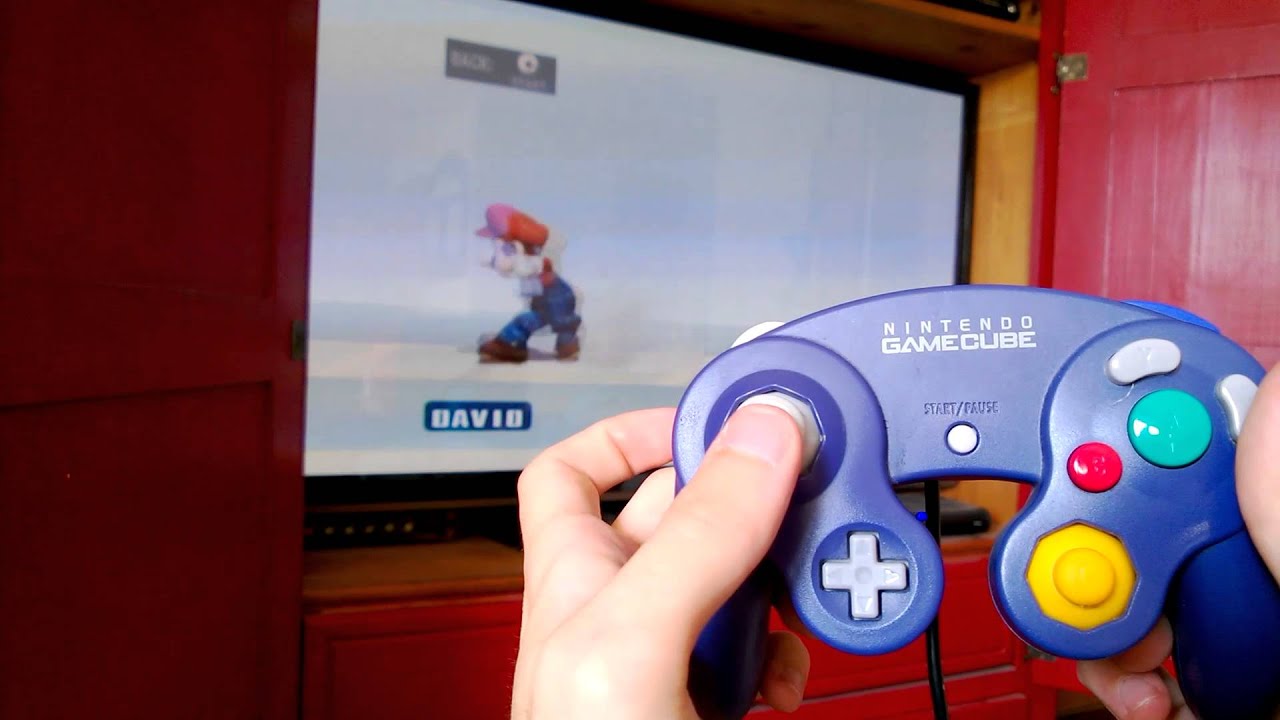
Play Smash Bros. on your Wii U with a GC Controller! MayFlash Adapter Overview

Поделиться в:

Доступные форматы для скачивания:

Скачать видео mp4

  • Информация по загрузке:

Скачать аудио mp3

Похожие видео

UNBOXING ~ Super Smash Bros. Wii U Gamecube Controller Bundle

UNBOXING ~ Super Smash Bros. Wii U Gamecube Controller Bundle

Super Smash Bros. for Wii U Gamecube Controller & Adapter Bundle Unboxing | Raymond Strazdas

Super Smash Bros. for Wii U Gamecube Controller & Adapter Bundle Unboxing | Raymond Strazdas

Как играть в игры Wii на Wii U

Как играть в игры Wii на Wii U

[New 2020] How to use Official GC adapter on GC

[New 2020] How to use Official GC adapter on GC "Emulator" for WiiU! (nintendon't)

How to Play Wii Games on the Wii U WITHOUT a TV Sensor Bar

How to Play Wii Games on the Wii U WITHOUT a TV Sensor Bar

Mayflash Gamecube USB Adapter Review & Tutorial

Mayflash Gamecube USB Adapter Review & Tutorial

Unboxing Super Smash Bros. Ultimate Limited Edition + Pro Controller (Nintendo Switch)

Unboxing Super Smash Bros. Ultimate Limited Edition + Pro Controller (Nintendo Switch)

Super Smash Bros. Brawl - The Subspace Emissary (2 Players, Intense, 100% Walkthrough)

Super Smash Bros. Brawl - The Subspace Emissary (2 Players, Intense, 100% Walkthrough)

MayFlash Gamecube to Wii & Wii U Adapter

MayFlash Gamecube to Wii & Wii U Adapter

ИРАНСКИЙ ИНТЕРНЕТ - БУДУЩЕЕ РОССИИ

ИРАНСКИЙ ИНТЕРНЕТ - БУДУЩЕЕ РОССИИ

Super Smash Bros. for 3DS/Wii U 1st Trailer

Super Smash Bros. for 3DS/Wii U 1st Trailer

Nintendo Wii - Wii Sport Resort

Nintendo Wii - Wii Sport Resort

Mayflash GC Controller Adapter for the Wii U and Super Smash Bros Brawl!

Mayflash GC Controller Adapter for the Wii U and Super Smash Bros Brawl!

Unboxing Super Smash Bros. for Wii U + GC adapter + GC controller

Unboxing Super Smash Bros. for Wii U + GC adapter + GC controller

How to SYNC up GameCube controllers on the Nintendo Switch

How to SYNC up GameCube controllers on the Nintendo Switch

Longplay of Super Smash Bros. Brawl

Longplay of Super Smash Bros. Brawl

Wii U Gamecube Adapter Compatibility Test

Wii U Gamecube Adapter Compatibility Test

XYAB GameCube Controller - Is it good?

XYAB GameCube Controller - Is it good?

Tutorial: How to use your GameCube Controller Adapter for Wii U on the vWii

Tutorial: How to use your GameCube Controller Adapter for Wii U on the vWii

Wii Sports + Wii Sports Resort: 2 Games on 1 Disc Bundle Version

Wii Sports + Wii Sports Resort: 2 Games on 1 Disc Bundle Version

© 2025 dtub. Все права защищены.


  • Контакты
  • О нас
  • Политика конфиденциальности


Контакты для правообладателей: infodtube@gmail.com