Zorin OS 18 for Beginners: How to Install Apps & Manage Software (No Terminal!)
Автор: The Linux Noob
Загружено: 2025-12-26
Просмотров: 261
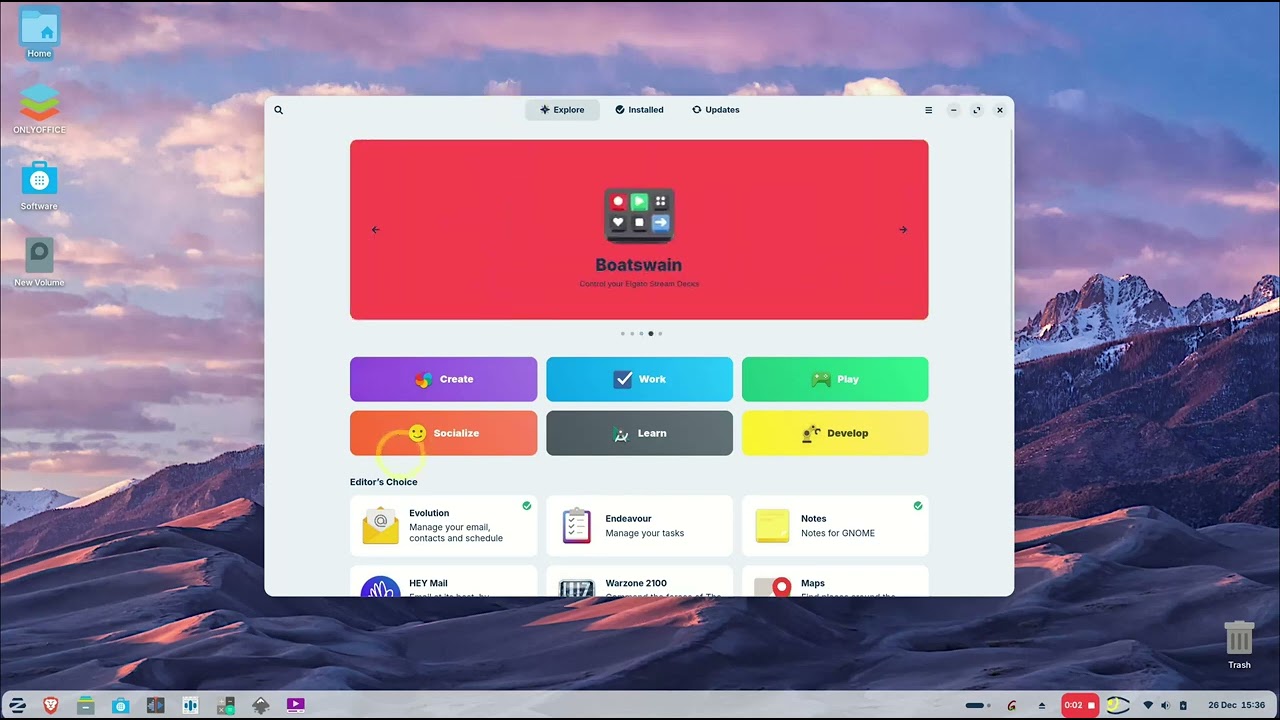
Stop using the terminal for everything! In today's video, we explore the Zorin OS Software Center. I’ll show you the three essential tabs every beginner needs to know: Explore, Installed, and Updates. Whether you're looking for Google Chrome or want to keep your system clean, this guide makes it easy.
What you’ll learn in this video:
🚀 Explore Tab: How to find and install popular apps like Google Chrome and VLC.
📦 Installed Tab: How to view and uninstall applications you no longer need.
🔄 Updates Tab: How to keep your Linux system fast and secure with one click.
Attributions & Links:
OS: Zorin OS (https://zorin.com/os/)
Office Recommendation: ONLYOFFICE (The best compatible alternative to MS Office on Linux)
Voiceover: Generated using the Kokoro-82M model (Adam voice), licensed under Apache 2.0.
Software: Proudly processed on Linux using Speech Note.
Editor: Edited using Kdenlive on Linux (Zorin OS 18 Core).
Доступные форматы для скачивания:
Скачать видео mp4
-
Информация по загрузке:





![Как установить Zorin OS 18 от начала до конца + общий обзор ОС [2025]](https://imager.clipsaver.ru/0K43Bxg8MLU/max.jpg)