How to Solve TensorFlow Dependency Issues on Google Colaboratory
Автор: vlogize
Загружено: 2025-09-27
Просмотров: 2
Discover effective methods for resolving `dependency problems` when installing TensorFlow in Google Colaboratory. Get practical tips and solutions for a seamless experience.
---
This video is based on the question https://stackoverflow.com/q/63325225/ asked by the user 'Riddle Aaron' ( https://stackoverflow.com/u/8731173/ ) and on the answer https://stackoverflow.com/a/63350482/ provided by the user 'EduardoSaverin' ( https://stackoverflow.com/u/1690577/ ) at 'Stack Overflow' website. Thanks to these great users and Stackexchange community for their contributions.
Visit these links for original content and any more details, such as alternate solutions, latest updates/developments on topic, comments, revision history etc. For example, the original title of the Question was: Installing tensorflow on Google Colaboratory shows a dependency problem
Also, Content (except music) licensed under CC BY-SA https://meta.stackexchange.com/help/l...
The original Question post is licensed under the 'CC BY-SA 4.0' ( https://creativecommons.org/licenses/... ) license, and the original Answer post is licensed under the 'CC BY-SA 4.0' ( https://creativecommons.org/licenses/... ) license.
If anything seems off to you, please feel free to write me at vlogize [AT] gmail [DOT] com.
---
How to Solve TensorFlow Dependency Issues on Google Colaboratory
When working with TensorFlow on Google Colaboratory, you might encounter frustrating dependency issues. These can prevent you from installing the package successfully or using it effectively within your notebooks. In this guide, we'll explore common problems related to TensorFlow installation in Google Colab, and we'll provide clear solutions to help you overcome these challenges.
Understanding the Problem
While Google Colab comes with many pre-installed libraries, occasionally you'll find that you need certain versions or additional libraries that aren't present. This often leads to dependency issues, particularly with TensorFlow's complex ecosystem.
For example, when trying to install TensorFlow, you may run into errors that indicate conflicts with other packages like kaggle, google-colab, and datascience. You may see errors similar to:
ERROR: kaggle 1.5.6 has requirement urllib3<1.25,>=1.21.1, but you'll have urllib3 1.25.10 which is incompatible.
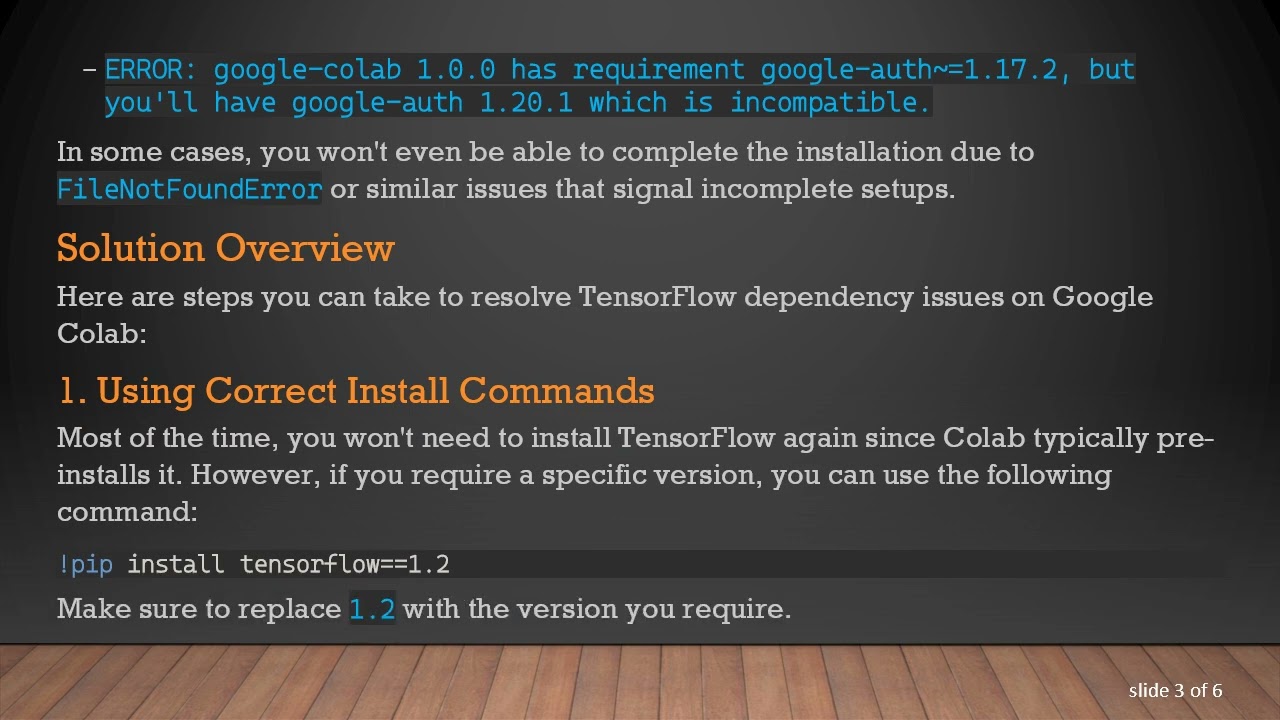
ERROR: google-colab 1.0.0 has requirement google-auth~=1.17.2, but you'll have google-auth 1.20.1 which is incompatible.
In some cases, you won't even be able to complete the installation due to FileNotFoundError or similar issues that signal incomplete setups.
Solution Overview
Here are steps you can take to resolve TensorFlow dependency issues on Google Colab:
1. Using Correct Install Commands
Most of the time, you won't need to install TensorFlow again since Colab typically pre-installs it. However, if you require a specific version, you can use the following command:
[[See Video to Reveal this Text or Code Snippet]]
Make sure to replace 1.2 with the version you require.
2. Installing System Libraries
If you need to install system libraries rather than Python packages, you can do so using the apt-get command with the following syntax:
[[See Video to Reveal this Text or Code Snippet]]
This allows you to install necessary system-level dependencies in your Colab environment.
3. Restarting the Runtime
After installing any new packages, it's essential to restart the runtime to ensure that Colab recognizes the newly installed versions. You can do this by navigating to the "Runtime" menu and selecting "Restart runtime".
4. Avoiding Version Conflicts
When working with TensorFlow and its dependencies, try to avoid mixing packages that have strict version requirements. Stick to the libraries and versions supported by Google Colab, and be cautious when manually installing packages that may conflict.
5. Check Installed Libraries
If you're unsure about what libraries are currently installed and their versions, you can list them using:
[[See Video to Reveal this Text or Code Snippet]]
This command helps to visualize potential conflicts and decide which packages may need upgrading or downgrading.
Conclusion
Dependency issues can be a hassle when working with TensorFlow in Google Colaboratory. By following the guidelines outlined in this post, you can smoothly resolve common installation problems and get back to building your machine learning models without unnecessary interruptions. If you're encountering specific errors, referring back to this post may provide the solutions you need.
Happy coding!
Доступные форматы для скачивания:
Скачать видео mp4
-
Информация по загрузке:


![Суть линейной алгебры: #14. Собственные векторы и собственные значения [3Blue1Brown]](https://image.4k-video.ru/id-video/khMBBxLJLcw)


