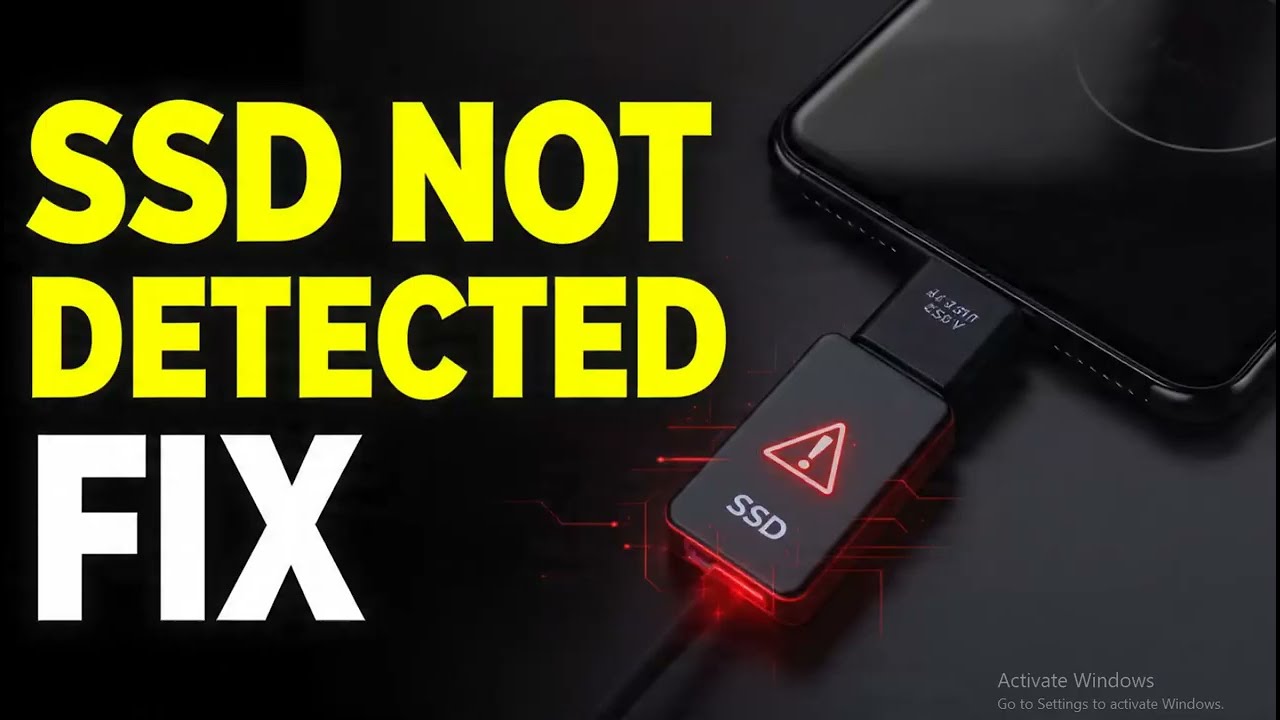
How to fix External SSD not being detected on Pixel 10 Pro
Автор: Rexus HD
Загружено: 2026-01-15
Просмотров: 0
How to fix External SSD not being detected on Pixel 10 Pro
How to fix External SSD not being detected on Pixel 10 Pro
Are you struggling with an external SSD not being detected on your Pixel 10 Pro? This comprehensive guide shows you how to fix SSD connection issues, resolve the Pixel 10 Pro USB-C storage error, and get your files transferring smoothly again. Whether you’re facing SSD not showing up in Files app, "USB device not recognized" notifications, or power supply issues with external drives, we walk you through troubleshooting steps, including enabling USB OTG settings, checking file system compatibility (exFAT/FAT32), testing cables, and updating Android system software. This step-by-step solution helps you fix storage problems for Samsung T7, SanDisk Extreme, and other portable SSDs, recover access to your data, and prevent external drive detection errors in the future.
In This Video We Will See How to Fix External SSD not being detected on Pixel 10 Pro
Here Are The Steps to Fix External SSD not being detected on Pixel 10 Pro
Method 1
1. Connect your SSD to the Pixel 10 Pro
2. Open the "Settings" app
3. Search for "USB Preferences"
4. Under "USB controlled by," ensure "This device" is selected
5. Under "Use USB for," select "File transfer / Android Auto"
6. Open the Files by Google app to check if the drive appears
7. Done!
Method 2
1. Disconnect the SSD from your phone
2. Connect the SSD to a PC or Mac
3. Right-click the drive and select "Properties" or "Get Info"
4. Check if the File System is NTFS (Pixel phones prefer exFAT or FAT32)
5. If it is NTFS, back up your data and format the drive to exFAT
6. Reconnect the SSD to your Pixel 10 Pro
7. Done!
Method 3
1. Open "Settings"
2. Scroll down and tap "About phone"
3. Tap "Build number" 7 times until Developer Mode is on
4. Go back to "System" then "Developer options"
5. Search for "Default USB configuration"
6. Set it to "File transfer"
7. Restart your Pixel 10 Pro
8. Done!
Method 4
1. Inspect your USB-C cable for damage
2. Try using the original cable that came with the SSD
3. Clean the USB-C port of your Pixel 10 Pro with compressed air
4. If the SSD requires high power, try connecting it through a powered USB-C hub
5. Restart your device and reconnect
6. Done!
Topic Covered:
Pixel 10 Pro external SSD fix, SSD not detected on Android, Pixel 10 Pro USB OTG troubleshooting, fix external drive not showing up, Samsung T7 not working on Pixel, SanDisk SSD Pixel 10 Pro connection, USB-C storage error Android 16, how to mount SSD on Pixel, Pixel 10 Pro file transfer fix, external hard drive not recognized, format SSD for Pixel 10 Pro, exFAT vs NTFS Android, Pixel 10 Pro USB preferences, enable OTG Pixel 10 Pro, fix portable SSD connection, Pixel 10 Pro Files app SSD missing, USB-C hub for Pixel 10 Pro, Android storage troubleshooting, fix mobile SSD error, Pixel 10 Pro hardware detection.
Доступные форматы для скачивания:
Скачать видео mp4
-
Информация по загрузке: