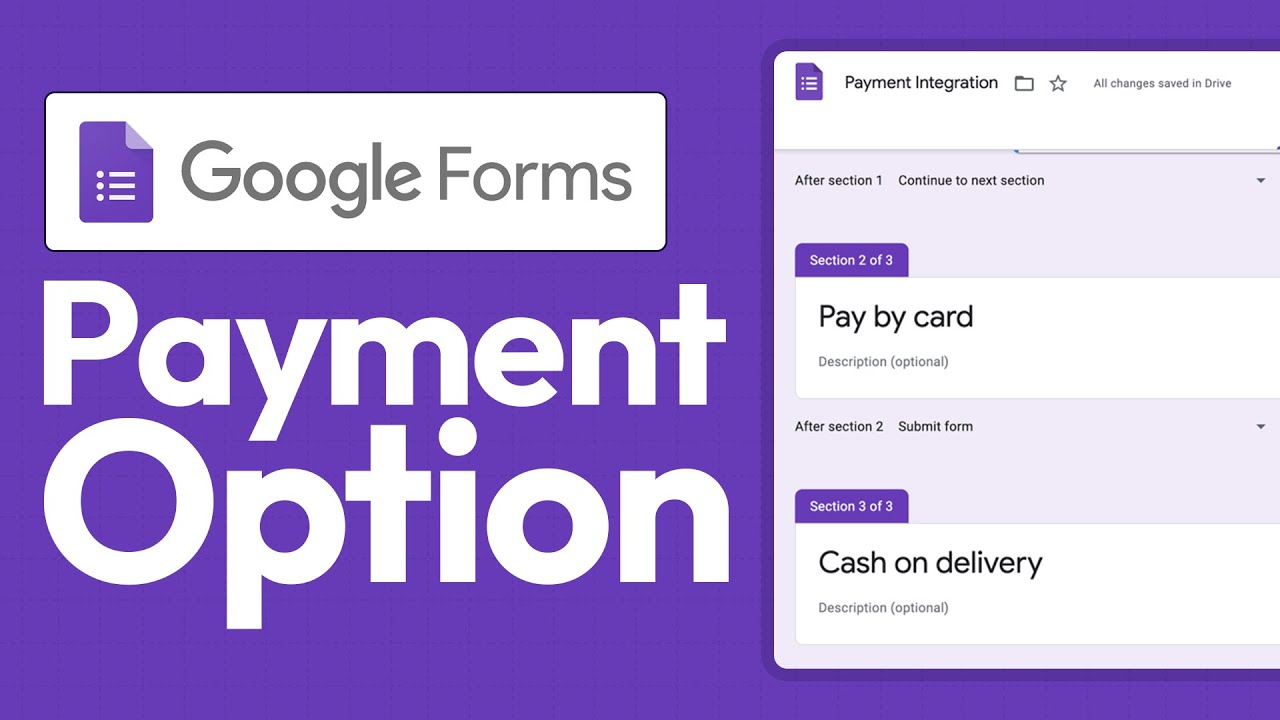
How To Add Payment Option in Google Forms (Complete Tutorial)
Автор: Tech Express
Загружено: 2024-08-20
Просмотров: 1963
To add a payment option in Google Forms, first ensure that you have a Google Workspace account, as payment features are primarily available for business users. Begin by creating a new form or selecting an existing one. In the form editor, click on the "+" button to add a new question, and select the "Multiple choice" or "Dropdown" option to specify the payment choices.
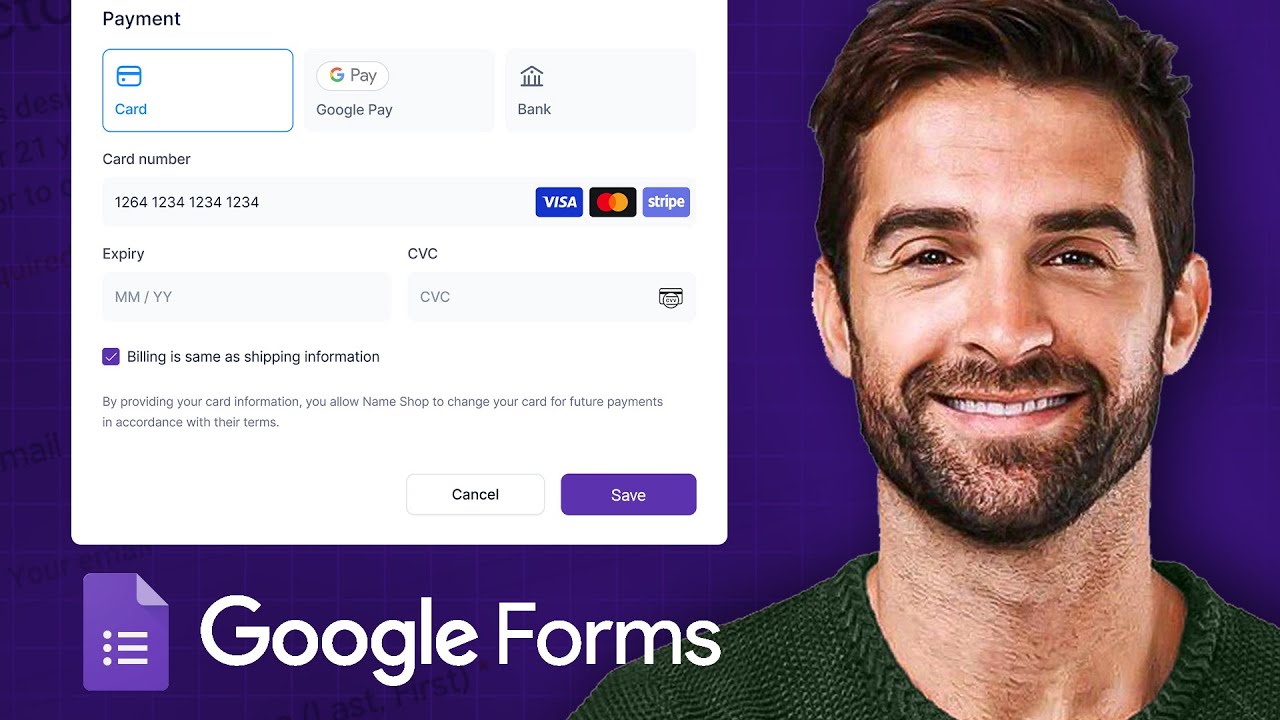
Next, integrate Google Forms with Google Pay by opting for the "Add-ons" feature, where you can find payment-related extensions like "Formfacade" or "Payable Forms." Follow the prompts to configure your payment settings, ensuring a seamless transaction process for respondents.
Music by DayFox – https://www.dayfox.de
Coma Media - https://pixabay.com/es/users/coma-med...
Доступные форматы для скачивания:
Скачать видео mp4
-
Информация по загрузке: