How To Install VIBS Board On AtGames Legends Pinball Micro!
Автор: PDubs Arcade Loft
Загружено: 2023-01-08
Просмотров: 3828
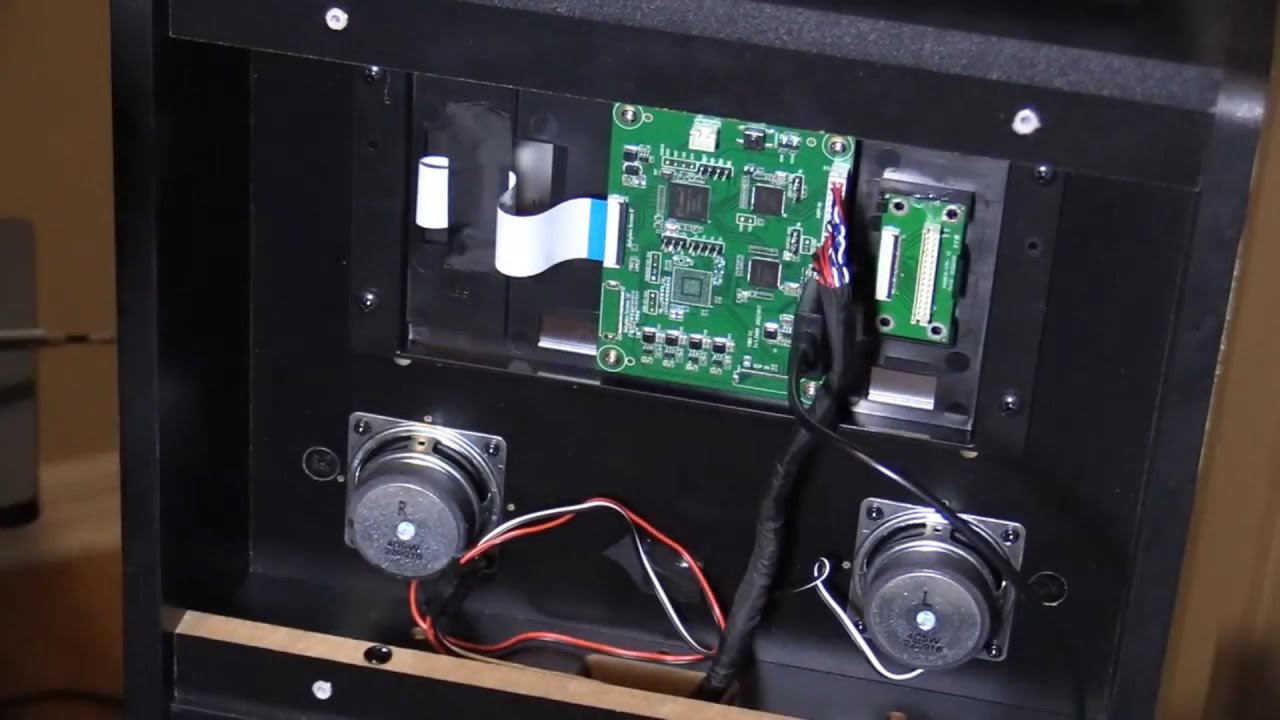
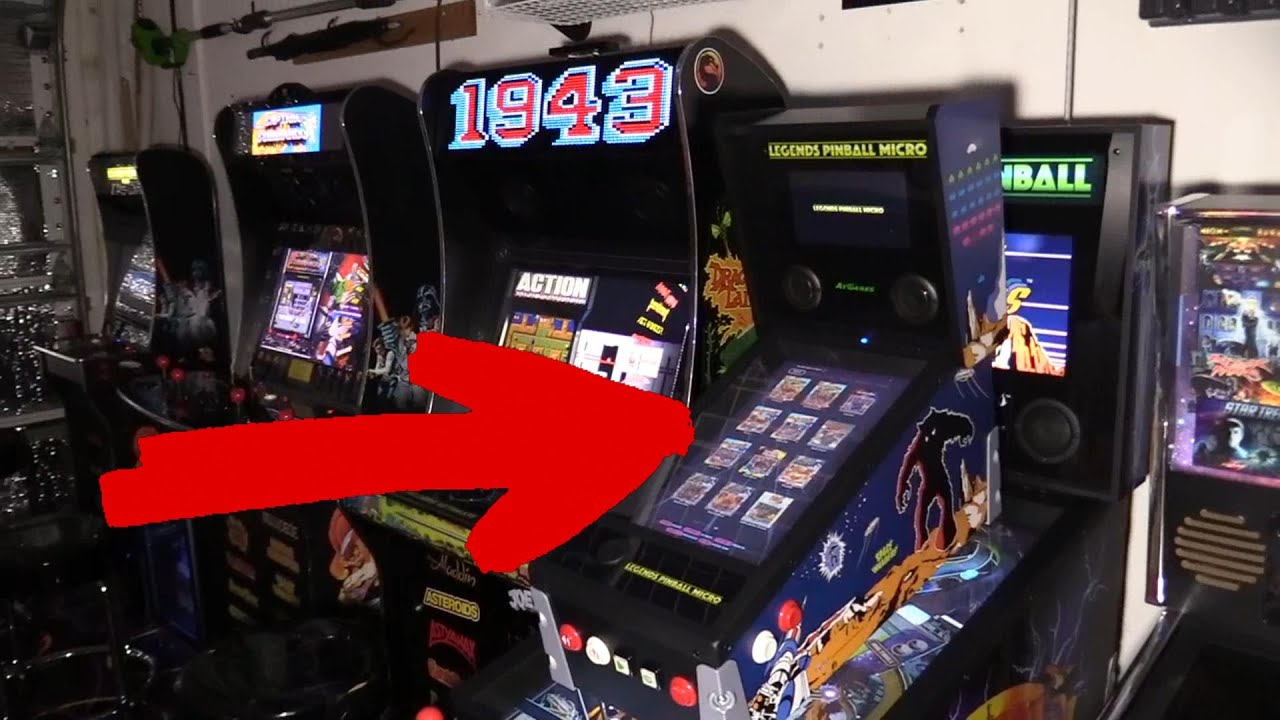
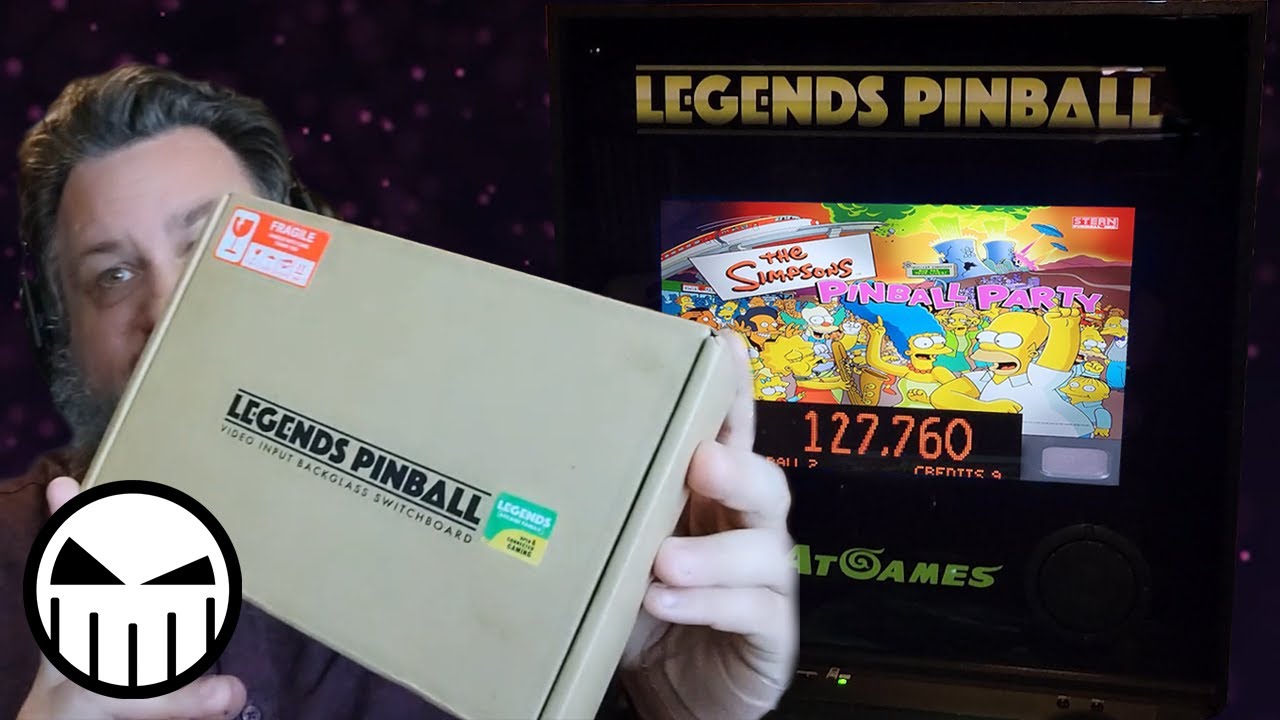
This video is my installation tutorial for the VIBS Board for the AtGames Legends Pinball Micro! The VIBS board does come with a fantastic instruction booklet detailing the install steps but I know some of us including myself are visual learners and I hope some of you find this helpful! In subsequent videos I will walk through how to set up VPX and FX3 running on the AtGames Legends Pinball Micro using this board!
*LINKS/INFO*
ORDER VIBS FOR LEGENDS PINBALL MICRO HERE:
https://bit.ly/3ZmOFwY
ORDER AN ATGAMES LEGENDS PINBALL MICRO HERE:
https://bit.ly/3ZiuJet
*TIMESTAMPS*
0:00 Unboxing
0:46 Step 1 - Remove Panel
1:15 Step 2 - Disconnect LVDS Cable
1:32 Step 3 - Disconnect FPC Cable
2:09 Step 4 - Mount VIBS/Connect Cables
3:29 Step 5 - Connect DC/HDMI Cables
4:09 Step 6 - Install Input Switch Button
4:39 Step 7 - Connect Microswitch/Wires
5:04 Step 8 - Connect Button Wire to VIBS
5:43 Step 9 - Connect Power Splitter/Wires
7:10 Outro
**************************
Follow PDubs on Facebook:
/ pdubsarcadeloft
Follow PDubs on Twitter:
/ pdubsarcadeloft
Follow Pdubs on Instagram:
/ pdubsarcadeloft
*****************************
Thanks for watching - hope you enjoy the video and consider Subscribing!
#VIBS #Atgames #LegendsPinball #Micro #HowTo #Install #Review #Unboxing

Доступные форматы для скачивания:
Скачать видео mp4
-
Информация по загрузке: