Beginner - GIS Site Modelling and Linking a House in Revit - Ep 10
Автор: Jesse Dombowsky
Загружено: 2024-04-03
Просмотров: 1392
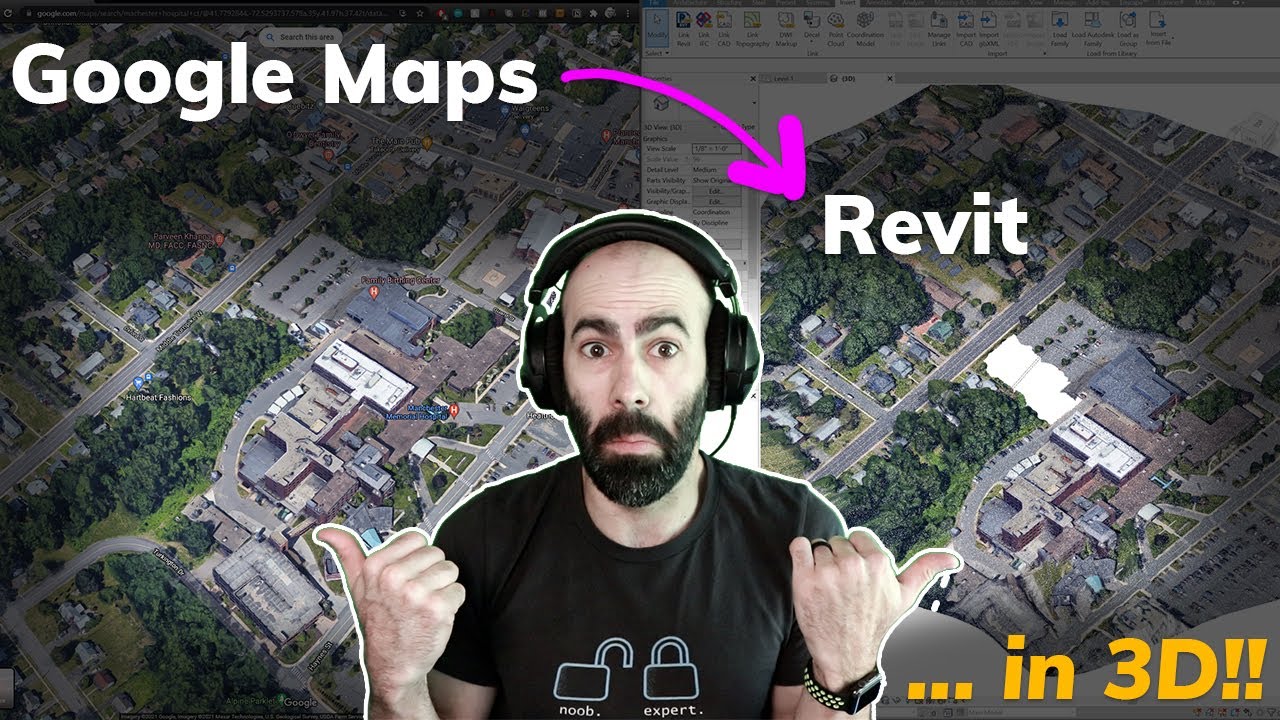
How to model a site in Revit from a GIS download for beginners.
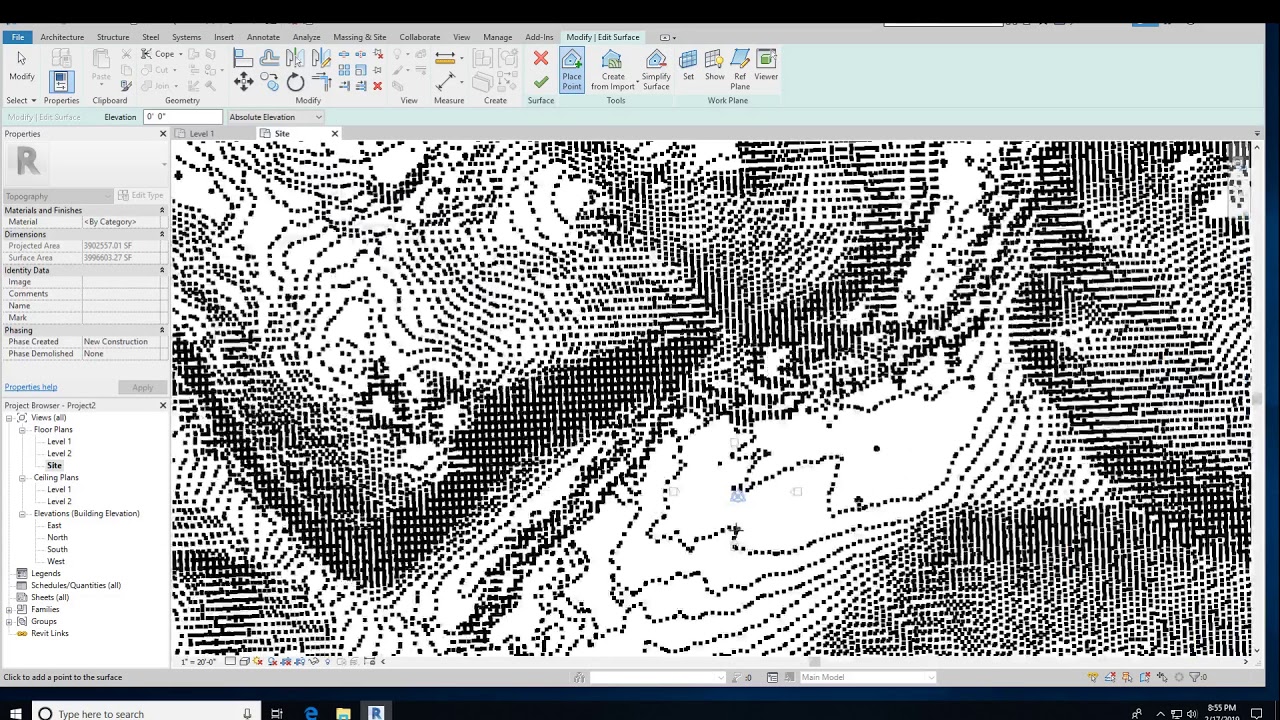
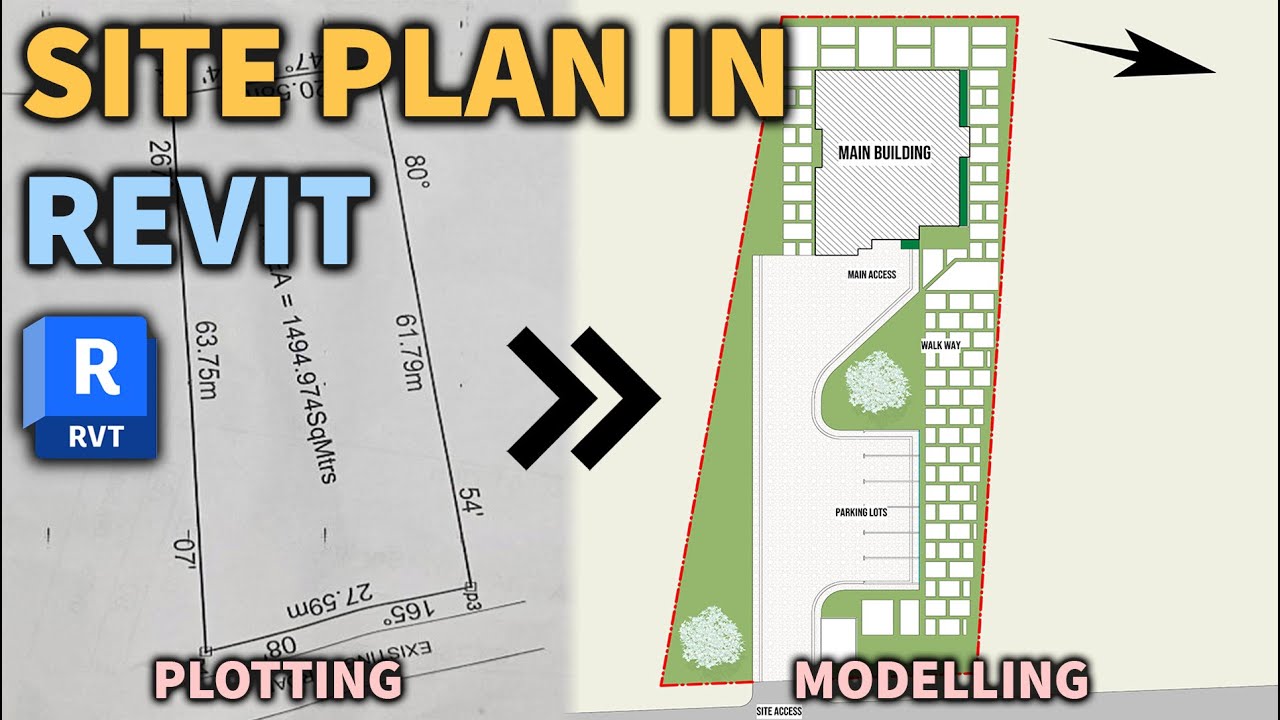
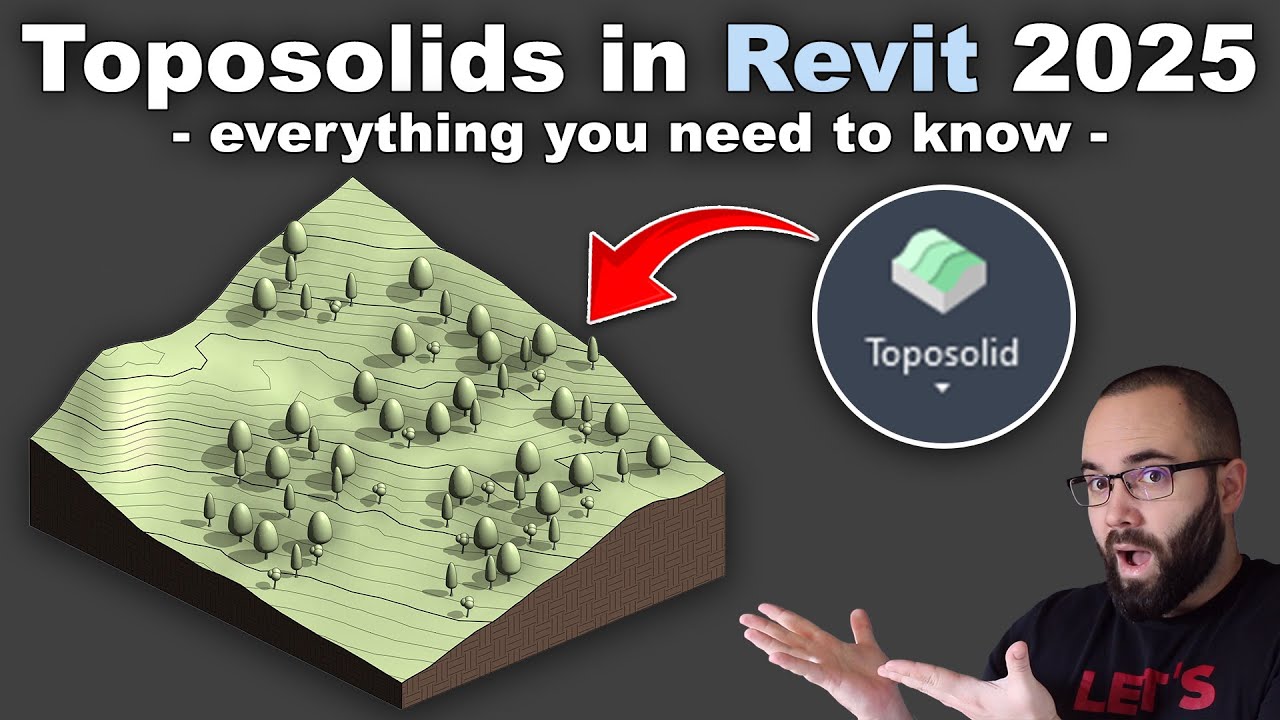
I walk you through downloading site contours from a GIS source and then go through the process of starting a new project, setting up the site coordinates, modelling the topography, establishing levels, linking in our house from earlier in the tutorial, and setting some materials on the topography.
Timecodes
0:00 Intro
0:10 How to Download an AutoCAD Site File with Contours
1:14 How to check the DWG File
1:43 How to Acquire the Site Coordinates from CAD File
2:20 How to Start a Site Model Project
2:44 How Does the Survey Point Work in Revit
3:15 How to Link in a CAD File into Revit
4:00 How to Specify Coordinates in Revit
5:12 How to Draw a Property Boundary in Revit
5:51 How to Rotate Project North in Revit
6:59 How to Draw True Site Elevations
8:42 How to Set the Site Levels
9:31 How to Create Topography in Revit
10:03 How to Split Topo Surface in Revit
10:40 Setting the Ground Level Height
11:18 How to Link a House into a Site Model in Revit
11:58 How to Locate the House on a Site
13:26 How to change a Topography's Materials
14:07 Outro

Доступные форматы для скачивания:
Скачать видео mp4
-
Информация по загрузке: