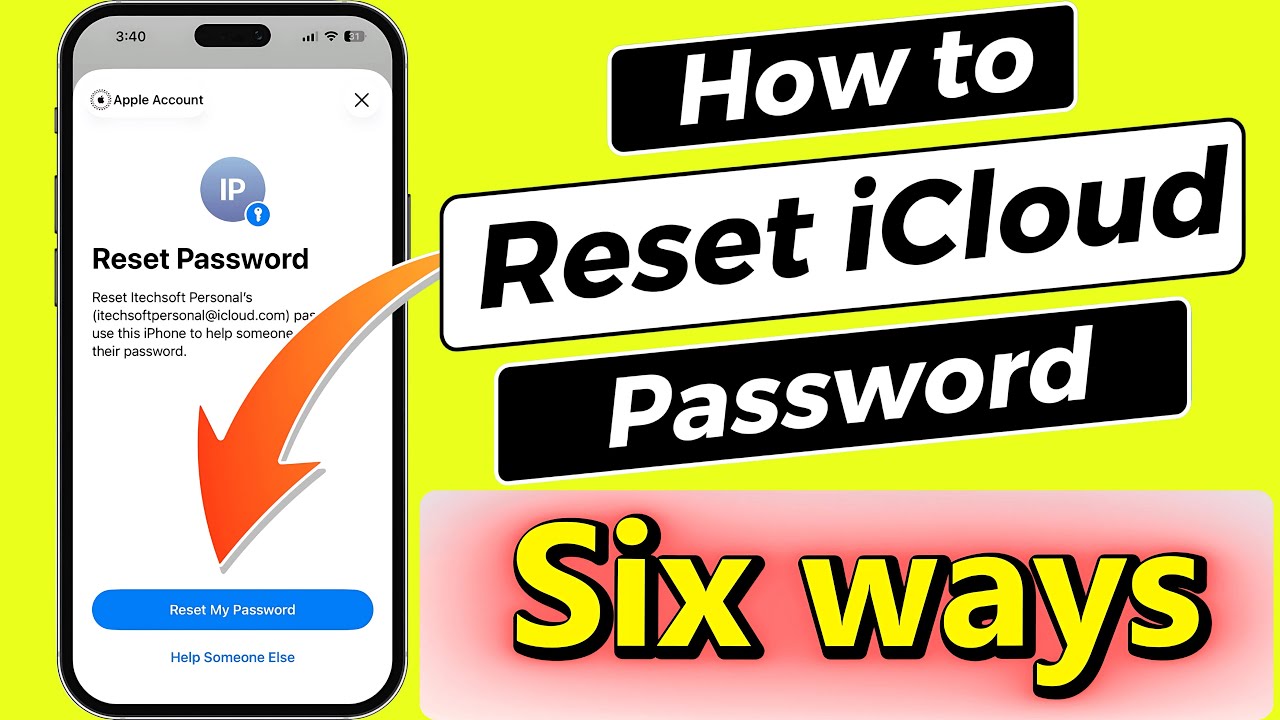
How to RESET iCloud password (6 Easiest Ways)
Автор: Free Tech Guide
Загружено: 2025-09-01
Просмотров: 1359
Forgot your iCloud password? Don't worry! In this video, we'll show you 6 of the easiest ways to reset your iCloud password and regain access to your account. Whether you need to change your password or recover a locked account, we've got you covered!
00:00 intro
00:17 Method 1
00:46 Method 1.1
01:01 Method 2
01:27 Method 3
02:03 Method 4
02:55 Method 5
03:18 Method 6
Forgetting your iCloud password can be annoying, but the good news is Apple gives you plenty of ways to reset it.
In this video, I’ll walk you through six easy ways to get back into your Apple ID account.
Let’s get started.
The first way is to use your trusted iOS device.
On your iPhone or iPad, open Settings, tap your name, then go to Sign-In & Security and choose Change Password.
Enter your device passcode, then create a new password and retype it, then click Continue.
On a Mac, click the Apple menu, head into System Settings, click your name, and tap Sign-In & Security, then choose Change Password.
Enter your Mac password, type in your new Apple ID password, and you’re done.
The Second way is using the iForgot website.
Go to iforgot.apple.com on Safari or any browser.
Click Reset Password on the login page, then select Reset My Password
Enter your iPhone passcode, then enter a new password to complete the process and click Done. - Qaz@1990
The third way is to use the Apple Support App on a borrowed device
On a borrowed iPhone or iPad, download the Apple Support app.
Scroll to Support Tools, tap Reset Password, click Reset My Password, then enter iPhone passcode.
Enter your new password and click Done.
The fourth way is to Reset Your Apple ID Password on a New Device.
When setting up a new iPhone, iPad, or Mac, tap Forgot Password or Don’t have an Apple ID.
If the device is already set up, go to the sign-in screen and choose Forgot Password.
Enter your email ID or phone number and click continue. Again, enter your phone number and tap continue.
Please send the code to your trusted phone number, enter the verification code, and then input your iPhone passcode.
Now, enter the new password, retype it, click Continue, and then tap Done.
Next, enter the iPhone passcode, and that’s it.
You’ve successfully reset your Apple ID password. - Qaz@1212
The fifth way is to reset your Apple ID password using someone else’s device.
If you can’t access any of your devices, you can reset your password using a friend or family member’s iPhone or iPad.
Open the iForgot website or the Apple Support app, tap Reset Password, and select Help Someone Else. Please enter your Apple ID and follow the prompts.
The sixth way is to Reset Your Apple ID Password Using a Recovery Contact.
If you’ve set up a recovery contact, they can help you regain access to your account.
Go to iforgot.apple.com, begin the reset, select Reset Password, then choose Reset My Password.
Enter your iPhone passcode, then type a new password to finish the process. Tap View Apple Account in Settings.
Next, open Sign-In & Security, tap Recovery Contacts, and pick a contact from the list.
Tap Continue or select Someone Else. Please confirm using Face ID, Touch ID, or your passcode.
The Invite Recovery Contact option will send a message asking them to tap the Send button.
On your other device, a recovery contact request will appear.
Tap Accept, and you will see a message indicating that you have been added as a recovery contact. Tap OK to finish.
Now, on your iPhone, you’ll see the recovery contact listed, and if you forget your password or passcode, they’ll help you regain access to your account. And you’re back in.
And that’s it—six quick and reliable ways to reset your iCloud password.
GET CHEAP iPHONES on Amazon (US): https://amzn.to/3NrhGmd
GET CHEAP iPHONES on Amazon (CA): https://amzn.to/4h53UTU
GET CHEAP iPHONES on Amazon (UK): https://amzn.to/40570Bj
GET CHEAP iPAD on Amazon (US): https://amzn.to/4dP9XcC
GET CHEAP AirPods on Amazon (US): https://amzn.to/3BJVIsd
If you found this video helpful, give it a like!
Need more help? Drop a comment below!
Don’t forget to subscribe for regular updates!
#icloud #password #forget #reset
Subscribe on YouTube: https://www.youtube.com/freetechguide...
Доступные форматы для скачивания:
Скачать видео mp4
-
Информация по загрузке:


![[2026] Feeling Good Mix - English Deep House, Vocal House, Nu Disco | Emotional / Intimate Mood](https://imager.clipsaver.ru/cxLdtvzf2sI/max.jpg)







![iOS 26 Settings You NEED To Turn Off NOW! [IMPORTANT]](https://imager.clipsaver.ru/jdQWWmJ4Bms/max.jpg)
