Troubleshooting Firestore.Query.GetSnapshotAsync() Hanging Issues in Unity Games
Автор: vlogize
Загружено: 2025-09-21
Просмотров: 3
Discover effective solutions to resolve the hanging issue with `Firestore.Query.GetSnapshotAsync()` in your Unity game, ensuring smooth database interactions.
---
This video is based on the question https://stackoverflow.com/q/62639642/ asked by the user 'Happinessess' ( https://stackoverflow.com/u/11841273/ ) and on the answer https://stackoverflow.com/a/62661302/ provided by the user 'Happinessess' ( https://stackoverflow.com/u/11841273/ ) at 'Stack Overflow' website. Thanks to these great users and Stackexchange community for their contributions.
Visit these links for original content and any more details, such as alternate solutions, latest updates/developments on topic, comments, revision history etc. For example, the original title of the Question was: Firestore.Query.GetSnapshotAsync() never returns and doesn't give any errors - the program just doesn't stop
Also, Content (except music) licensed under CC BY-SA https://meta.stackexchange.com/help/l...
The original Question post is licensed under the 'CC BY-SA 4.0' ( https://creativecommons.org/licenses/... ) license, and the original Answer post is licensed under the 'CC BY-SA 4.0' ( https://creativecommons.org/licenses/... ) license.
If anything seems off to you, please feel free to write me at vlogize [AT] gmail [DOT] com.
---
Troubleshooting Firestore.Query.GetSnapshotAsync() Hanging Issues in Unity Games
If you're a Unity developer using Firebase Firestore and encounter a situation where the GetSnapshotAsync() method hangs indefinitely without returning any results or errors, you're not alone. This problematic behavior can be quite frustrating, especially when you're trying to fetch user data in a game. In this guide, we’ll delve into common causes of this issue and how to resolve it effectively.
Understanding the Problem
When you call GetSnapshotAsync() in your code, the expectation is that it will asynchronously retrieve data from the Firestore database. However, you may find that your program gets stuck, failing to progress beyond that call. Users have reported their scripts freezing without error messages, which significantly hampers development.
Common Causes of Hanging Issues
Misconfigured Firebase Setup: Ensure that your Firebase project is properly configured with valid references and permissions.
Networking Issues: Your device might not have a stable internet connection, which can cause queries to hang while waiting for a response.
Async Handling Errors: Commonly, issues arise from how asynchronous operations are awaited or handled, potentially leading to deadlocks or other runtime issues.
Solution: Using ContinueWithOnMainThread()
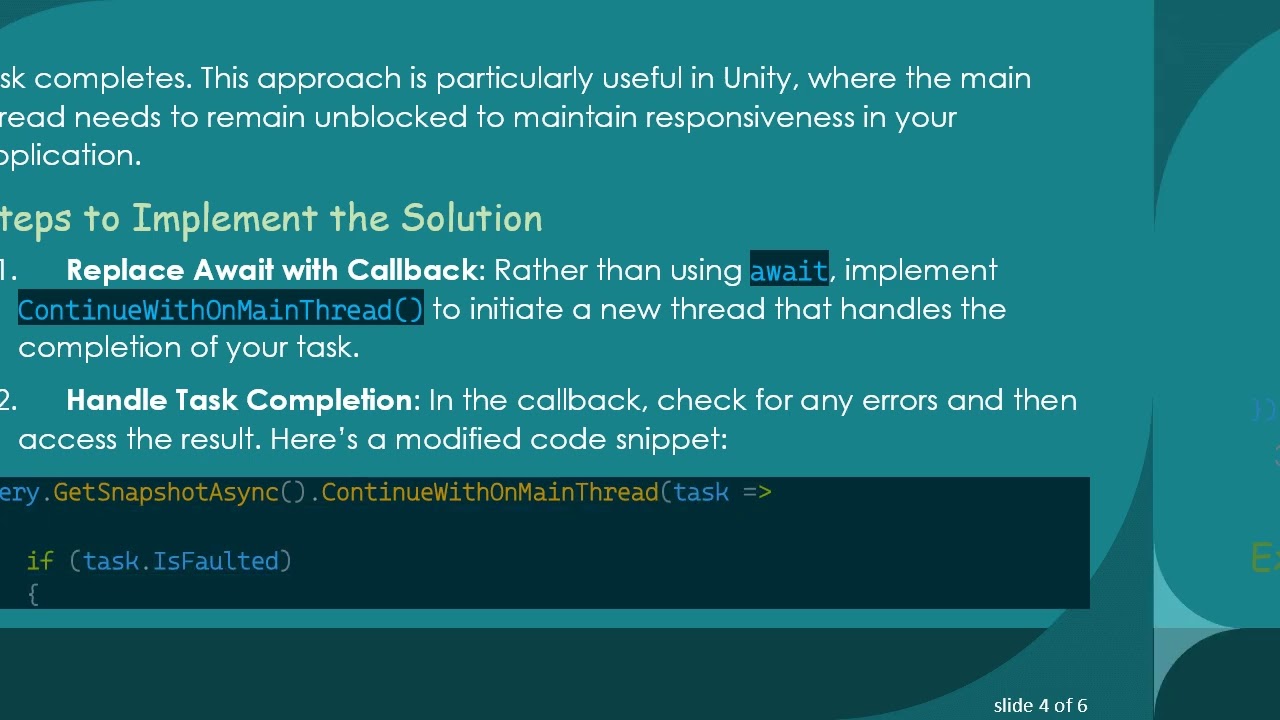
A key aspect of resolving this issue is modifying how you handle the asynchronous task returned by GetSnapshotAsync(). Instead of awaiting the task directly, you can use a callback method to process the results after the task completes. This approach is particularly useful in Unity, where the main thread needs to remain unblocked to maintain responsiveness in your application.
Steps to Implement the Solution
Replace Await with Callback: Rather than using await, implement ContinueWithOnMainThread() to initiate a new thread that handles the completion of your task.
Handle Task Completion: In the callback, check for any errors and then access the result. Here’s a modified code snippet:
[[See Video to Reveal this Text or Code Snippet]]
Test Your Implementation: After making these changes, run your Unity game again to ensure that it can successfully fetch data without hanging.
Explanation of the Callback Method
ContinueWithOnMainThread: This method allows you to run a callback on Unity’s main thread after the task is completed.
Error Handling: Proper error handling within the callback ensures that any failures in fetching data are logged and can be addressed accordingly.
Conclusion
By utilizing ContinueWithOnMainThread(), you can effectively prevent your Unity game from hanging during Firestore data retrieval. This method enhances your application’s performance and allows for smoother user experiences. Always ensure that your Firebase setup is correct and that you handle async operations properly to avoid similar issues in the future.
Feel free to experiment with these changes and share your experiences in the comments! If you continue to face challenges, ensure to check your plugins and the overall project configuration.
Доступные форматы для скачивания:
Скачать видео mp4
-
Информация по загрузке:











