Dr. Jayarama Reddy Foundation| Drug Designing| AutoDock Vina PyRx| Molecular Docking| Bioinformatics
Автор: Dr. Jayarama Reddy Foundation
Загружено: 2025-12-30
Просмотров: 20
Subscribe to / @drjayaramareddyfoundation: You are welcome to join Dr. Jayarama Reddy Online University in a way that suits you. Visit: www.drjayaramareddy.com
Protocol for Molecular Docking Using AutoDock Vina (PyRx): Introduction
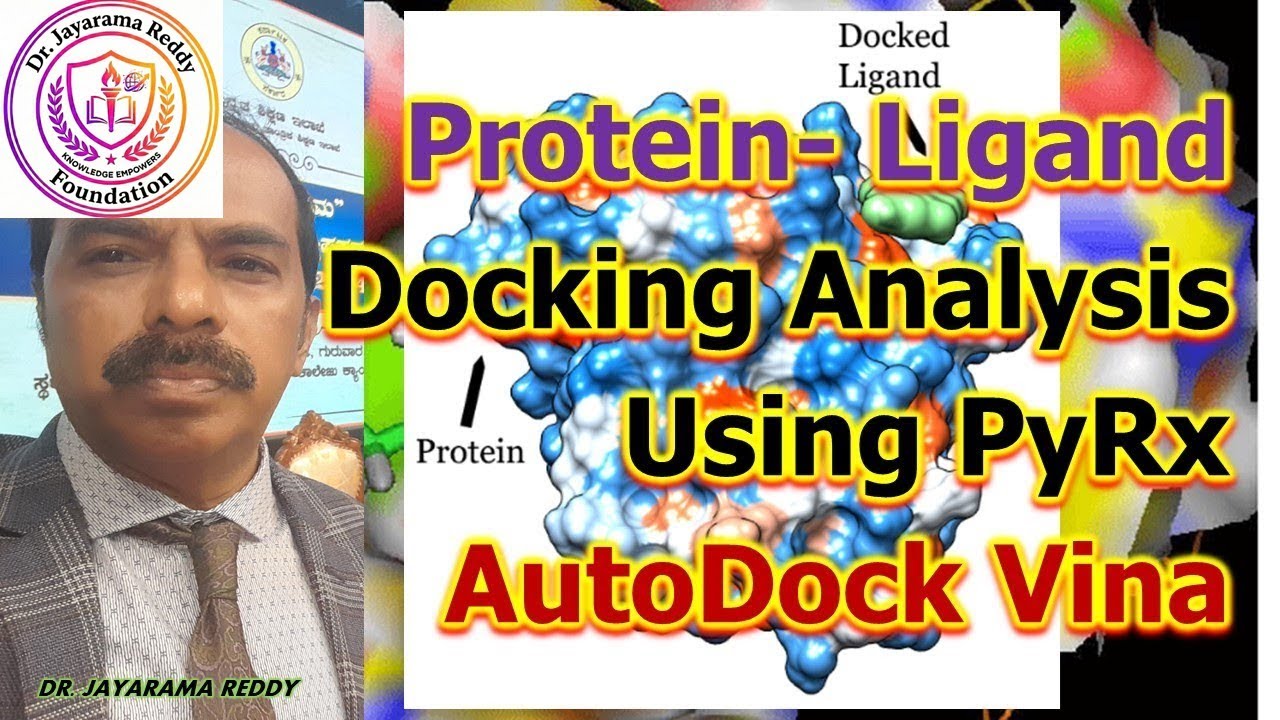
Molecular docking is a key technique in computer-aided drug design (CADD) used to predict the binding orientation, interaction, and affinity between a small-molecule ligand and a biological macromolecule (usually a protein). AutoDock Vina is a widely used open-source docking engine known for its speed and improved scoring function, while PyRx is a user-friendly graphical interface that integrates AutoDock Vina with ligand preparation and virtual screening tools.
________________________________________
Requirements for Docking Using PyRx–AutoDock Vina
• Protein structure (PDB format)
• Ligand structures (SDF/MOL/PDB format)
• PyRx software (with AutoDock Vina)
• Visualization tools (PyMOL, Discovery Studio)
• Stable computing environment
________________________________________
Step-by-Step Protocol for Docking Using PyRx
________________________________________
Step 1: Target Protein Preparation
1. Download the 3D structure of the target protein from the Protein Data Bank (PDB).
2. Open the protein in PyMOL or Discovery Studio.
3. Perform protein cleaning:
o Remove water molecules
o Remove co-crystallized ligands (if required)
o Delete unwanted ions
4. Save the cleaned protein in PDB format.
Purpose: Ensures accurate docking by eliminating unnecessary molecules.
________________________________________
Step 2: Ligand Preparation
1. Download ligands from databases such as:
o PubChem
o ZINC
o DrugBank
2. Import ligand files (SDF/MOL) into PyRx.
3. Perform:
o Energy minimization
o Geometry optimization
4. Convert ligands to PDBQT format using Open Babel (integrated in PyRx).
Purpose: Generates energetically stable ligand conformations.
________________________________________
Step 3: Importing Files into PyRx
1. Launch PyRx.
2. Import the prepared protein and ligand files.
3. Convert the protein to macromolecule (PDBQT) format.
4. Ensure all ligands are listed in the ligand panel.
________________________________________
Step 4: Defining the Grid Box
1. Open the Vina Wizard in PyRx.
2. Set the grid box around:
o Known active site
or
o Entire protein (blind docking)
3. Adjust grid parameters:
o X, Y, Z center coordinates
o Grid box dimensions
Purpose: Defines the search space for ligand binding.
________________________________________
Step 5: Docking Using AutoDock Vina
1. Select AutoDock Vina as the docking engine.
2. Set docking parameters:
o Exhaustiveness (controls search thoroughness)
o Number of binding modes
3. Start the docking process.
4. Vina predicts:
o Binding poses
o Binding affinity (kcal/mol)
________________________________________
Step 6: Docking Output and Results
• PyRx displays:
o Binding energy values
o Ranked docking poses
• Lower (more negative) binding energy indicates stronger binding affinity.
• Save docking results for further analysis.
________________________________________
Step 7: Visualization of Docked Complex
1. Export docked complexes to PyMOL or Discovery Studio.
2. Analyze protein–ligand interactions:
o Hydrogen bonds
o Hydrophobic interactions
o π–π interactions
3. Capture images for reports or publications.
________________________________________
Step 8: Post-Docking Analysis
• Compare docking scores of multiple ligands
• Identify lead compounds
• Correlate docking results with biological activity
• Perform ADMET analysis (SwissADME, pkCSM)
Applications of AutoDock Vina–PyRx Protocol
1. Virtual Screening of Drug Libraries
2. Lead Identification and Optimization
3. Structure-Based Drug Design
4. Drug Repurposing Studies
5. Understanding Molecular Interactions
6. Academic and Industrial Research
7. Teaching and Training in CADD
8. Pre-clinical Drug Discovery
________________________________________
Advantages of Using PyRx with AutoDock Vina
• Free and open source
• User-friendly graphical interface
• High-throughput virtual screening
• Faster and accurate scoring
• Supports large ligand libraries
________________________________________
Limitations
• Rigid receptor assumption (limited protein flexibility)
• Docking results require experimental validation
• Accuracy depends on quality of input structures
________________________________________
Conclusion
AutoDock Vina integrated with PyRx provides a powerful and accessible platform for molecular docking and virtual screening in CADD. Its streamlined protocol, combined with reliable scoring and visualization
Доступные форматы для скачивания:
Скачать видео mp4
-
Информация по загрузке:

![Как сжимаются изображения? [46 МБ ↘↘ 4,07 МБ] JPEG в деталях](https://image.4k-video.ru/id-video/Kv1Hiv3ox8I)


