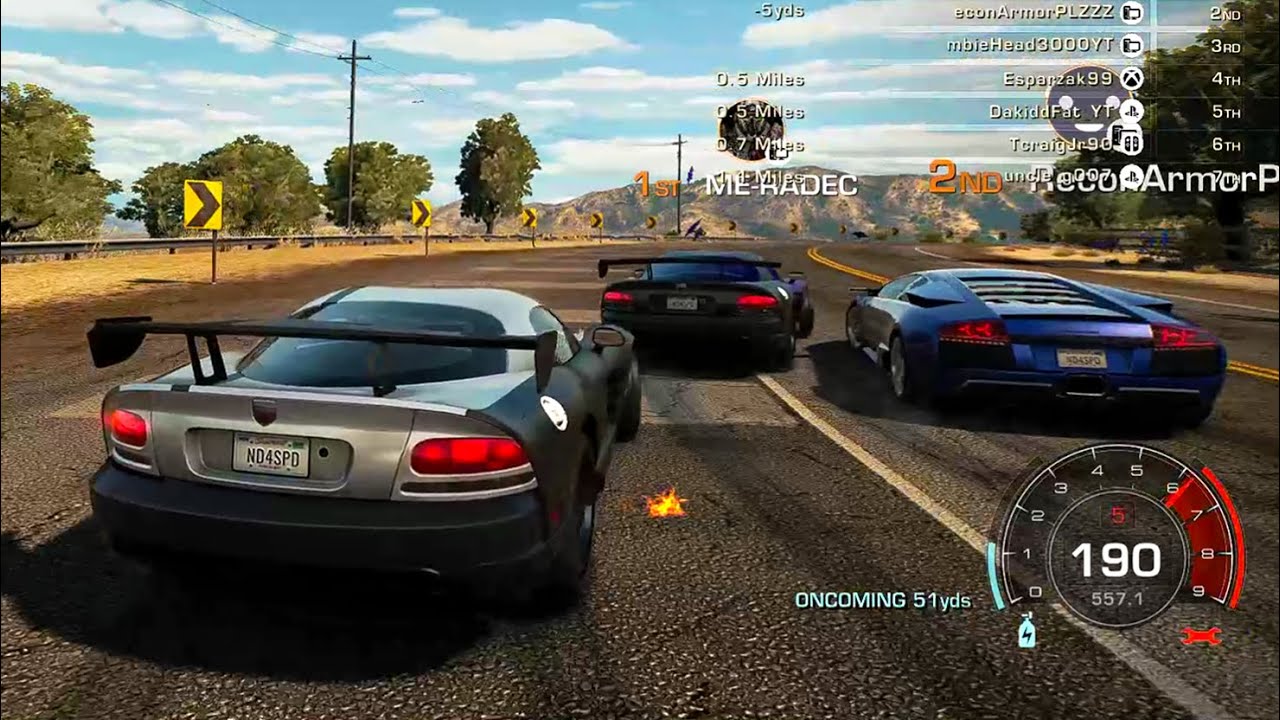
NFS:HPR || Wrap Tutorial
Автор: Kyrox
Загружено: 2022-05-20
Просмотров: 611
Here are the several things you need to make wrap creating easier at least for me so take it with a grain of salt
1. Your own imaginary preview of the wrap you want to create
If you can have an image of what you want your wrap to be, even with just the basics, it'll help you out to hopefully get the remaining pieces together.
2. Color Choices
Start out by picking a base color and then picking colors that blend well with it. Certain colors are easier to work with (ex: white and black) while others are harder.
3. INSPIRATION, CREATIVITY, AND EXPERIMENTATION
I want to heavily emphasize this point. Especially for starting out in wrap making, find some sort of inspiration especially if you can't get any idea. Some of my initial wraps and even god-tier wraps were inspired from certain people. Do not however try to copy them 100% because that disrespects them and will show your own lack of creativity (even with changing little things and colors, it does not count as your "own wrap".)
To counter that, try being CREATIVE and EXPERIMENT. Try and use every single decal/color there is available, try rotating it, try rearranging layers, do everything. Then from there you can develop your own tools and weapons to try and make your own wrap.
===========
Timestamps with description for what I did...
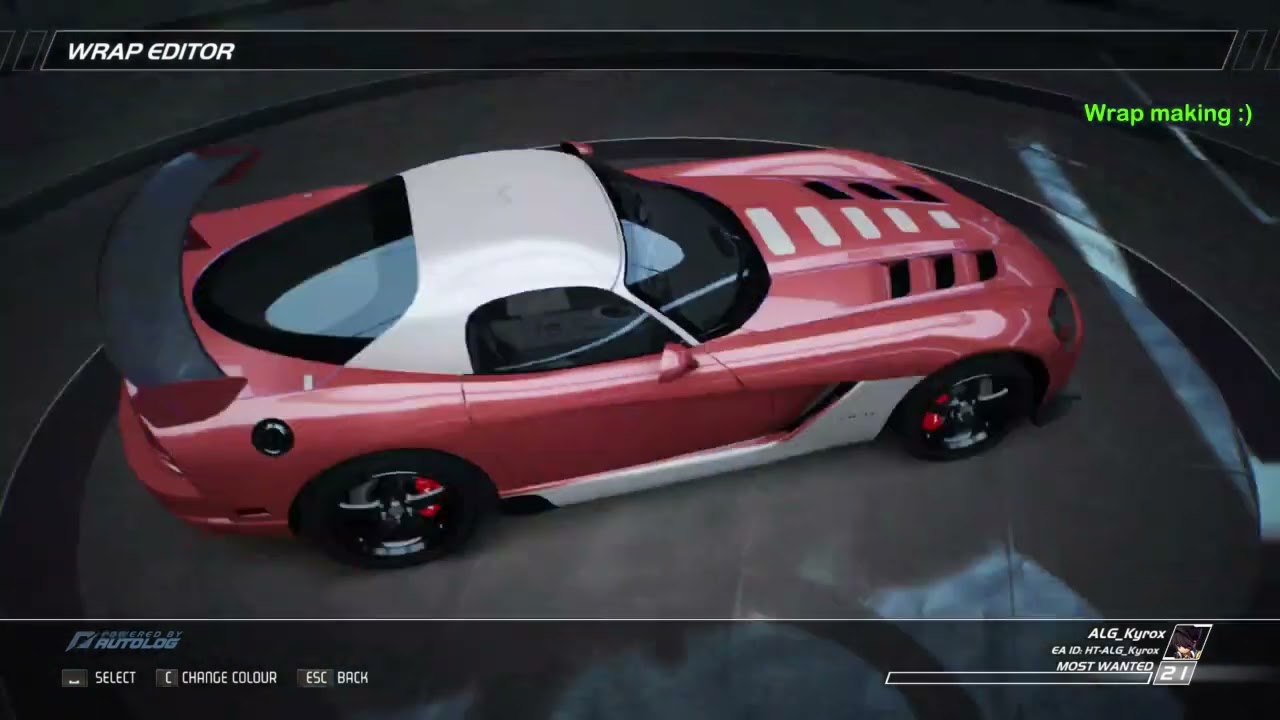
0:43 - Going back to #1 of the three things to make wrap making easier, "The Image". The base color was decided my friend Oxiemoron (The Worst ALG member confirmed) because I was struggling to pick a color.
I decided to cover the entire wrap in Coral wrap to make everything easier in case something goes wrong and I already had an image in my head that I was going to be coloring the fenders using white as shown in the video here.
2:53 - This was just a small detail I added to add a bit more white to the wrap
3:21 - This one was inspired from my friend who used this design style on his viper wrap. But I decided to make one descending and smaller in size to make it my own twist.
3:52 - I wanted a bit more white at the top so I decided to color the roof with white.
4:23 - I used white here so that there is contrast similar to the default vipers, either light over dark or dark over light (this being the case here)
5:15 - I wanted to create a black outline of the white, but I realized quick that it wasn't going to align well. So I scratched the idea and by chance stumbled upon the double line design.
6:57 - Through my previous knowledge of creating outlines in fixed shapes, I decided I want to test it out on the top side of the wrap.
7:44 - Random Decal Searching to see what fit in the sides.
8:16 - Figured that the top could also use the black outline as well
9:00 - Selected designs that I've previously used in different wraps. The other parts were experiments
10:36 - Figured that the front was feeling empty so I decided to a a "text" decal there.
11:01 - I should've removed that. But that was a demonstration that you could potentially add more fitting decals to it
11:09 - I always love using front window designs. Decided with white because it looked the cleanest overall. Experimented a bit but then figured out that a simple text decal looked the best.
Доступные форматы для скачивания:
Скачать видео mp4
-
Информация по загрузке:



![Самое быстрое прохождение Need For Speed: Most Wanted [Спидран в деталях]](https://imager.clipsaver.ru/bI3bAl5j9Qg/max.jpg)