Suno Studio Fundamentals - How to Use the New Stem Cover Feature
Автор: Suno Music
Загружено: 2026-01-15
Просмотров: 8226
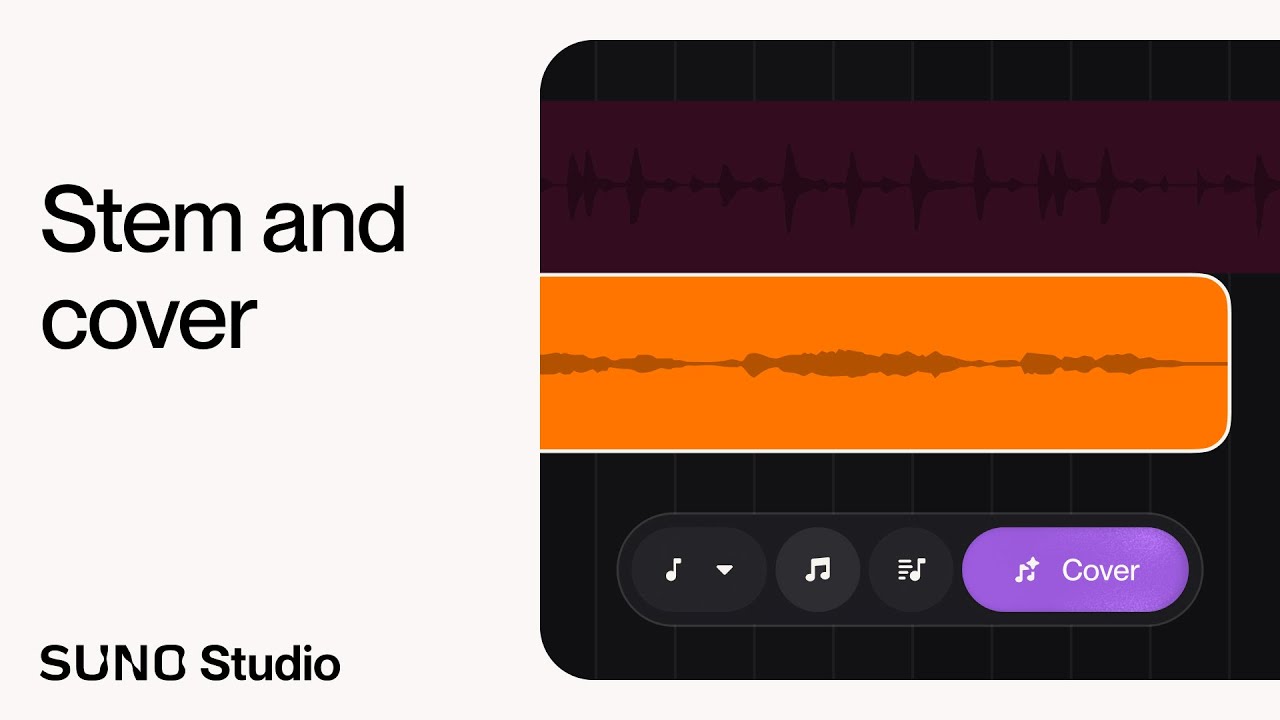
Welcome back to Studio Fundamentals! In this video, we explore the brand new Cover capability within the Suno Studio timeline. This powerful feature allows you to take any audio clip, whether it's a rough voice memo, a laptop recording, or an existing stem, and transform it into a completely different instrument while preserving the original melody and rhythm.
Watch as Henry builds an entire track from scratch using nothing but a laptop microphone, his voice, a ukulele, and a drum. You’ll see how to turn humming into a bassline, a table drum into a brushed snare, and a vocal melody into a lush string quartet.
In this tutorial, you will learn:
How to record audio directly onto the timeline using your computer mic.
How to use the Cover mode to swap instruments (Ukulele to 12-String Guitar).
The difference between "Cover" and "Recreate" modes.
How to build a full arrangement by layering covered stems.
Tips for adjusting timing and latency on your recordings.
Video Chapters:
0:00 - Intro: The New Cover Capability
0:46 - Recording the Foundation (Ukulele)
02:17 - Tip: Adjusting Audio Latency
03:33 - Creating the First Cover: Ukulele to 12-String Guitar
04:58 - "Recreate" vs. "Cover" Explained
06:23 - Layering Guitars
07:06 - Recording & Covering Bass (Humming to Electric Bass)
10:41 - Recording & Covering Drums (Djembe to Brushed Snare)
13:30 - Recording & Covering Lead Melody (Humming to Violin)
16:48 - Final Arrangement & Listen Through
Ready to turn your ideas into full arrangements? Let us know what you think of the new Cover feature in the comments below!
#Suno #SunoStudio #MusicProduction #AIMusic #Songwriting
Доступные форматы для скачивания:
Скачать видео mp4
-
Информация по загрузке:


