Getting Started with Microsoft Loop | A Sourcepass Microsoft Training
Автор: Sourcepass, Inc
Загружено: 2025-10-17
Просмотров: 318
Want to simplify your team’s collaboration across Microsoft 365?
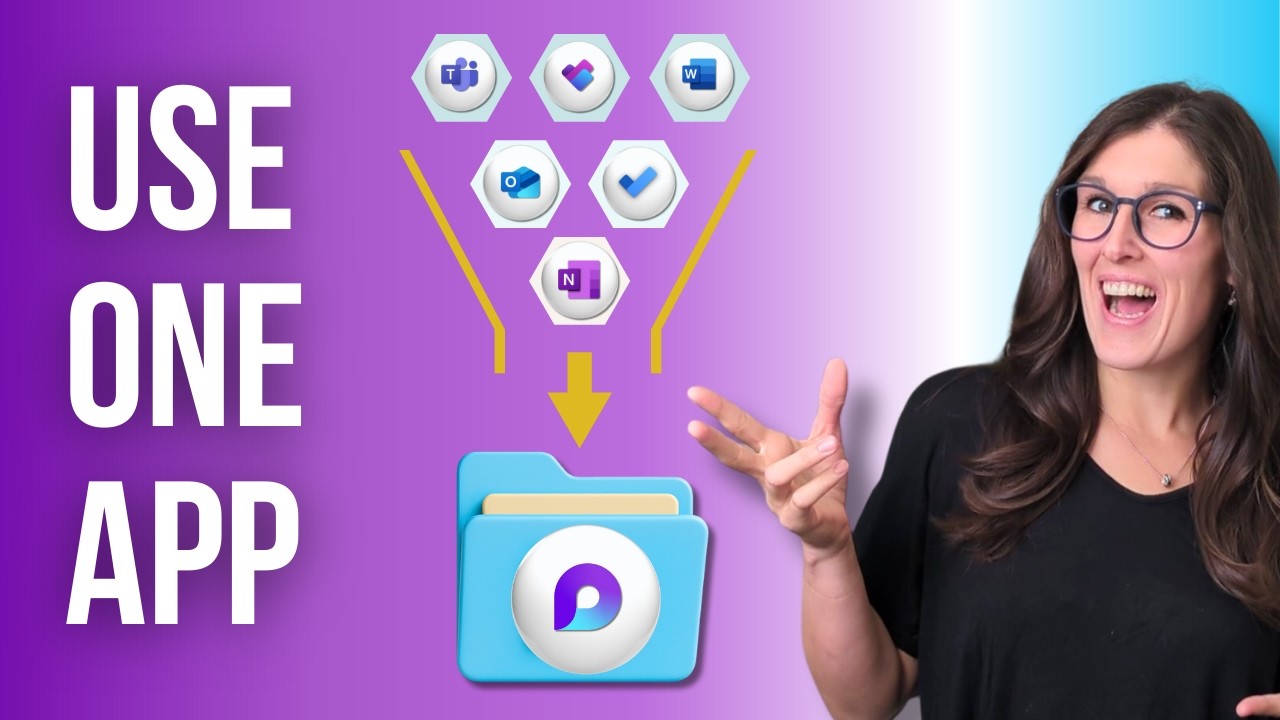
Microsoft Loop is a powerful but underutilized tool built for real-time teamwork across Teams, Outlook, OneNote, and more. In this hands-on session, Microsoft Master Instructor Jolynn Renn walks through how Loop works, where to find it, and how to actually use it—so you can ditch static documents and bring your workflows to life.
Whether you're a project manager, IT leader, or just trying to work smarter with your team, this session shows exactly how Loop components and workspaces can help.
➡️ What You'll Learn
What Microsoft Loop is (and what it’s not)
How to use Loop components in Teams, Outlook, OneNote, and Whiteboard
The difference between Loop workspaces, pages, and components
How to reuse components across multiple apps for live collaboration
Practical use cases for project planning, new hire guides, social media campaigns, and more
Answers to common Loop questions (including for recurring meetings)
⏱️ Chapter Timestamps
00:00 – Welcome from Dave DelVecchio & Learning Series Overview
03:00 – What is Microsoft Loop? Why You Should Care
06:00 – Loop in Microsoft 365: Where to Find It
08:30 – Overview of Loop Workspaces, Pages, and Components
11:00 – Creating a Shared Workspace in Microsoft Loop
13:00 – Demo: Building a Social Media Page with Loop Templates
16:00 – Adding Task Lists, Meeting Notes & Assigning Work
19:30 – Real-Time Collaboration via Loop Components
22:00 – Using Loop in Outlook Emails
26:00 – Building Live Checklists & Task Assignments via Email
29:00 – Navigating Loop History & Finding Recent Components
31:00 – Loop in Microsoft Teams: Meetings, Agendas, and Notes
35:00 – Creating and Reusing Loop Agendas for Recurring Meetings
38:30 – Q&A: Can You Reuse Loop Agendas Across Meeting Series?
40:00 – Loop in Teams Chat: Voting Tables, Progress Trackers & More
45:00 – Loop in OneNote Notebooks: Cross-App Collaboration
48:00 – Demo: Sharing & Copying Loop Components Between Apps
51:00 – Best Practices for Using Loop in Real Projects
55:00 – Loop Limitations & Template Inconsistencies Across Apps
58:00 – Final Q&A + Backup Considerations for Shared Loops
1:01:00 – Closing Remarks & Upcoming Webinars Preview
➡️ VIEW ALL SOURCEPASS WEBINARS: https://www.sourcepass.com/video-library
➡️ REGISTER FOR & SUBSCRIBE TO UPCOMING WEBINARS: https://www.sourcepass.com/events
🌐 ABOUT SOURCEPASS:
Sourcepass transforms IT from a burden into a business advantage with excellent service, strategic guidance, and smart innovation. We deliver 24/7 in-house support, certified cybersecurity, and vCIO leadership—all powered by Quest®, our real-time visibility and automation platform.
Through a proven process from discovery to continuous optimization, we help organizations reduce risk, boost resilience, and achieve measurable outcomes. Sourcepass has over 2,200 clients and a 97% customer satisfaction score. We have SOC 2 Type II and ISO 27001 certifications. Our IT services are designed for impact, not complexity.
Start your IT journey today: https://www.sourcepass.com/
#microsoft #microsoftloop #microsoftonenote #microsofttraining #managedserviceprovider #information #technology
Доступные форматы для скачивания:
Скачать видео mp4
-
Информация по загрузке: