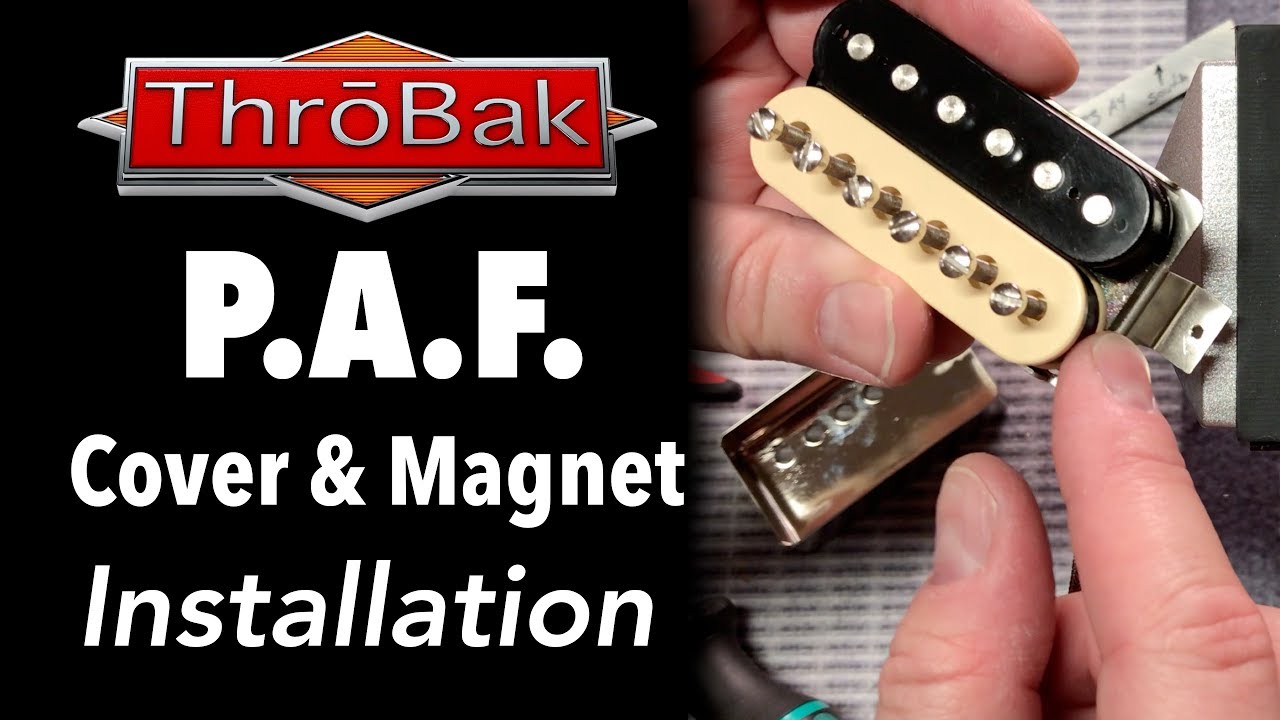
P.A.F. Humbucker Pickups: How to Change the Cover and Magnet (Tone Hack!)
Автор: ThroBak Guitar Lounge
Загружено: 2018-09-05
Просмотров: 73757
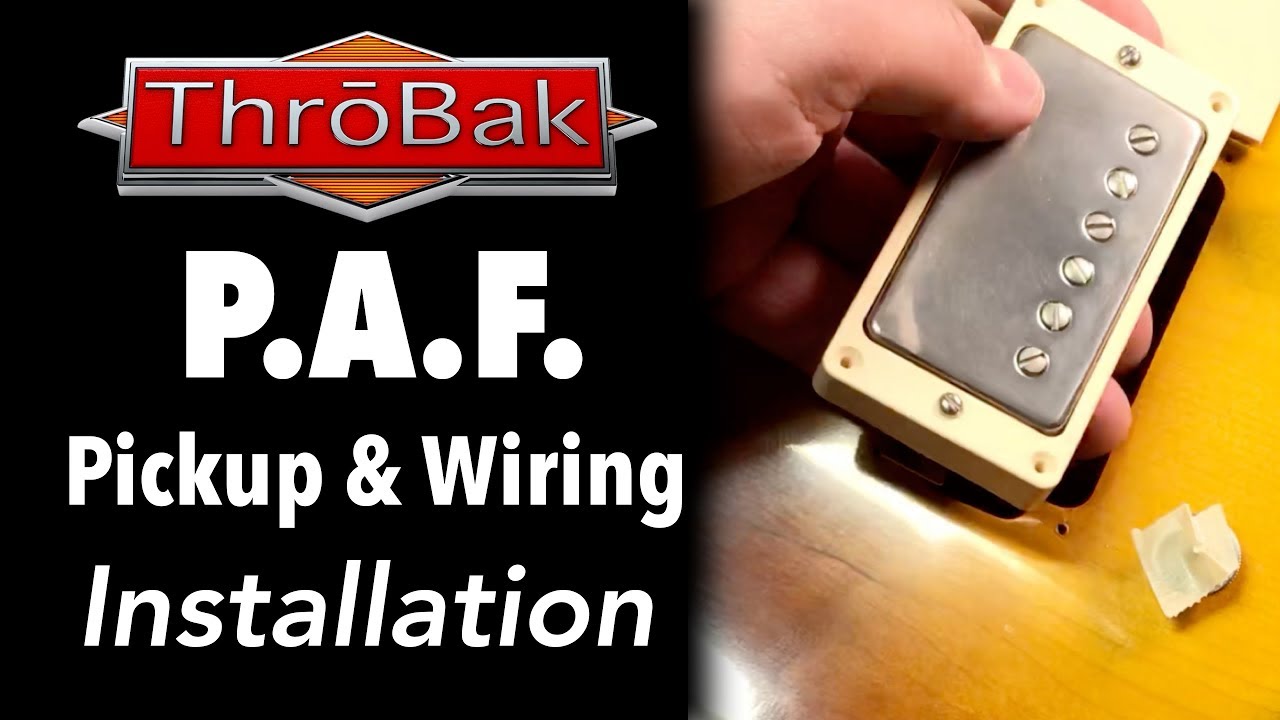
Learn how to change the cover and magnet as well as flip the magnet for the Peter Green out of phase modification in a P.A.F. humbucker pickup. https://www.throbak.com/paf-pickups.html
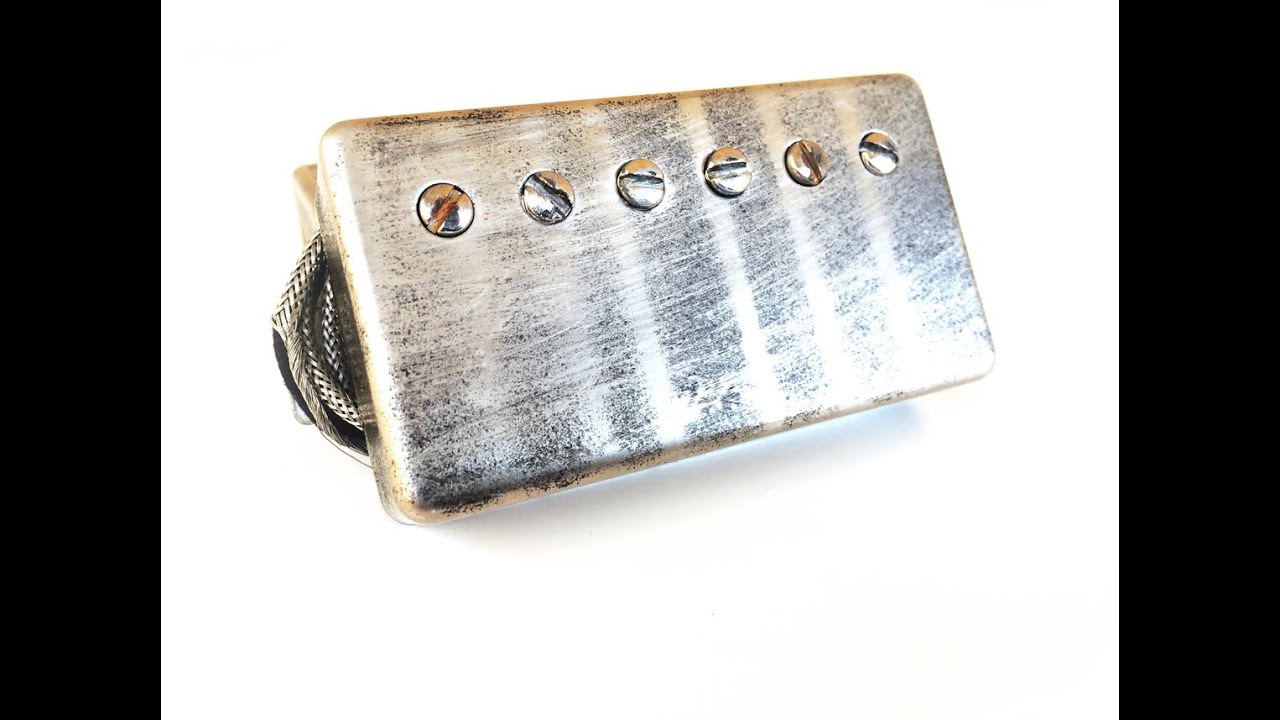
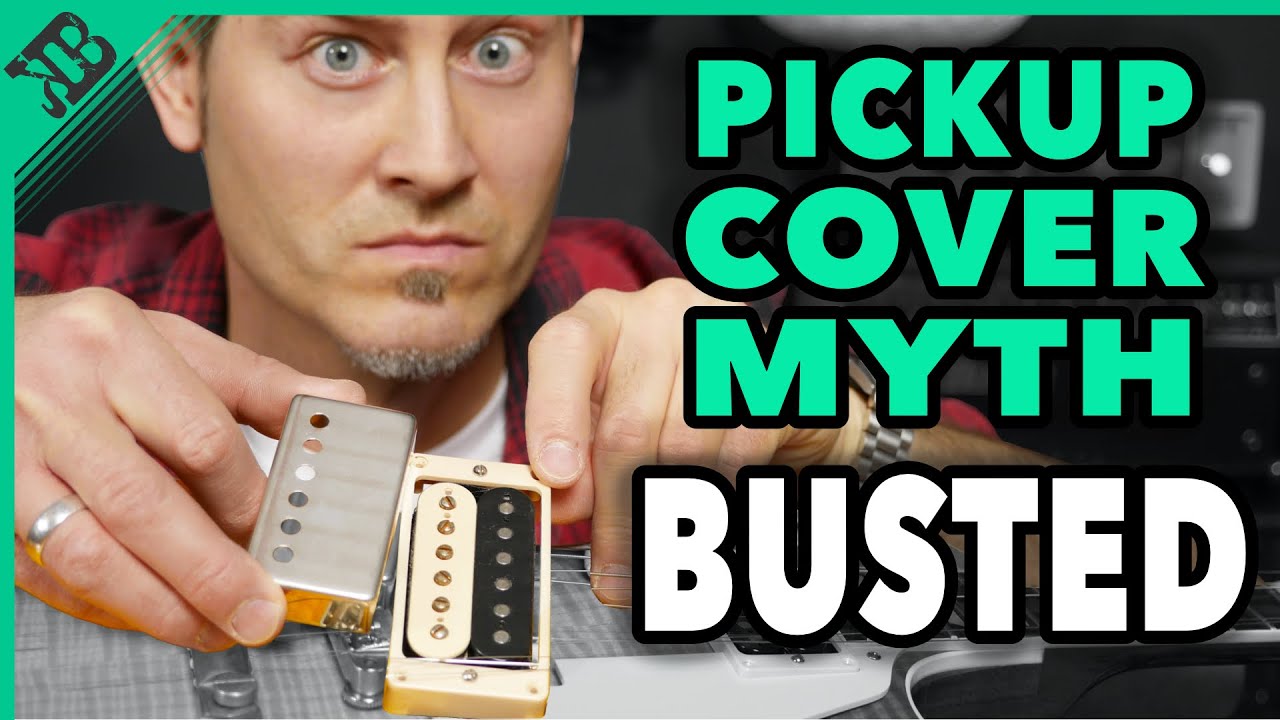
Although many guitar players may never change a pickup cover or magnet, the handy guitar player may at some point consider changing the pickup cover and or magnet on their P.A.F. style humbucker pickup. A player may choose to remove or change the pickup cover to affect the tone or cosmetics of the guitar. They may also consider changing the Alnico magnet to adjust the tone of the individual pickup.
When the cover is removed from a P.A.F. humbucker guitar pickup the warranty is voided by most humbucker pickup manufacturers including ThroBak. Before the cover is removed from your humbucker pickup you need to know how to safely do the job. Proper care will reduce the chances of damage to your guitar pickup.
Watch the video for specifics about unsoldering the pickup cover and how to spot potential problems. Learn how to loosen the Alnico bar magnet from the pickup and how to install a new magnet with correct polarity orientation. Also learn the correct magnet polarity for the Peter Green out of phase modification. Techniques for reducing pickup covers feedback are demonstrated as well as how to clamp the pickup cover when installing the cover.
For more details about ThroBak P.A.F. pickup cover and P.A.F. Alnico magnets visit the links below.:
-------------------
Chapter Headings:
0:00 Intro
0:37 Benefits of switching to a ThroBak P.A.F. cover
0:51 Switching to a USA cast ThroBak Alnico magnet will change the tone of a pickup
1:43 How to switch the magnet on a vintage style P.A.F. pickup
2:14 Things to be aware of when removing a cover
3:23 Undo solder joints on baseplate
3:56 Pass a razor blade between the cover and baseplate
5:11 If pickup is wax potted heat using a hair dryer
5:45 Carefully remove the cover
6:15 Make sure there are no sharp edges of solder inside the cover
6:38 Loosen baseplate screws to remove the magnet
7:59 Back pole screw out
8:35 Carefully peel back tape the covers connections within the pickup
8:58 Push on magnet while avoiding the wires
9:14 Explanation of magnet polarity
11:25 Install ground edge of magnet towards the keeper bar
11:58 Magnet should go to the end of the bobbin
13:10 Retighten the brass screws
13:41 Retighten the pole screws
14:00 Time to put the cover back on
14:21 Tips to reduce microphonic feedback from the cover
14:50 Option 1 - Place a piece of masking tape inside the cover
16:18 Option 2 - Place 3 drops of silicone RTV on the slug coil
18:33 Smooth out any residue of solder
19:06 Do the same with any solder inside the cover
19:32 Tip - If the cover has an outward bow gently push the cover inward
21:54 Using a clamp when reflowing the solder
23:29 Reflowing solder on the cover
23:40 Using a gig to apply downward pressure so there is no air gap
23:52 Any air gap is a potential feedback problem
24:44 Final thoughts
______________________
https://www.throbak.com/paf-pickup-co...
https://www.throbak.com/alnico-magnet...
Доступные форматы для скачивания:
Скачать видео mp4
-
Информация по загрузке: