CAD Linework to SketchUp Geometry: 3 Methods
Автор: SketchUp
Загружено: 2025-06-10
Просмотров: 11714
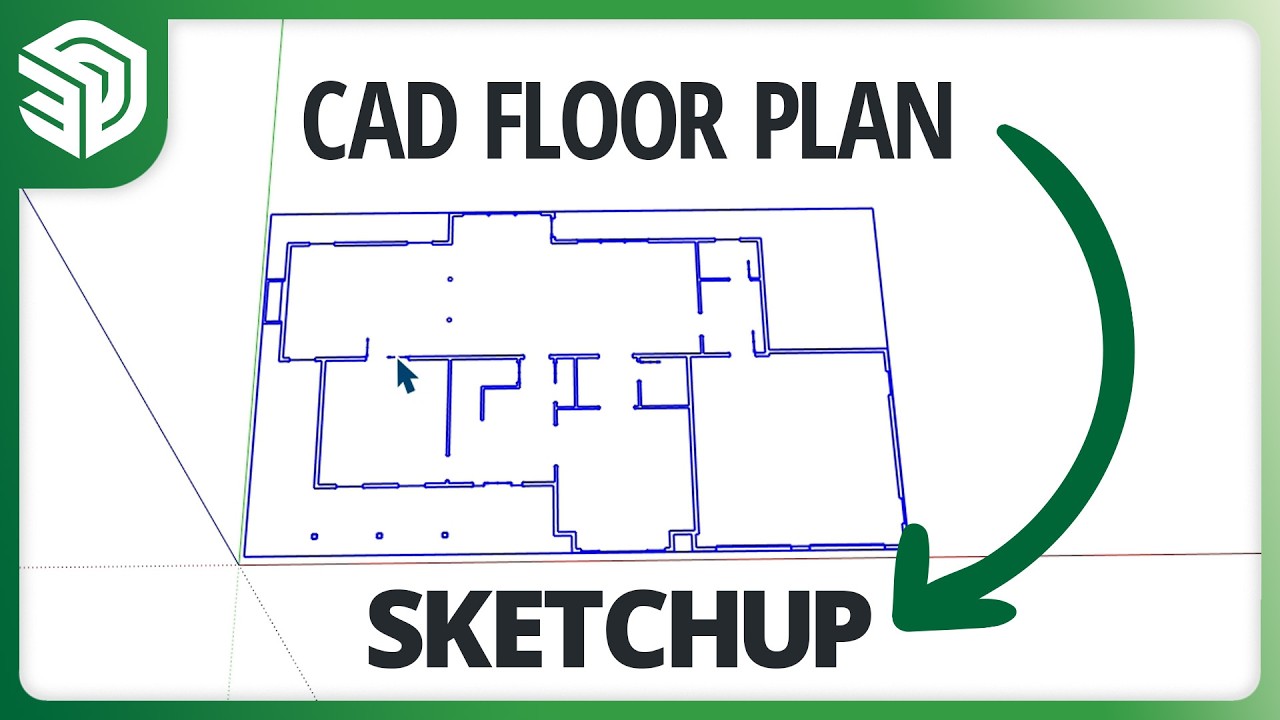
We've all been there! You have this amazing CAD file to import that is going to make modeling in SketchUp SO much faster, but when you import it, you just get a bunch of lines! Not walls, not even any faces to work with!! What do you do? Well, you watch this video, of course! Aaron will walk you through his top three ways to convert those lines into faces that you can use to create great-looking 3D models!
Want to learn more skills? Check out our SketchUp community forums: https://forums.sketchup.com , more videos on our YouTube channel: / sketchup , or SketchUp Campus: https://learn.sketchup.com
Want to use SketchUp? View our different plans:
https://www.sketchup.com/plans-and-pr...
Read our blog for more learning content as well as industry insights from architects, interior designers, urban planners, and more:
https://blog.sketchup.com
Follow us on Twitter / sketchup ,
Instagram / sketchup_official ,
Facebook / sketchup , and
LinkedIn / sketchup
to stay up to date on our newest features and releases.
0:00 Intro
1:16 Raster vs Vector
4:49 Cleaning up CAD
6:49 Method 1
8:02 Method 2
9:37 Method 3
10:59 Closing thoughts
Доступные форматы для скачивания:
Скачать видео mp4
-
Информация по загрузке:


