DIY Voron 2.4r2 Part 10: Mounting Electronics, Endstops, and Bed
Автор: Advancing DIY
Загружено: 2023-04-12
Просмотров: 6461
Want to build your own Voron 2.4r2 3D printer at home? In this step-by-step DIY series, I’ll walk you through the entire assembly process so you can print your own parts, prototypes, and custom creations while saving money in the long run. The Voron 2.4r2 is one of the most powerful and precise CoreXY 3D printers, perfect for DIYers, hobbyists, and makers looking to take control of their printing needs.
🏡 What You'll Learn in This Video:
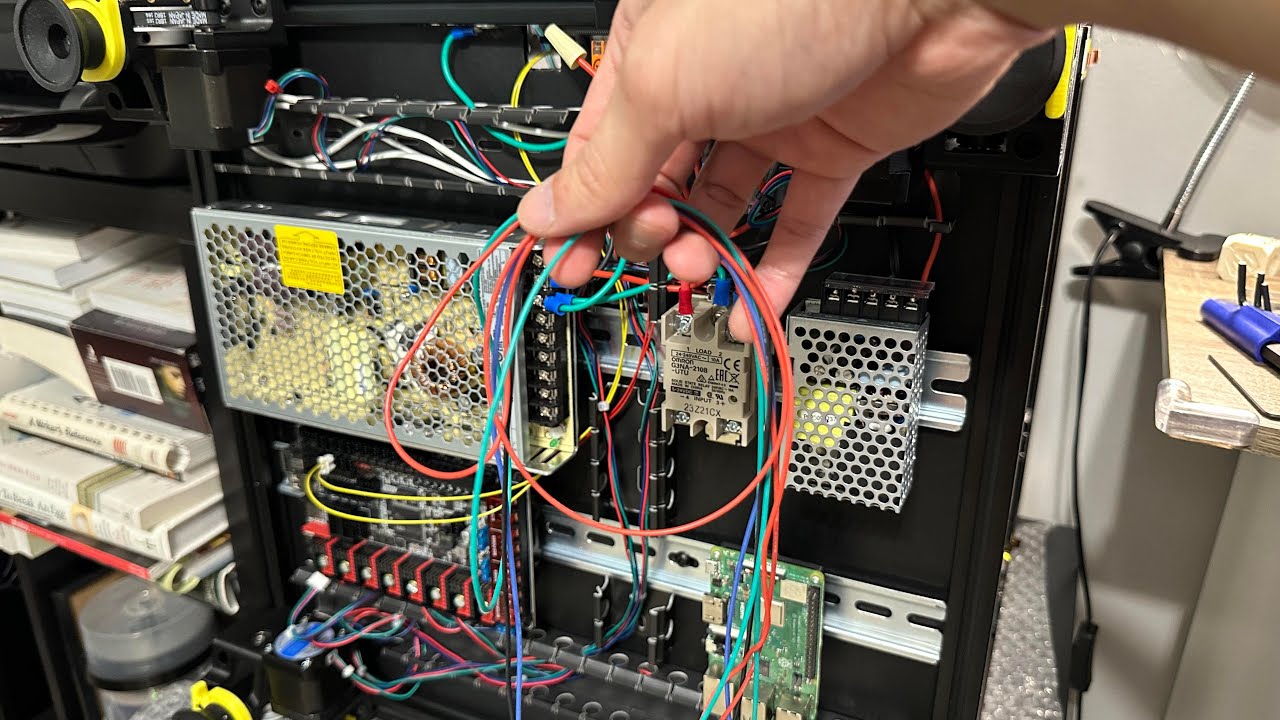
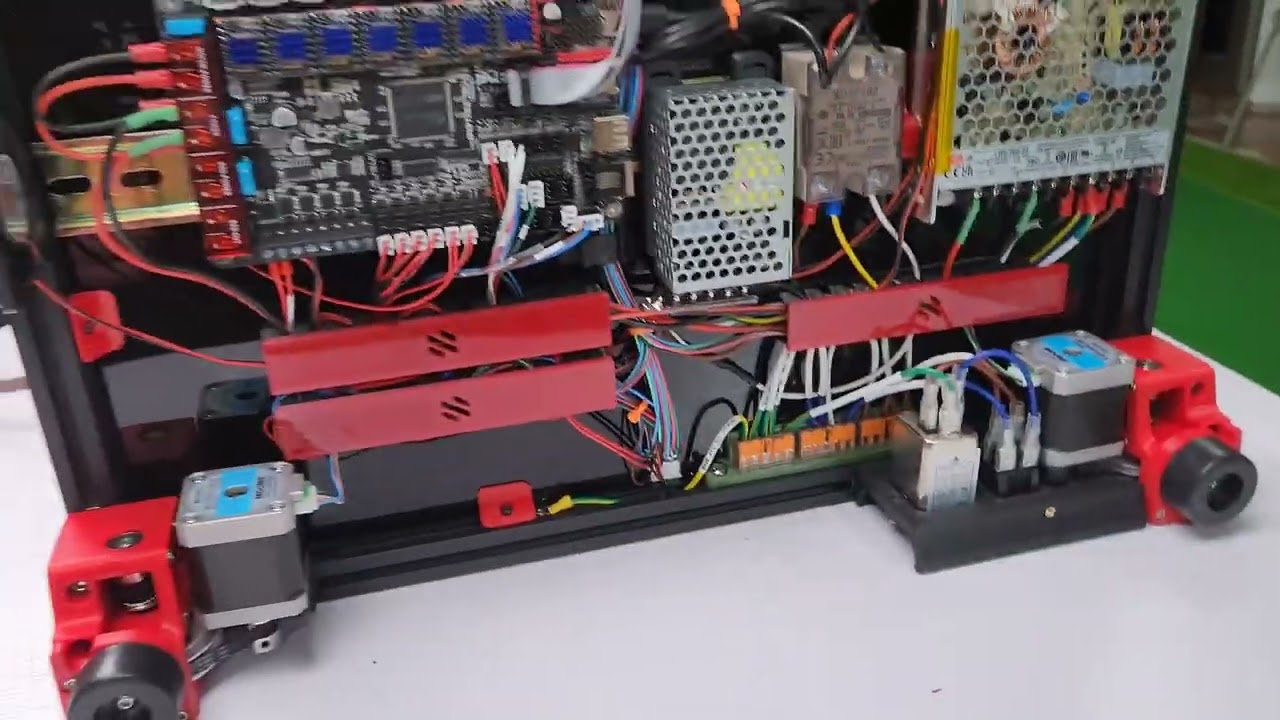
✅ MOUNTING electronics safely to avoid ESD
✅ ASSEMBLING and MOUNTING the Z Endstop
✅ RELOCATION of XY Endstops for CAN bus
✅ ASSEMBLY of bed plate, magnet, and heater
✅ POSITIONING of bed and Z Endstop
Building your own high-quality 3D printer can be rewarding and cost-effective! Whether you're printing functional parts, home repairs, or creative projects, the Voron 2.4r2 is a powerful DIY tool for any homeowner or maker.
Y End Stop Relocation by Minsekt:
https://github.com/VoronDesign/VoronU...
BTT Octopus vs Octopus Pro Controllers:
/ had_trouble_finding_the_differences_between
I am using the Raspberry Pi 3B+ version. From what I learned, the 3A+ and Zero 2 W have 512 GB of memory, less USB ports, and no built-in Ethernet. For a bare bones printer they are sufficient. However, once you start plugging cameras and other add-ons, the increased 1 GB RAM, USB ports, etc. make the 3B and 3B+ the more ideal choice.
🔥 Subscribe for more DIY builds & 3D printing tips!
#Voron24r2 #DIY3DPrinting #Home3DPrinter #SaveMoney #MakerCommunity #3DPrinting #DIYBuild #VoronPrinter #homeimprovement
00:00 - Component Mounts
01:39 - Z Endstop Assembly
03:00 - X Endstop Relocation
04:14 - Y Endstop Relocation
05:51 - Bed Magnet, Heater, Fuse, and Grounding
08:46 - Bed and Z Endstop Positioning
10:10 - Wiring Considerations

Доступные форматы для скачивания:
Скачать видео mp4
-
Информация по загрузке: