Xone:DB2 - Instruction: FX Section
Автор: Xonedjofficial
Загружено: 2014-05-30
Просмотров: 17074
Xone:DB2 - Instruction: FX Section
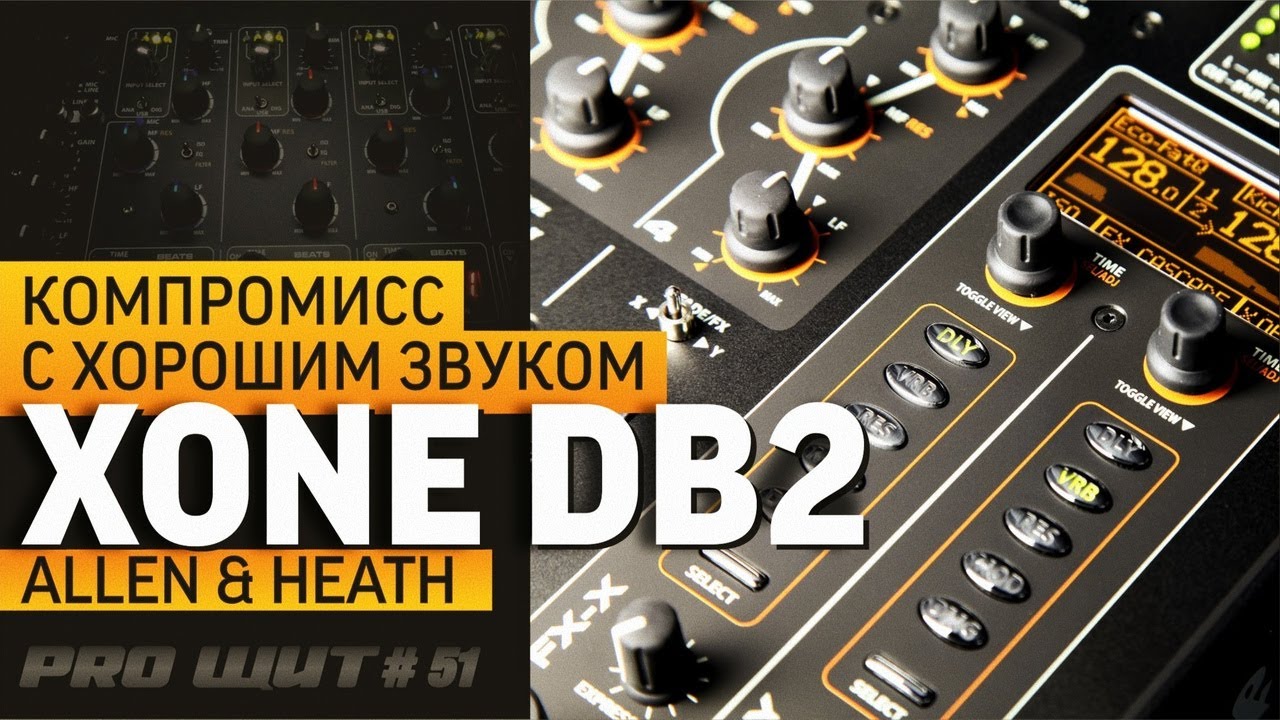
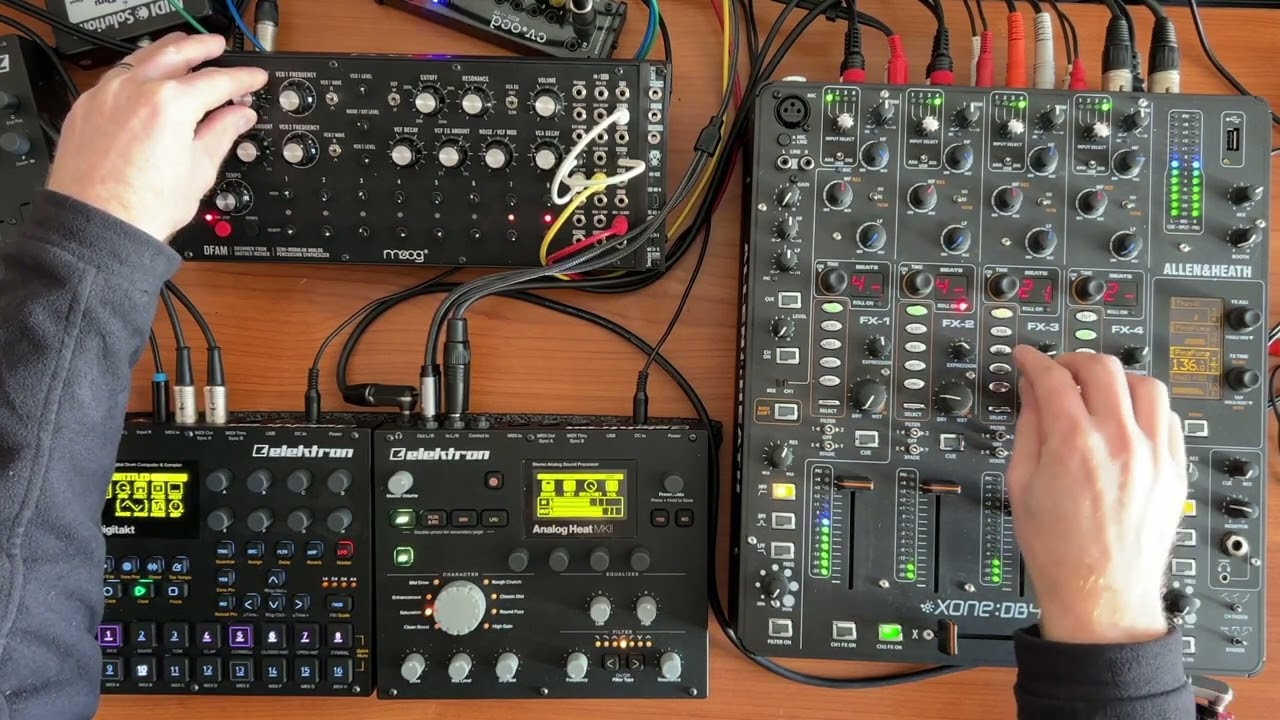
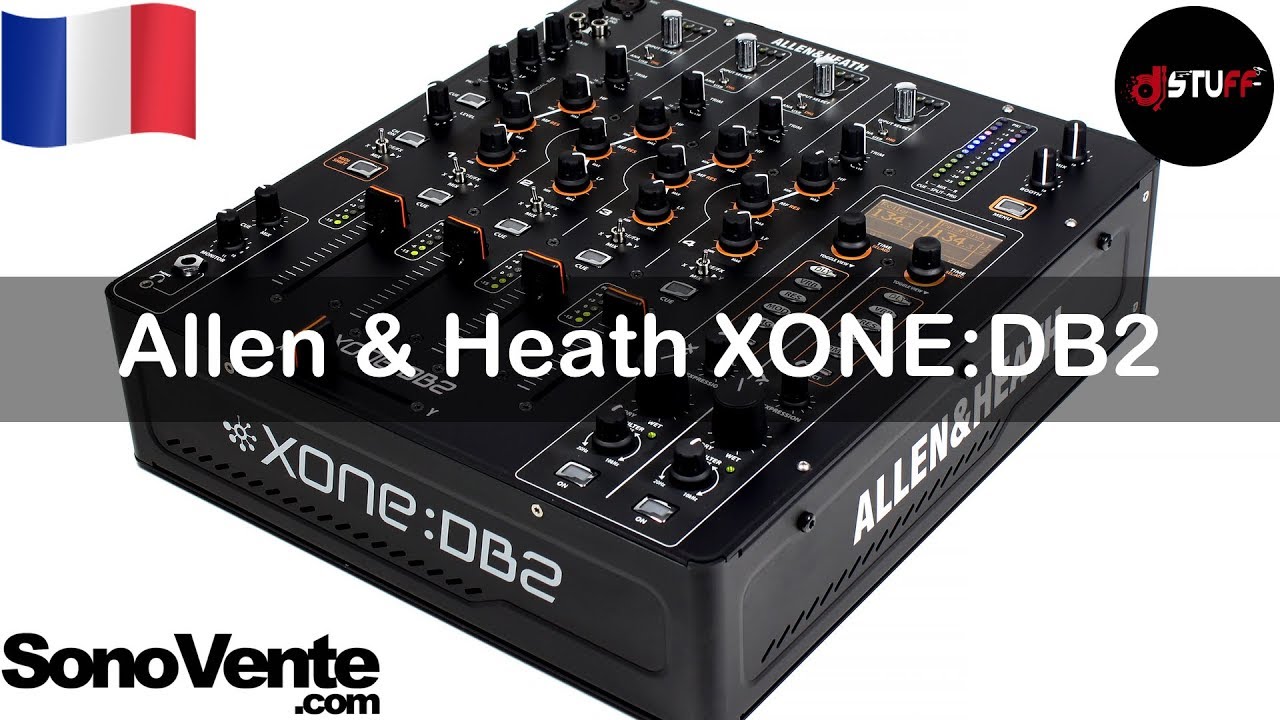
The Xone:DB2 FX section has two FX engines -- FX-X and FX-Y.
There are 5 main effect types:
(DLY) DELAY
(VRB) REVERB
(RES) RESONATOR
(MOD) MODULATOR
(DMG) DAMAGE
Each time an effect button is selected -- it will illuminate GREEN. Only one FX per each FX engine can be selected.
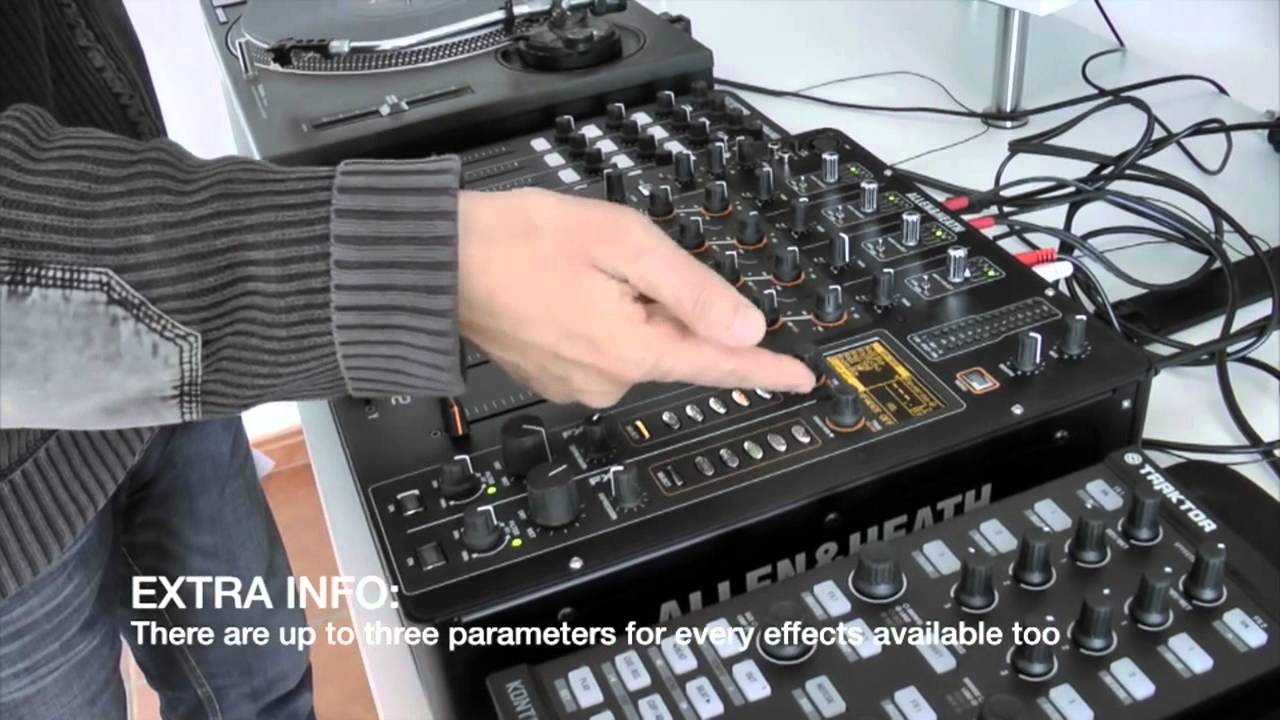
Each basic effect type, DLY, VRB, RES, MOD, and DMG has a library of alternative effects within the same category. These are accessed using the SELECT button.
Press the SELECT button to open up the effect library list on the display screen.
Use the SEL/ADJ encoder next to the display screen to scroll through the list, then press the encoder to load the chosen preset.
The FX ON switch will enable the FX engine, and also the filter.
The filter can be used independently of the effect by setting the wet/dry control to dry (fully anticlockwise).
The WET/DRY control sets the level from no effect (DRY) when fully anticlockwise to maximum effect (WET) when fully clockwise.
The EXPRESSION controls a further parameter; for instance, regeneration when DELAY is selected.
The effect can also be filtered using the FILTER control, so Rotating the filter clockwise will operate a high pass filter, and rotating anticlockwise will operate a low pass filter. The LED above the control will illuminate green if it is in its centre position (so the filter is off) or red if in the high pass or low pass region, giving a visual indication that the filter is engaged.
Initially, with the FX is Split mode -- and not FX Cascade (which is activated via the menu), the FX display screen is divided horizontally into two segments labelled FX-X and FX-Y.
So here on FX-X we have the Name of the currently selected FX.
The currently analysed BPM.
The beat fraction of the current effect.
The third parameter focus.
The current eq mode, fx mode and xfader curve setting.
If you see a padlock, this indicates the bpm is locked.
When the bpm display is highlighted this encoder sets the beat fraction for the effect.
The bpm display can be changed to milliseconds by holding down the delay button and pressing the encoder.
When The third parameter is focused you can use the encoder to alter the fx further.
Toggling the encoder will switch the focus between the two options.
In split mode, the FX X and FX Y can be assigned to the music channel by using the toggle switch - so (Left) X - Routes the signal to the input of FX-X .....Y - Routes the signal to the input of FX-Y.
FX Cascade mode
From Version 2 firmware, the two FX engines can be cascaded, or chained, to run the output of FX-X to the input of the FX-Y allowing the audio to be processed by any combination of two different effects.
To configure the DB2 for cascaded effects, open the Advanced Menu and scroll to "FX CASCADE". Cascade mode can be turned on or off by pressing the SEL/ADJ encoder when the item is highlighted.
When Cascade mode is activated the screen will change, removing the dividing line between the two FX engines, and replacing it with an arrow symbol to illustrate the signal path flowing from FX-X to FX-Y.
In cascade mode, any channel routed to FX-X can be processed by both engines, but the single effect on the FX-Y engine can still be accessed by routing the channel to Y.

Доступные форматы для скачивания:
Скачать видео mp4
-
Информация по загрузке: