How to Record Internal Audio on Mac | BlackHole 2ch Tutorial
Автор: Relyt
Загружено: 2025-08-30
Просмотров: 6382
Want to screen record with internal audio on your Mac? In this quick tutorial, I’ll show you how to screen record on mac using BlackHole 2ch to capture system sound directly. You’ll learn where to download the software, how to set it up, and even how to uninstall it if you ever need to.
I’ll also walk you through two different methods:
Recording internal audio only.
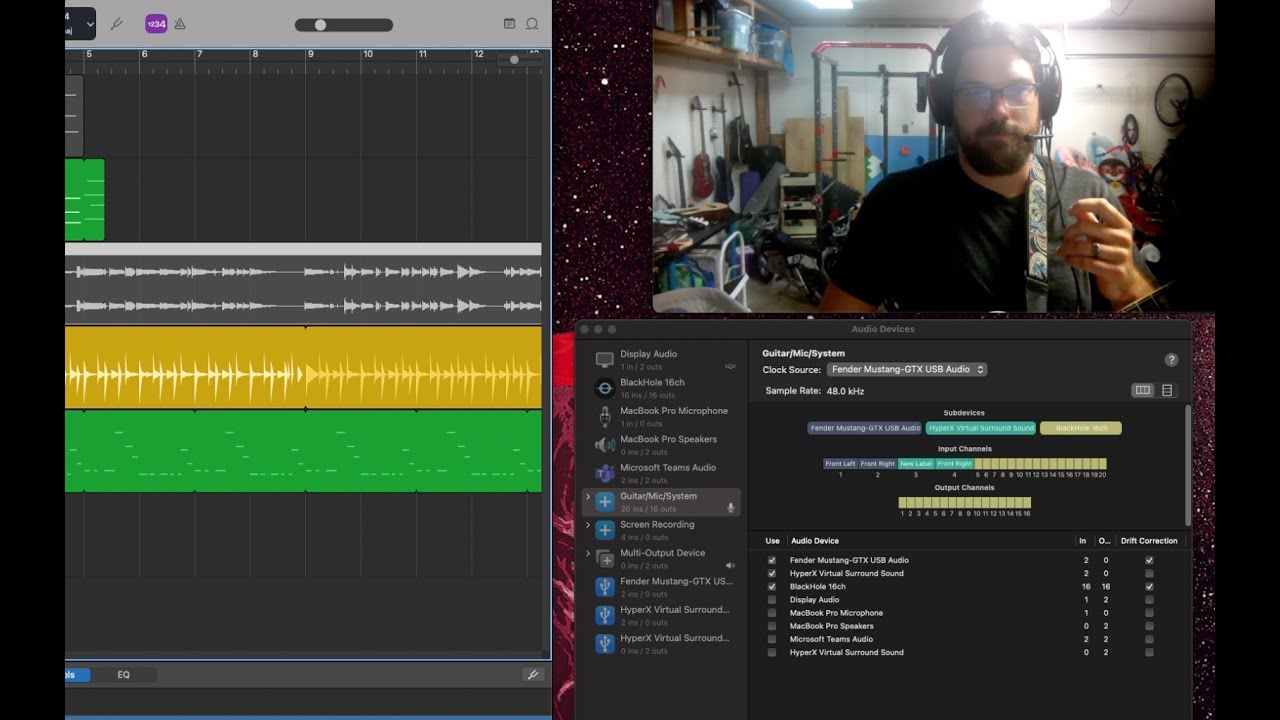
Recording internal audio while listening through your Mac’s speakers or earbuds using the built-in Audio MIDI Setup tool.
By the end, you’ll know exactly how to screen record with clean audio on your Mac — whether you’re capturing gameplay, music, or anything else.
📥 BlackHole Download: https://existential.audio/blackhole/
📥 BlackHole Uninstaller: https://existential.audio/blackhole/s...
🔒 Proton VPN: https://go.getproton.me/SH1t8
Affiliate Disclosure: Some links may earn me a small commission at no extra cost to you.
0:00 – Intro: Record internal audio on Mac
0:34 – Downloading BlackHole 2ch (Mac internal audio software)
0:54 – BlackHole setup guide
1:15 – Method 1: Record system audio only (BlackHole)
1:40 – Method 2: Record internal audio + hear sound with Audio MIDI Setup
2:37 – QuickTime screen recording with BlackHole
2:55 – How to adjust Mac speaker & headphone volume (multi-output device)
3:25 – How to uninstall BlackHole 2ch on Mac
Доступные форматы для скачивания:
Скачать видео mp4
-
Информация по загрузке: