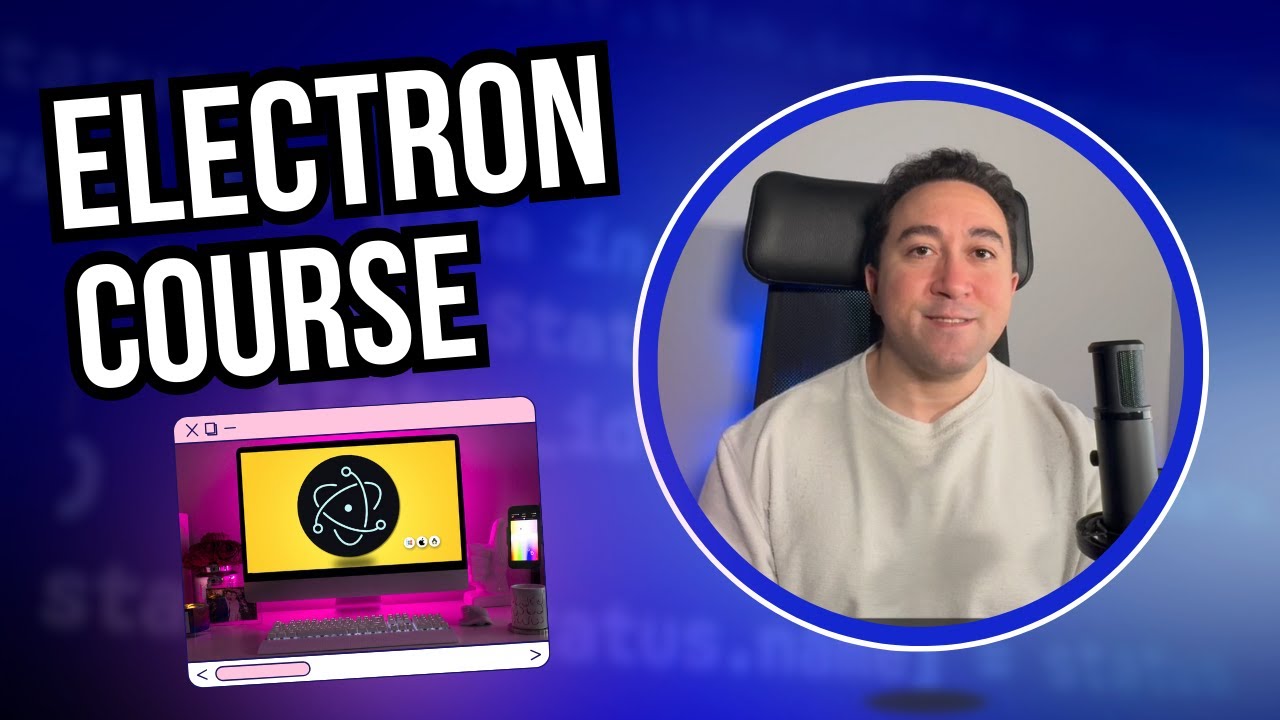
Electron.js Crash Course – Build a Desktop App in 45 Minutes
Автор: Coding with Elsakka
Загружено: 2025-09-14
Просмотров: 7084
🔗 Project source code repository: https://github.com/ahmed-elsakka/scre...
🔗 Camera image and icon used in the course: https://github.com/ahmed-elsakka/scre...
🔗 Visual Studio Code: https://code.visualstudio.com/download
🔗 Node.js: https://nodejs.org/en
🚀 Ready to step up to the next level and master Electron and learn it in more details? Check out my complete Electron course on Udemy using this discount coupon (for limited time): https://www.udemy.com/course/master-e...
🚀 Learn how to build powerful cross-platform desktop apps with Electron.js — from setup to packaging!
In this step-by-step tutorial, we’ll go beyond the basics and cover everything from initializing a project to capturing the screen, creating a tray icon, and building a production-ready app.
⏱️ Timestamps:
0:00 Introduction
0:54 How Electron Works
4:20 Environment Setup
5:33 Initializing a Project from Scratch
9:19 Creating the Main Window
11:20 Creating the Initial App UI
13:59 Adding External Packages and Enabling Auto Reload
16:14 Completing the App UI
19:15 Making the Window Frameless and Removing the Default Menu
21:17 Making the Window Transparent
24:10 IPC Communication (Main ↔ Renderer)
25:05 Implementing Renderer Process
27:04 Sending IPC Messages
28:09 Handling IPC Messages
29:29 Capturing the Screen
32:23 Saving Images to a File
34:25 Opening Files Programmatically
35:42 Creating a Tray Icon
38:53 Building & Packaging the App
42:29 Configuring the App Icon
43:06 Adding a Menu
45:11 Wrap-up & Next Steps
Correction:
42:52 icns not ics
🔗 Visit my website for more courses: ahmedelsakka.com
#Electron #ElectronTutorial #ElectronJS #ElectronCourse
Доступные форматы для скачивания:
Скачать видео mp4
-
Информация по загрузке:


![Камеди клаб [НОВЫЙ 2026] [full HD] Сборник избранных смешных и юмористических эпизодов | часть 5](https://image.4k-video.ru/id-video/hFezUJlKMmM)