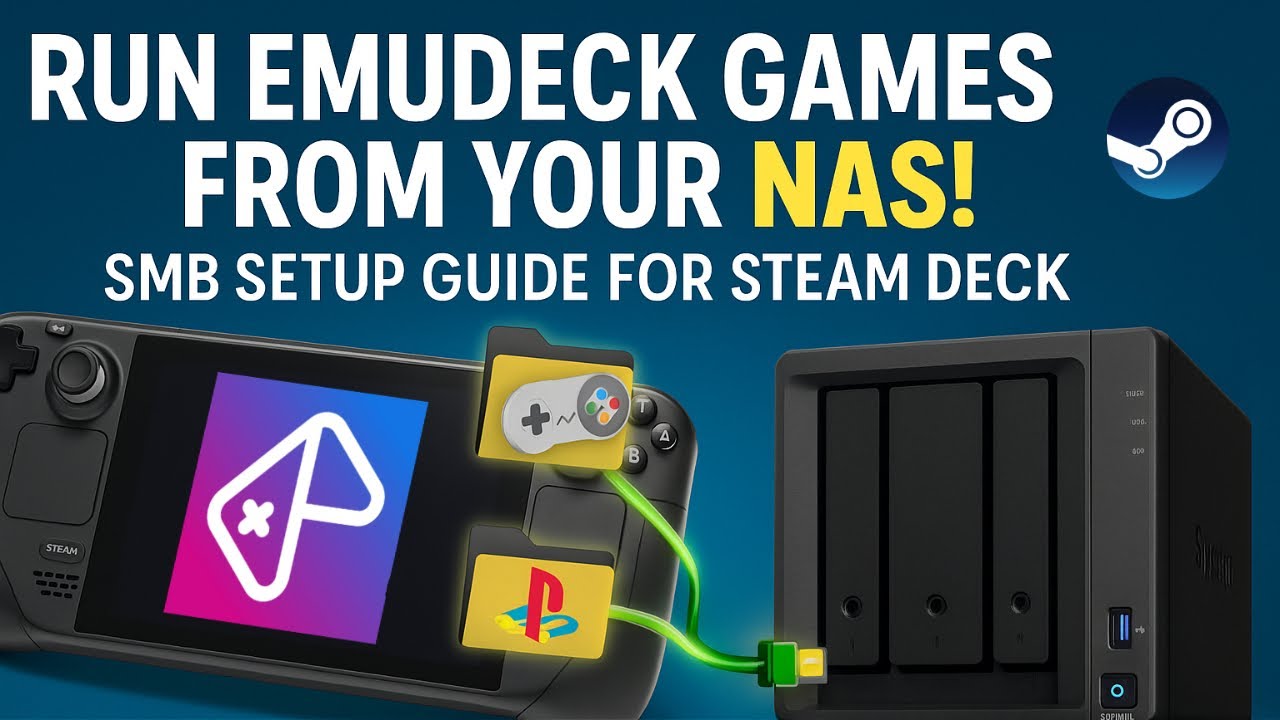
Mount NAS/SMB Shares on Steam Deck for EmuDeck (and more)
Автор: MonroeWorld
Загружено: 2025-06-19
Просмотров: 2890
A clear and simple way to mount your NAS or SMB share on the Steam Deck — and use it with EmuDeck to run games directly over your network. I would consider this a 201 level course, but with cut and paste via the helper pack, I think almost anyone could do it.
I'll walk you through the full setup step-by-step:
⚠️ Disclaimers and Pre-Requisites
✅ Creating mount points
✅ Auto-mounting at startup
✅ Making sure EmuDeck plays nice with your share
Whether you're streaming retro games from your NAS or have other plans for the files there — this video has you covered.
🔗 Links
Helper Pack - https://monroeworld.com/steamdeck/smb...
EmuDeck - https://www.emudeck.com/
📌 Chapters (jump to what you need):
00:00 - Intro & Disclaimers
00:34 - Prerequisites & Requirements
01:19 - Heading for Desktop Mode
01:30 - Downloading the Helper Pack
02:05 - Extracting Files in Dolphin
02:40 - Setting Up .smbcredentials File
02:38 - Opening our Helper Text File
03:20 - Creating Your Sudo Password
03:45 - Making the NAS Mount Folder
04:20 - Verifying Your NAS via SMB
05:15 - Changing Folder Ownership
05:29 - Editing SMB Credentials with Nano
06:07 - Securing Credentials with chmod
06:23 - Editing fstab (BE CAREFUL!)
07:34 - Mounting/Verifying the NAS Share
08:26 - Linking the Mount to EmuDeck EmuVirtual Folder
08:52 - Installing EmuDeck (Quick Overview)
09:25 - Can You Run Steam Games This Way?
10:28 - Verifying the Setup After Reboot
11:18 - What Breaks After a System Update
11:45- Final Thoughts & Wrap-Up
Join Our Discord
https://discord.monroeworld.com
#steamdeck #EmuDeck #NASGaming #RetroGaming #MonroeWorld
Доступные форматы для скачивания:
Скачать видео mp4
-
Информация по загрузке: