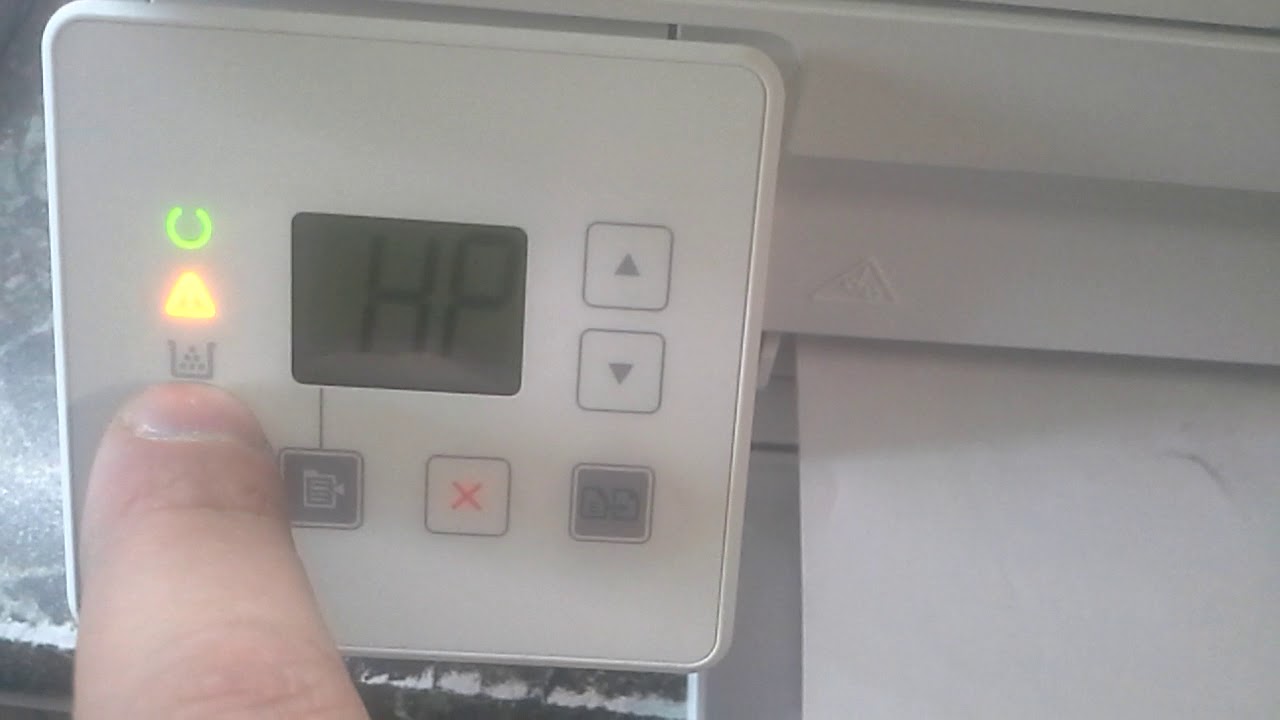
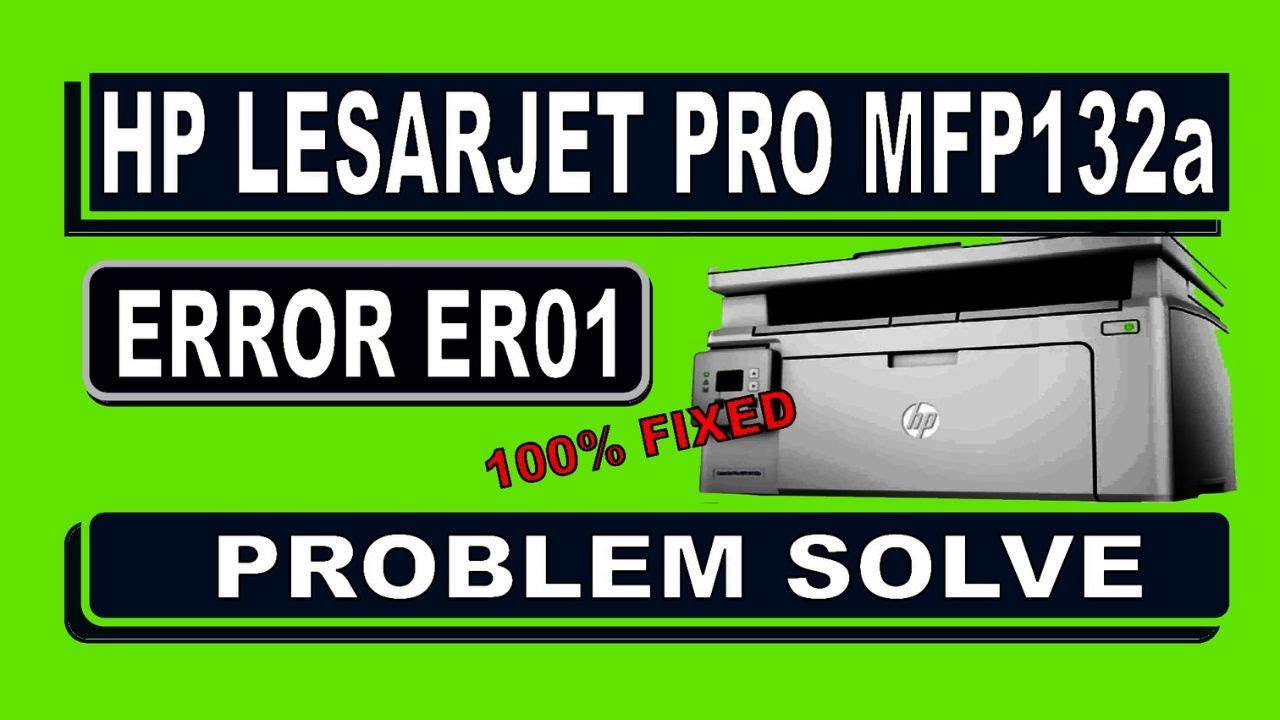
HOW TO DO PROBLEM SOLVE HP LESARJET PRO MFP 132A PRINTER ERROR ER01
Автор: DasComputer
Загружено: 2024-03-12
Просмотров: 502
By following these steps, you should be able to troubleshoot and resolve the HP LaserJet
***********************************************************************************************
Restart the Printer: Sometimes, a simple restart can resolve temporary issues. Turn off the printer, wait for a few minutes, and then turn it back on.
---------------------------------------------------------------------------------------------------------------------------------------------------
Check for Obstructions: Open the scanner lid and check for any obstructions such as paper scraps, dust, or foreign objects. Remove any obstructions carefully.
----------------------------------------------------------------------------------------------------------------------------------------------------
Reset the Printer: Perform a power reset by unplugging the power cord from the printer and the power outlet. Wait for about 1-2 minutes, then plug the power cord back in and turn on the printer.
----------------------------------------------------------------------------------------------------------------------------------------------------
Update Firmware: Ensure that your printer's firmware is up-to-date. You can usually update the firmware through the printer's control panel or by visiting the HP support website and downloading the latest firmware for your printer model.
----------------------------------------------------------------------------------------------------------------------------------------------------
Check Scanner Mechanism: Ensure that the scanner mechanism moves freely and smoothly along its path. If it's stuck or jammed, try to gently move it back and forth to dislodge any debris.
----------------------------------------------------------------------------------------------------------------------------------------------------
Clean the Scanner Glass: Use a soft, lint-free cloth slightly dampened with water to clean the scanner glass thoroughly. Make sure there are no smudges, fingerprints, or dirt on the glass that could interfere with scanning.
----------------------------------------------------------------------------------------------------------------------------------------------------
Check Connections: Ensure that all cables and connections between the printer and the computer are secure and not damaged.
----------------------------------------------------------------------------------------------------------------------------------------------------
Perform a Scanner Test: Some HP printers have a built-in scanner test feature that allows you to check the scanner functionality. Refer to your printer's user manual for instructions on how to perform a scanner test.
Pro MFP M132a printer error code ER01.
hp printer LESARJET PRO MFP 132a error er01 problem solve
printer service
printer repair
printer error code service required
Доступные форматы для скачивания:
Скачать видео mp4
-
Информация по загрузке:




![[ НОВЫЙ 2026 ] Уральские Пельмени | Лучшие Выпуски Сборник | Комедийная группа №1 в России](https://imager.clipsaver.ru/QhFlqCqOB3c/max.jpg)