Rx 580 black screen when gaming, fan full speed, easy fix 2021
Автор: Lonelytime
Загружено: 2021-01-12
Просмотров: 65687
Hey hey hey!!! C'est ton boy Lonelytime!!!
Hésite pas si tu as des astuces ou conseils :)
Tu peux aussi rejoindre la communauté sur Discord:
/ discord
links:
https://www.msi.com/Landing/afterburner
steps:
1- download the afterburner
2- be sure to download the optional software rivatuner
3- change the frame limit from 0 to 75 fps and press enter
4- don't close rivatuner, just minimize it
5- enjoy, you can play and overclock normaly :)
Plz comment if it works for you and if you have a better solution, thank you!
Vidéo en francais ici: • Rx 580 black screen/ écran noir, fan full ...
lil story:
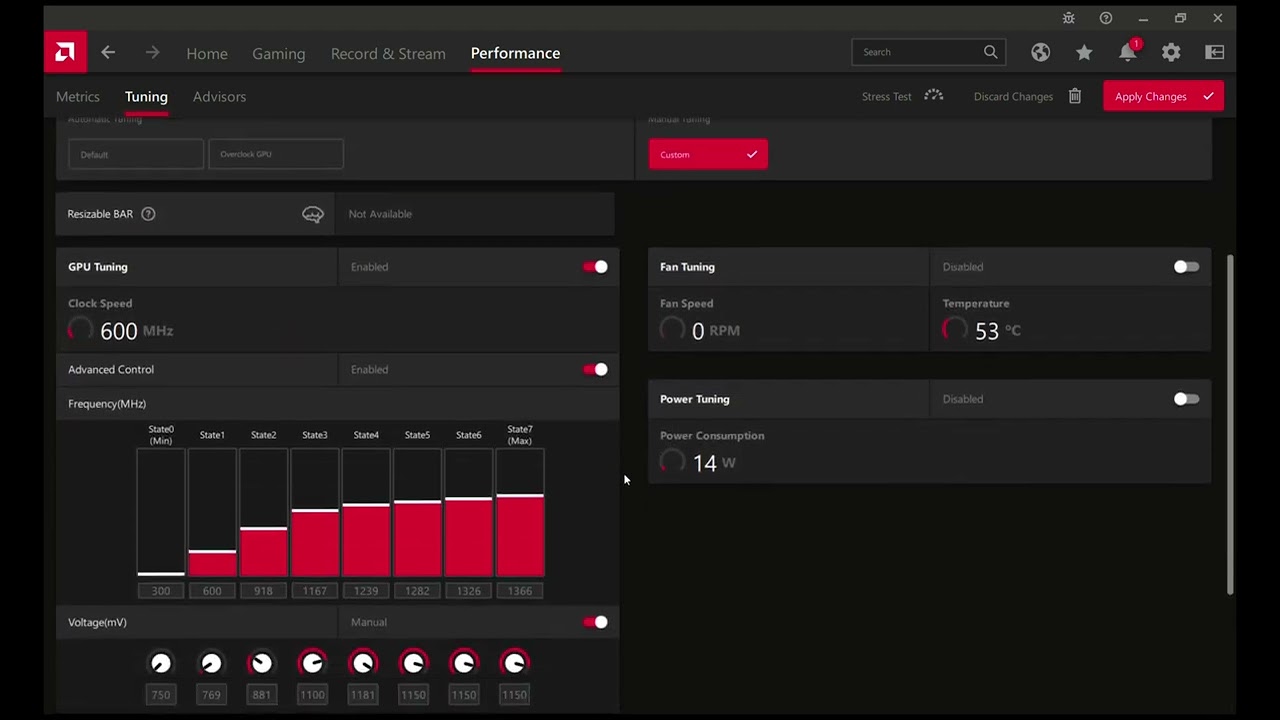
I had some issues with my rx 580 8gb. Black screen after only few minutes into a game. I've tried many things like updating my drivers, downgrading them too, Overclocking, downclocking, downvolting. I was not sure what else i could do at this point. I'm pretty sure it was not a gpu instability problem. Sim 4, phasmo, the forest, star wars batllefront 2, etc. aren't working ( black screen after few minutes and the fans are going full speed for no reason).
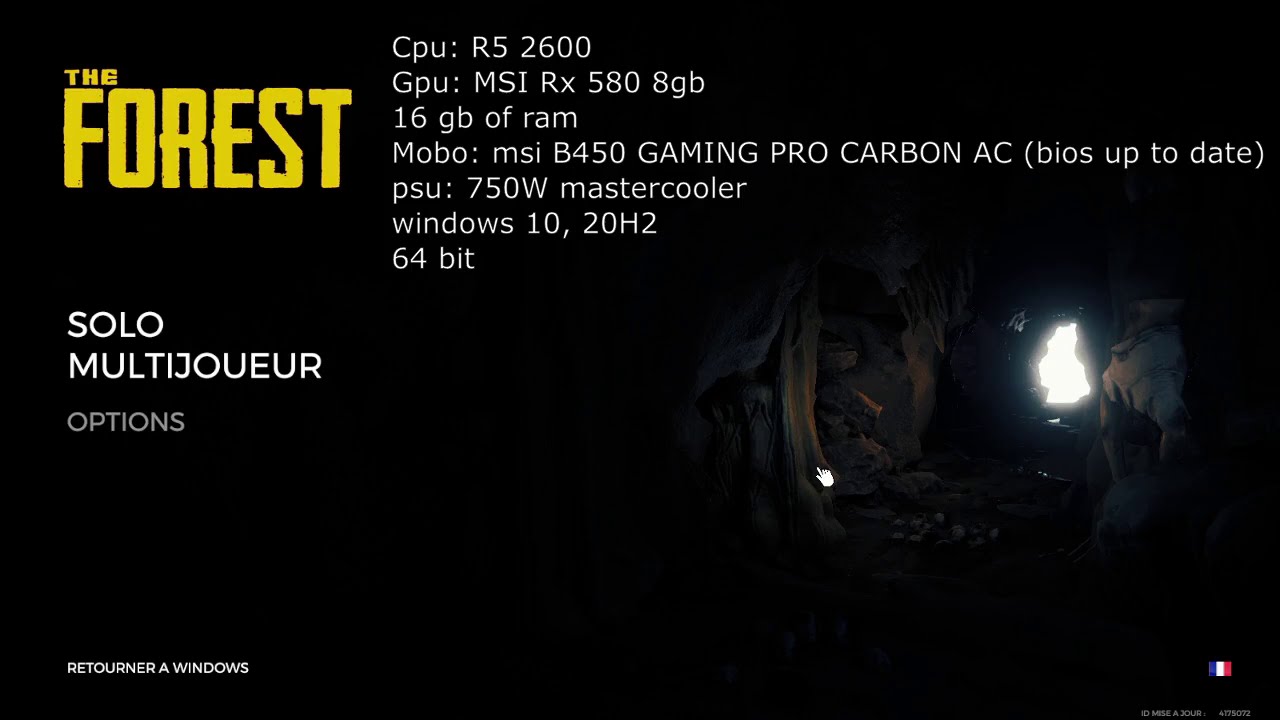
My system is:
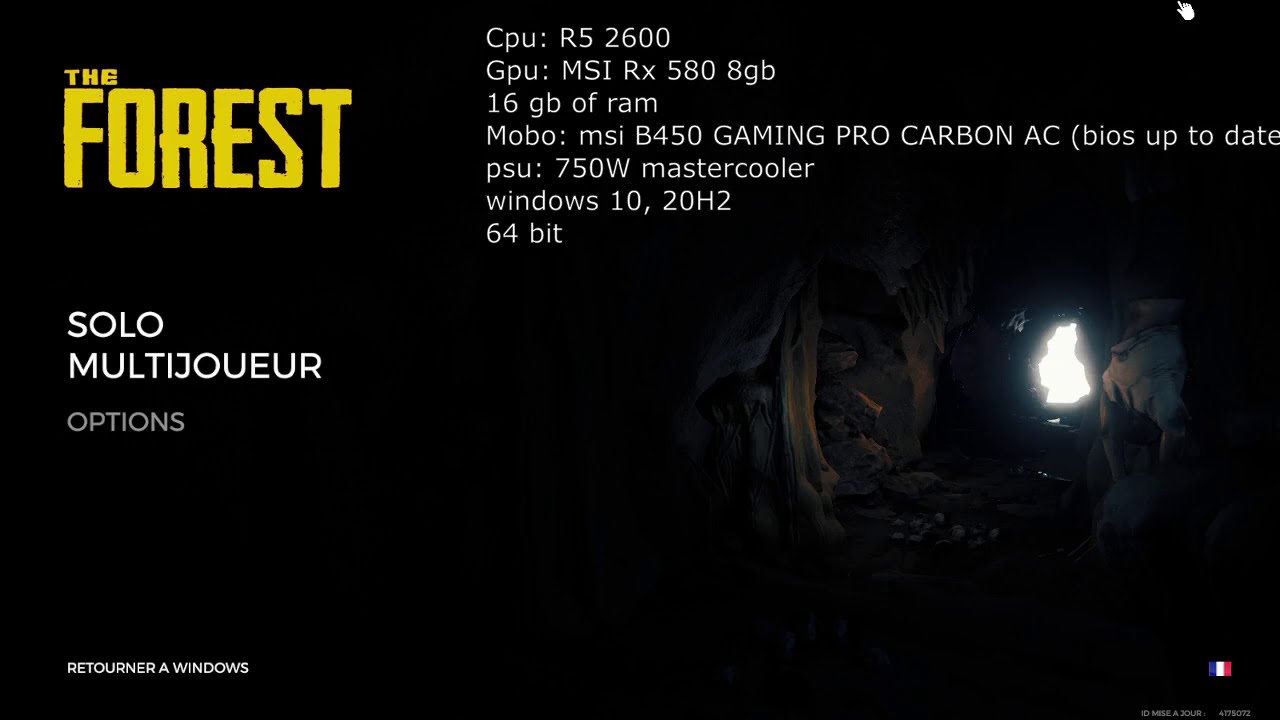
Cpu: R5 2600
Gpu: MSI Rx 580 8gb
16 gb of ram
Mobo: msi B450 GAMING PRO CARBON AC (bios up to date)
psu: 750W mastercooler
windows 10, 20H2
64 bit
Sorry for my english (im french 😛)
And i have a solution after a month of failure :)
Доступные форматы для скачивания:
Скачать видео mp4
-
Информация по загрузке: