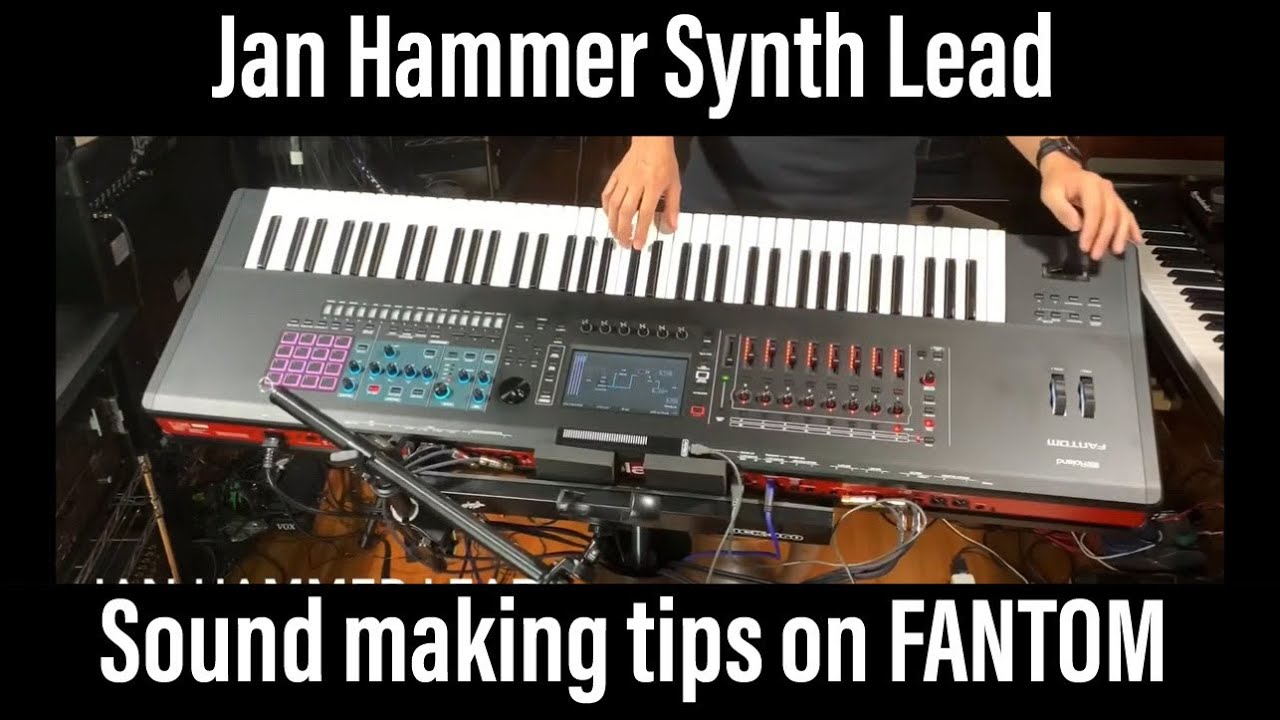
How to make Jan Hammer Synth Lead sound tips tutorial Roland FANTOM Oberheim Minimoog ヤンハマー
Автор: kerederoom78
Загружено: 2020-07-21
Просмотров: 2065
00:19 sound making from scratch
16:14 sound check improvisation
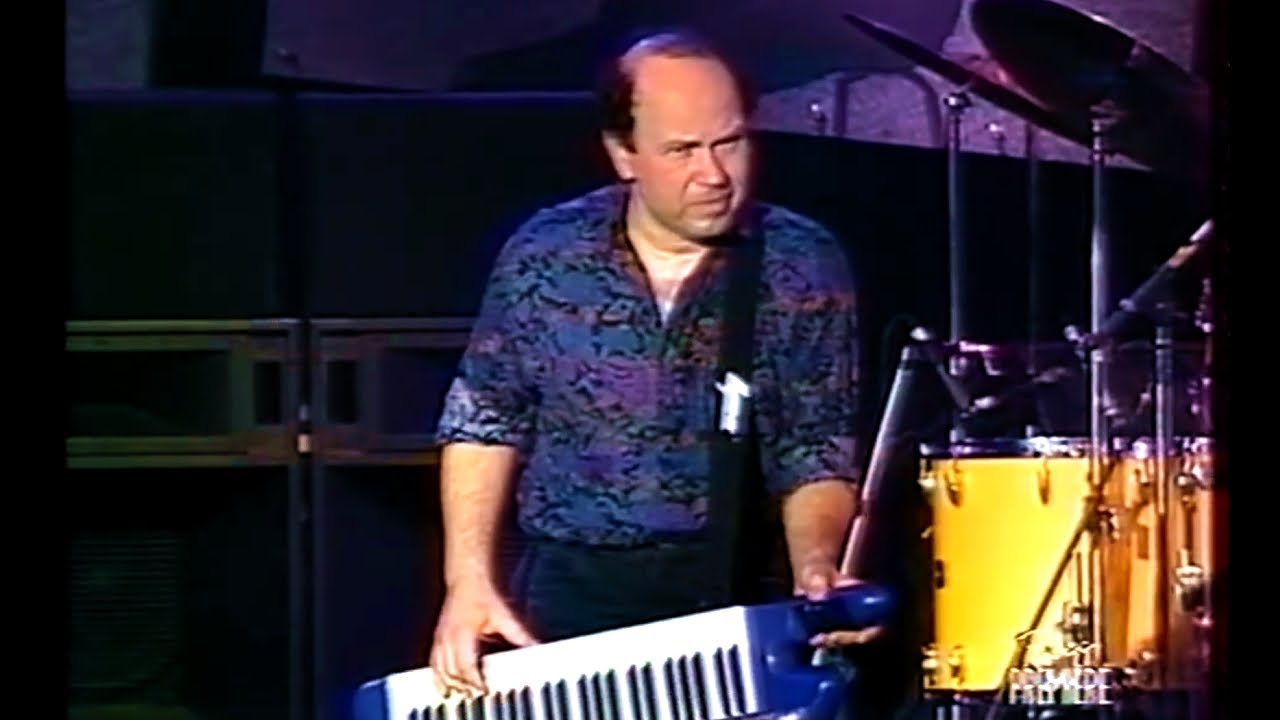
I got challenged to create Jan Hammer’s iconic synth lead tone in 70-80’s.
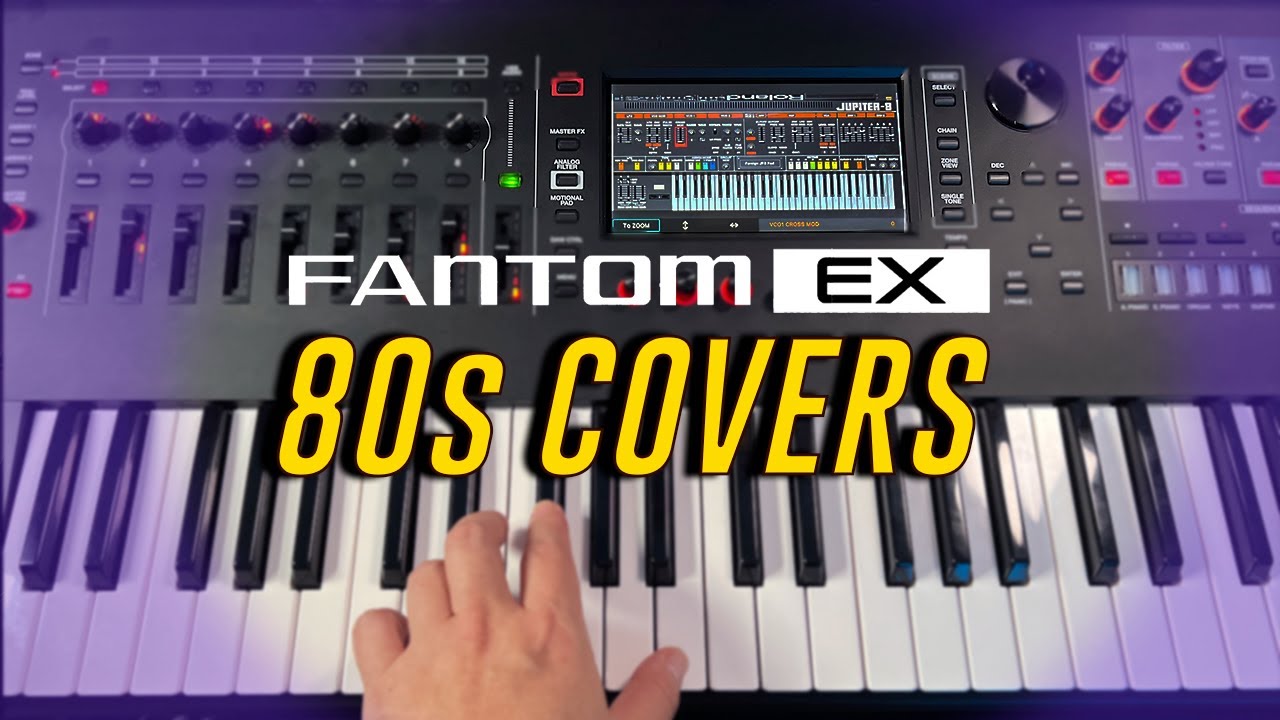
I hope this will help you to know how to do the oscillator sync in FANTOM.
I chose square wave (or pulse wave) for oscillator sync.
You can use flanger, guitar amp simulator, and delay as appropriate for your effectors!
You can set the envelope on the modulation bar (wheel) as well as foot pedal to get that sound like a wah pedal.
You can also assign a pitch amount to aftertouch to control how the sync sound changes.
I really like Jan Hammer and I think he is the origin of the synth lead technique. I'd like to pursue the keytar technique again!
ジェフベックのワイヤードの曲中で披露される
ヤンハマーのシンセリードを作成しました。
FANTOMでのオシレータシンクのやり方の参考になればうれしいです。
矩形波(又はパルス波)をオシレータシンクさせます。
エフェクターはフランジャーとギターアンプシミュレータ、ディレイを適宜使い分けると良いでしょう!
モジュレーションバー(ホイール)フットペダルにエンベロープを設定するとワウペダルのようなあの音になります。
アフタータッチにもピッチ可変をアサインしてシンクサウンドの変化をコントロールできます。
僕はヤンハマーが本当に好きで彼はシンセリード奏法の系譜の原点だと考えております。キーター奏法もまた追究したいです!
TONE INITIALIZE
TONE EDIT PRO
COMMON
Analog Feel 2
Mono / Poly MONO
Unison Switch ON
Unison Size 3
Unison Detune 1
Legato Switch ON
Bend Up / Down 4 / 4
STRUCTURE
Structure SYNC (Partial 1 / 2)
OSC
OSC Type VA / VA
Waveform 2.SQR / 1.SAW
Click Type HARD / HARD
OSC Attenuator 255 / 255
PITCH ENV
Env Deprh +63 / 0
FILTER
Cutoff 733 / 733
FILTER ENV
T4/Release 0
Env Deprh 0 / 0
AMP
Level 95 / 0
Velocity Sens 0 / 0
AMP ENV
T2 550
T3/Decay 800
T4/Release 0
MATRIX CTRL1
Source CC01:Modulation / OFF
Destination 1 PIT-DEPTH / OFF
Sens +49 / 0
MATRIX CTRL2
Source AFT / OFF
Destination 1 PITCH / OFF
Sens +63 / 0
EFFECT EDIT
ZONE1 - IFX1 - IFX2 - MAIN (SERIAL)
IFX1 32: Guitar Amp Simulator
Pee Amp Type CLEAN TWIN
Pre Amp Volume 63
Speaker Type BUILT-IN 1
Reverb Send Level 0
IFX2 24: Flanger
Cutoff Freq 800Hz
Pre Delay 2.0
Rate OFF
DEPTH 40
Phase 180
Feedback +60
Balance D50:50W
Reverb Send Level 0
CHORUS/DELAY
Chorus 04:Delay
Chorus Level 64
Reverb Send Level 0
Delay ON
400msec
1/4
+20
1250
Send Level 0
Reverb 05:SRV-2000
Send Level 40
SCENE EDIT
CONTROL
Control Spurce Select SCENE
Tone Control Source 1 CC01:Modulation
Tone Control Source 2 AFT
PEDAL
Pedal 1 Assign CC01:Modulation
S1/S2/S3
S1 Sw Assign CC01:Modulation MOMENTARY
S2 Sw Assign MONO/POLY LATCH
S3 Sw Assign CHORUS SW LATCH
#janhammer #fantom #kerederoom78 #minimoog #シンセリード #ヤンハマー #myroland #jeffbeck #oscillatorsync #tutorial #keyprostand360
Доступные форматы для скачивания:
Скачать видео mp4
-
Информация по загрузке: