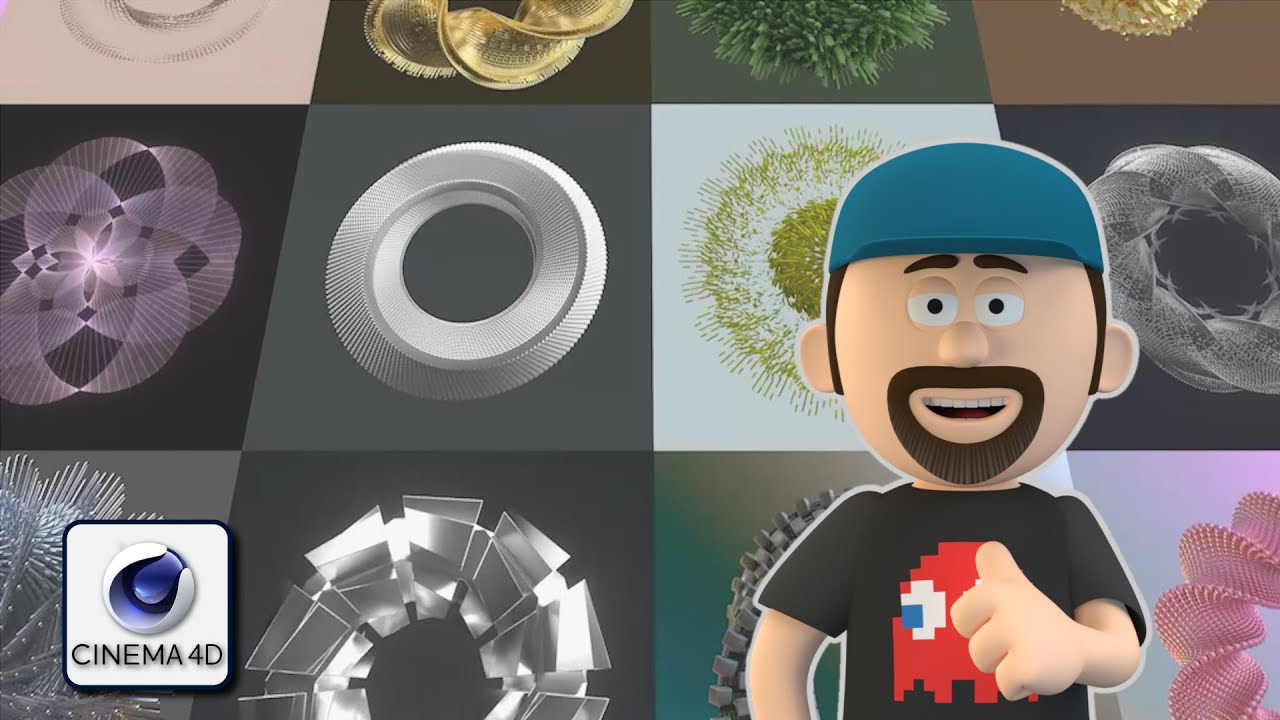
How to blend geometry and deformers to create awesome motion graphics in Cinema 4D - Tutorial
Автор: Almost Daily Render
Загружено: 2021-11-08
Просмотров: 2967
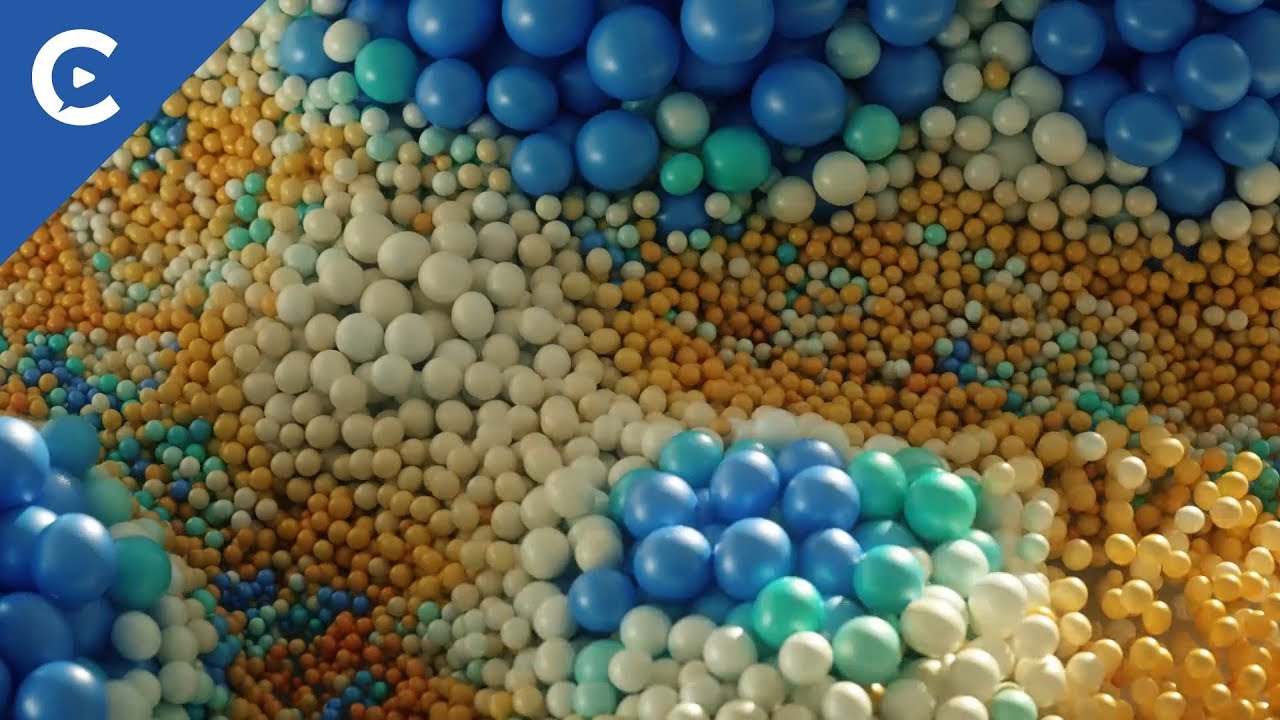
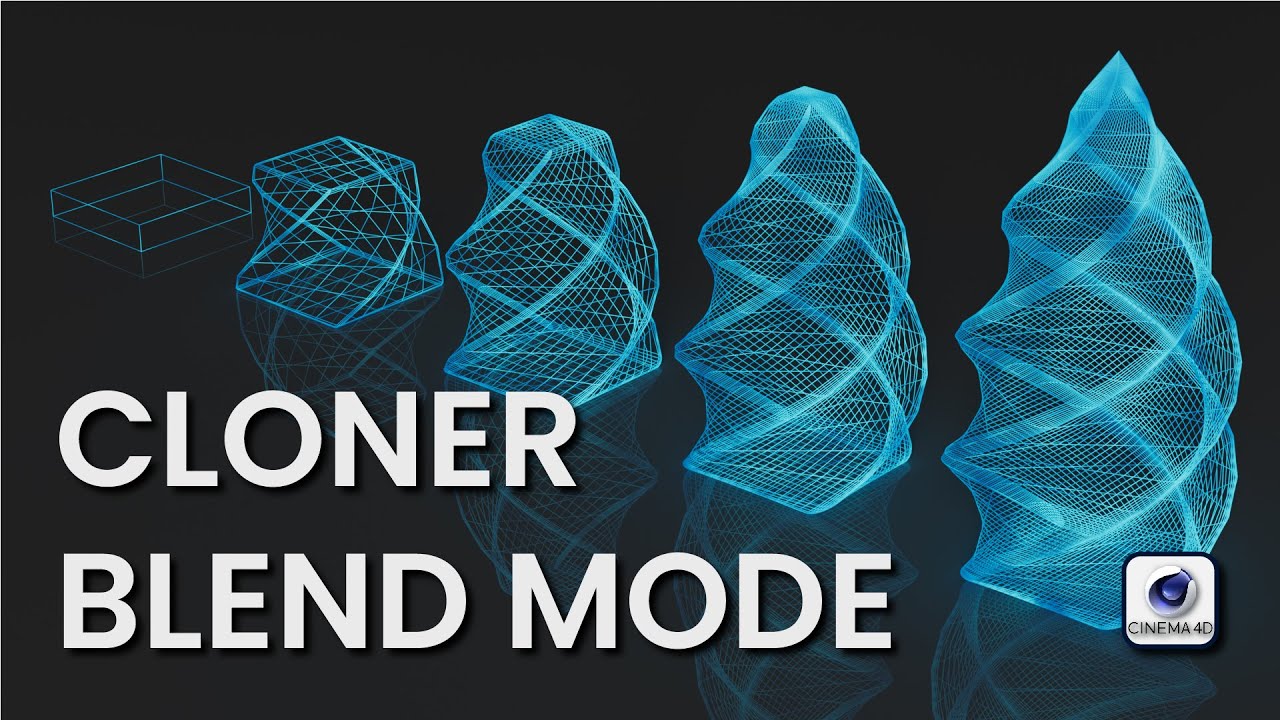
In this tutorial I am going to show you how to use the Cloner Blend Mode to blend between geometry, deformers and materials (Redshift/ Octane) using Effectors, to create awesome motion graphics. A basic understanding of the Effectors is required. Any version of Cinema 4D can achieve this technique, however the Effector falloff dialogue differs in versions R19 and prior. I shall point this out during the tutorial. But if you know your effectors, then this shouldn't be a problem.
This tutorial is based on a technique I learned back in Cinema 4D R19. This technique was part of a NAB presentation by Zachary Corzine using C4D R19. Much has changed since R19. I delve a bit deeper on how the Cloner Blend Mode works
If you like what you see? Like. Subscribe. Click the notification bell, so you don't miss a thing. I'll be uploading projects and Tutorials regularly.
System Specs:
CPU: AMD Ryzen 9 3950X
GPU: NVIDIA GeForce RTX 2080 Super
Motherboard: MEG X570 UNIFY
RAM: Corsair CMK32GX4M2B3200 16 DDR4 x4 64GB
Tools I use: Cinema 4D, Octane, Redshift, X-Particles, After Effects, Illustrator, Photoshop, Character Animator
www.stephencourtney.ca
/ almost_daily_render
#Cinema4D #Octane #Redshift #Tutorial
00:00 Intro
02:48 How to blend between objects and deformers using the Cloner Blend Mode
12:13 Building our animation with the tools we have just learned
42:22 How to blend between materials in Octane
45:42 How to blend between materials in Redshift
50:28 Thanks for watching! Now go and make something awesome!
Доступные форматы для скачивания:
Скачать видео mp4
-
Информация по загрузке: