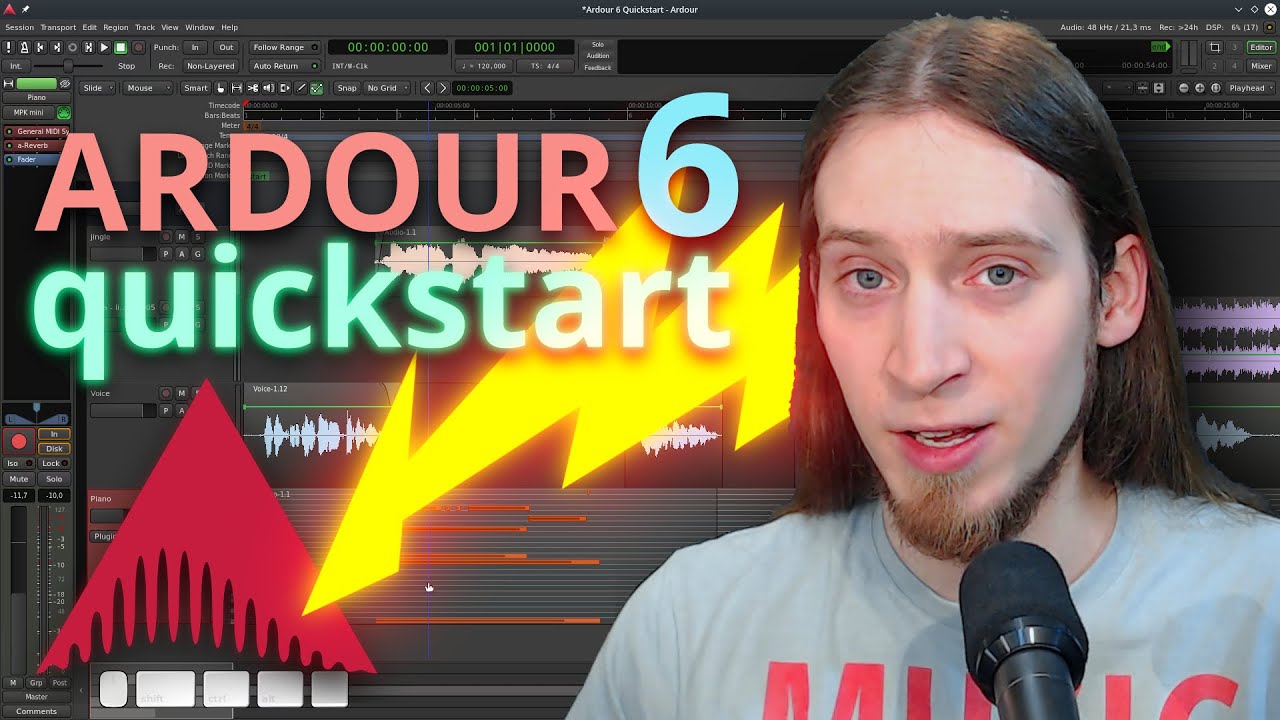
Ardour 6 Quickstart (recording, editing, mixing and exporting)
Автор: unfa🇺🇦
Загружено: 2020-06-17
Просмотров: 221499
--- SUPPORT MY WORK:
/ unfa
https://liberapay.com/unfa
https://paypal.me/unfa
--- CHECK OUT MY MUSIC:
http://unfa.bandcamp.com
/ unfa
--- ORDER OR PRINT YOUR OWN MERCH:
https://teespring.com/stores/unfa
https://github.com/unfa/merch
--- GET IN TOUCH:
https://mastodon.social/@unfa
/ discord
/ unfamusic
--- LIVESTREAMS:
Next event:
https://www.youtube.com/unfa000/live
Past events:
• unfa live
Submit music:
https://forms.gle/pLDetJM2WZf8eTRt5
--- TIMESTAMPS (contributed by Wepache):
0:00 Intro
0:42 Initial Configuration
2:47 Adding a Track
3:34 Track Inputs
4:40 Recording Audio
5:09 Importing Audio
6:07 Basic Audio Editing Intro
7:46 Moving Audio Regions
8:12 Cutting and Splitting
9:02 Delete a Region
9:23 Cropping a Region
10:16 Cross-Fades
11:28 Gain Automation
14:13 Audio Effects Intro
14:18 Adding Reverb
15:56 Adding a Compressor
17:53 Adding a MIDI Track
18:28 Recording MIDI
20:56 *
20:12 Muting an Audio Region
24:49 Exporting your Project
26:07 Adding a Limiter before Export
27:18 Exporting Continued
30:11 Outro
--- DOWNLOADS:
The full Ardour 6 session created during this video:
https://is.gd/vFMiKs
--- LINKS:
My Patreon blog post about this video:
/ 38192332
Official Ardour website:
https://ardour.org
--- OTHER INFO:
This video was produced exclusively with open-source software and GNU/Linux.
Software used in the creation of this video:
https://manjaro.org
https://www.kde.org/plasma-desktop
https://www.olivevideoeditor.org/
https://obsproject.com/
https://www.blender.org/
https://inkscape.org/
https://www.audacityteam.org/
---
Now go, make some music!
Доступные форматы для скачивания:
Скачать видео mp4
-
Информация по загрузке: