Minimalist Whirl Logo Design Tutorial on
Автор: InkPixCity
Загружено: 2025-10-31
Просмотров: 12
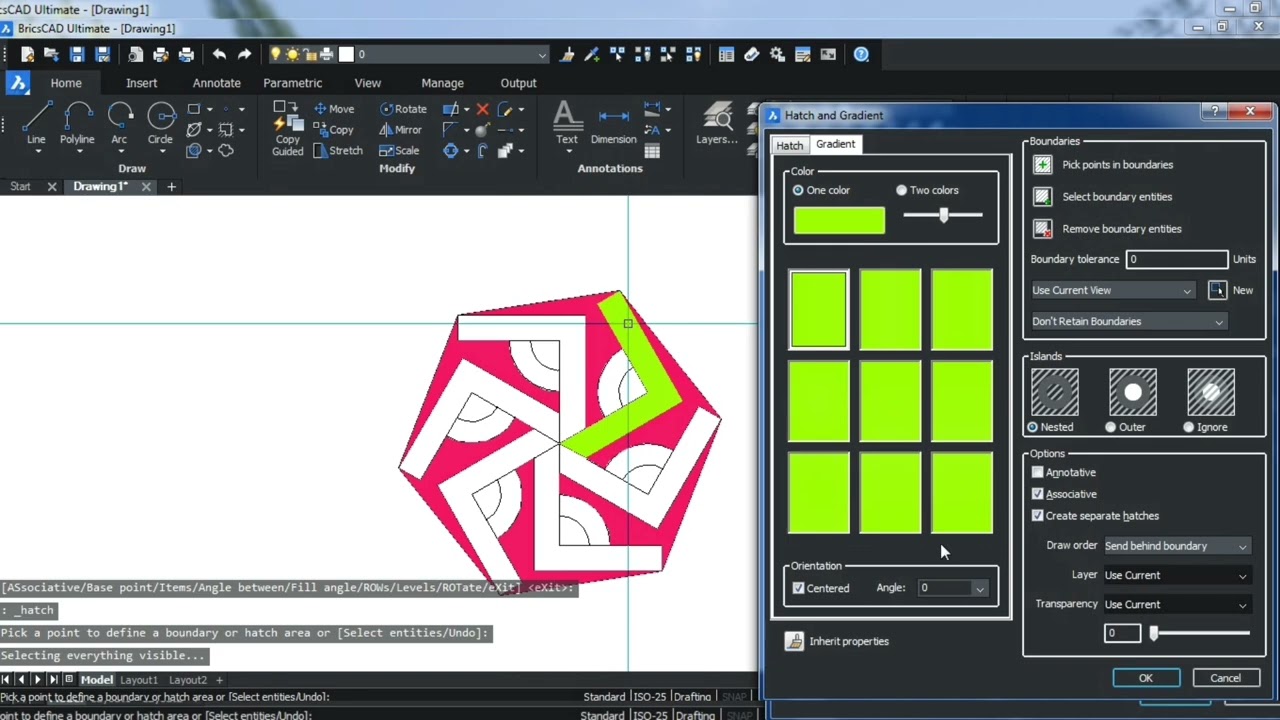
In this tutorial, I’ll show you how to create a minimalist whirl logo using Inkscape, the free and powerful vector design software. Step by step, I’ll guide you through creating clean circular shapes, balanced symmetry, and bold color contrasts to achieve a modern and professional logo design.
Whether you’re a beginner learning Inkscape or an experienced designer looking for new inspiration, this video will help you understand techniques like path editing, alignment, and layering for polished geometric results.
🎨 What You’ll Learn:
How to create smooth circular paths and curves
Layering and combining shapes for symmetry
Using fill and stroke for bold minimalist effects
Applying color combinations that stand out
If you love sleek, simple, and powerful design, this tutorial is for you!
#Inkscape #LogoDesign #MinimalistDesign #VectorArt #GraphicDesign #InkscapeTutorial
Videos inspired in me creating this Project Below:
How To Create Intertwine logo design in Coreldraw Tutorial
• How To Create Intertwine logo design in co...
CorelDRAW Tutorial for Beginners
• Видео
Minimalist Logo Design Illustrator - Ellipse Tool
• Minimalist Logo Design Illustrator - Ellip...

Доступные форматы для скачивания:
Скачать видео mp4
-
Информация по загрузке:








![InkScape — Учебное пособие для начинающих за 13 МИНУТ! [ПОЛНОЕ РУКОВОДСТВО]](https://imager.clipsaver.ru/rFYQW2DCM2I/max.jpg)