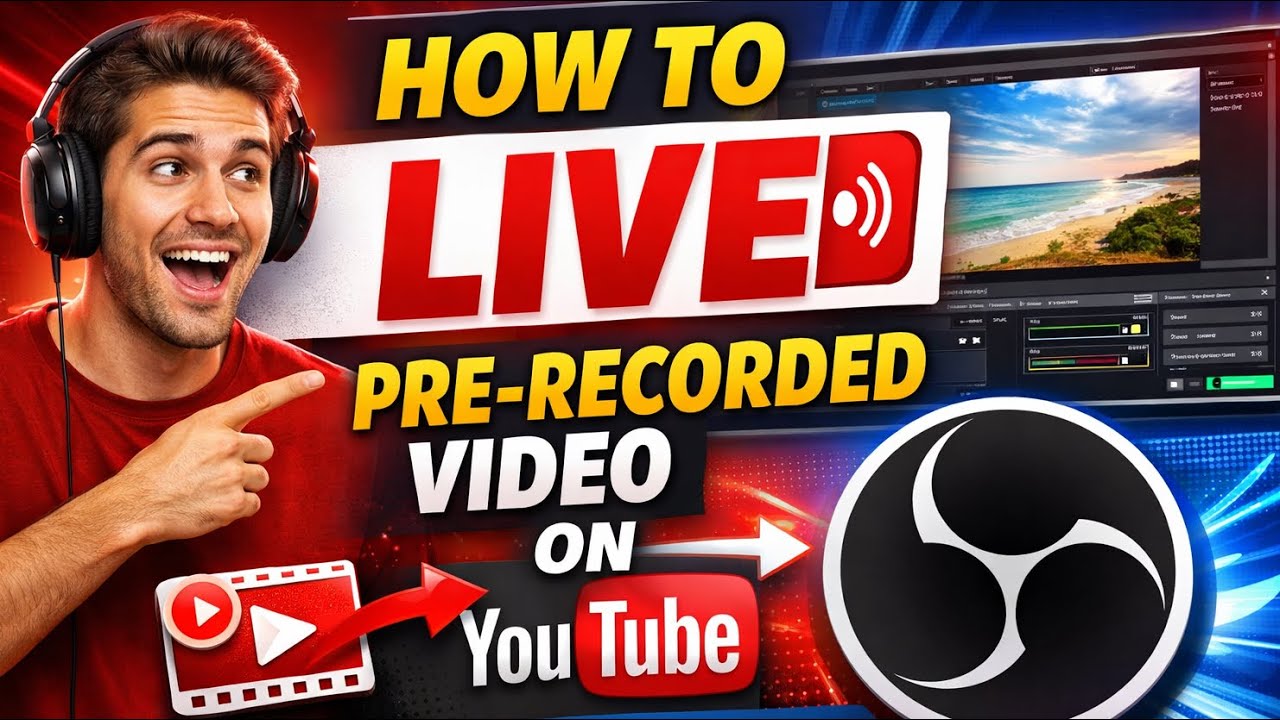
How to live the pre-recorded videos on YouTube using OBS studio
Автор: Ramji Pandey
Загружено: 2026-01-17
Просмотров: 18
In this video, you will learn how to live stream a pre-recorded video on YouTube using OBS Studio step by step.
This method is perfect if you want to go live without being in front of the camera or if you want to replay recorded content as a live stream.
🔴 What you’ll learn in this video:
✔ How to set up OBS Studio for YouTube Live
✔ How to add a pre-recorded video in OBS
✔ How to stream a recorded video as LIVE on YouTube
✔ Best OBS settings for smooth live streaming
✔ Common mistakes and how to avoid them
This tutorial is beginner-friendly and works for Windows & Mac users.
📌 Use this method for:
• Online classes
• Live webinars
• Music premieres
• Motivational videos
• 24/7 live streaming
• YouTube automation
🛠 Tools Required:
• OBS Studio (Free)
• YouTube Live enabled channel
• Pre-recorded video file
👉 If you find this video helpful, LIKE 👍 | SHARE 🔁 | SUBSCRIBE 🔔 for more YouTube and OBS tutorials.
Доступные форматы для скачивания:
Скачать видео mp4
-
Информация по загрузке: