Constraints - Power Surfacing for SolidWorks (Part I)
Автор: Npower Software
Загружено: 2020-03-27
Просмотров: 2865
-This video gives an overview of how to set up your model for applying constraints between multiple pieces of geometry.
-It demonstrates some basics of constraining a Sub-D object to the top edges of a box. It shows some rules to utilize when attaching a Sub-D to a shape with multiple edges.
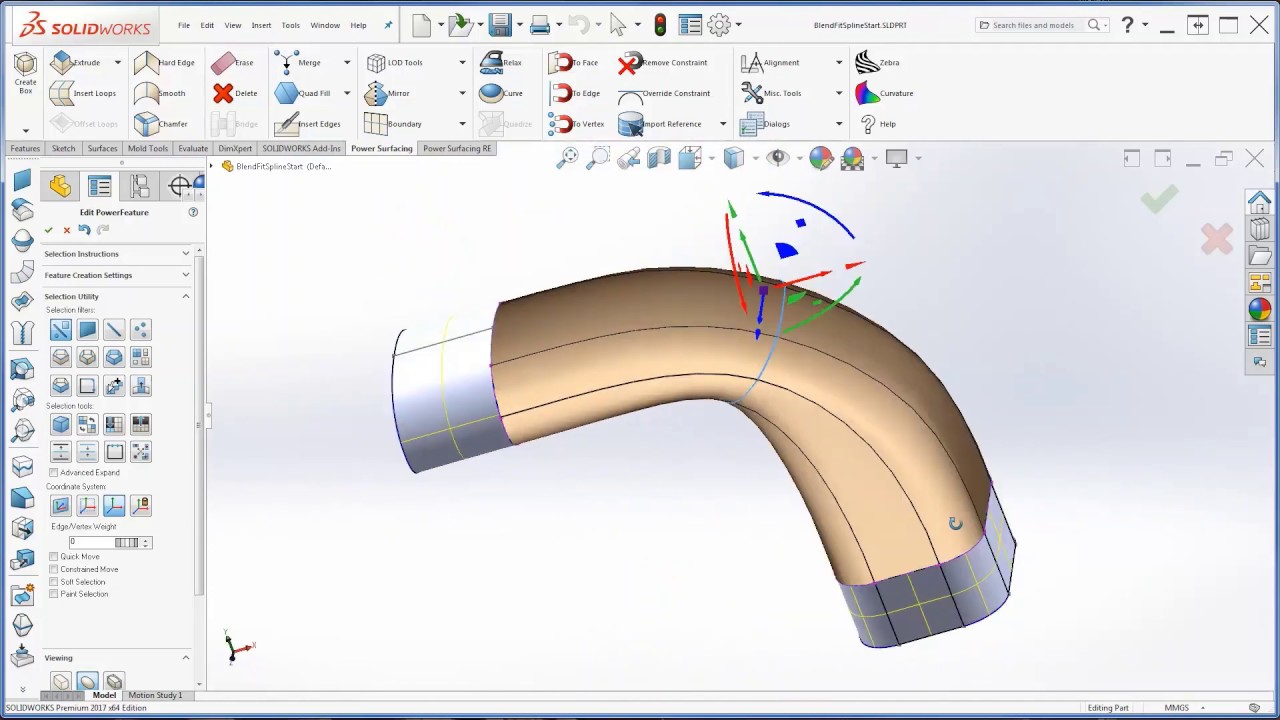
-It demonstrates the surface modeling workflow that can be used to blend between two different shapes (a spline extrude and a rounded box). This workflow is useful for creating handles on objects such as power tools.
-It demonstrates the utilization of the three spatial constraints that may be applied to the Sub-D model. You may update the Sub-D relative to the offset of a surface, relative to the distance between two surfaces or spatially relative to a set of parallel orthogonal planes.
To begin, download a FREE 30-Day trial of the Power Surfacing RE add-in for SOLIDWORKS® today: https://bit.ly/PowerSurfacingDownload...
For more information visit: http://www.NPowerSoftware.com
Доступные форматы для скачивания:
Скачать видео mp4
-
Информация по загрузке:


