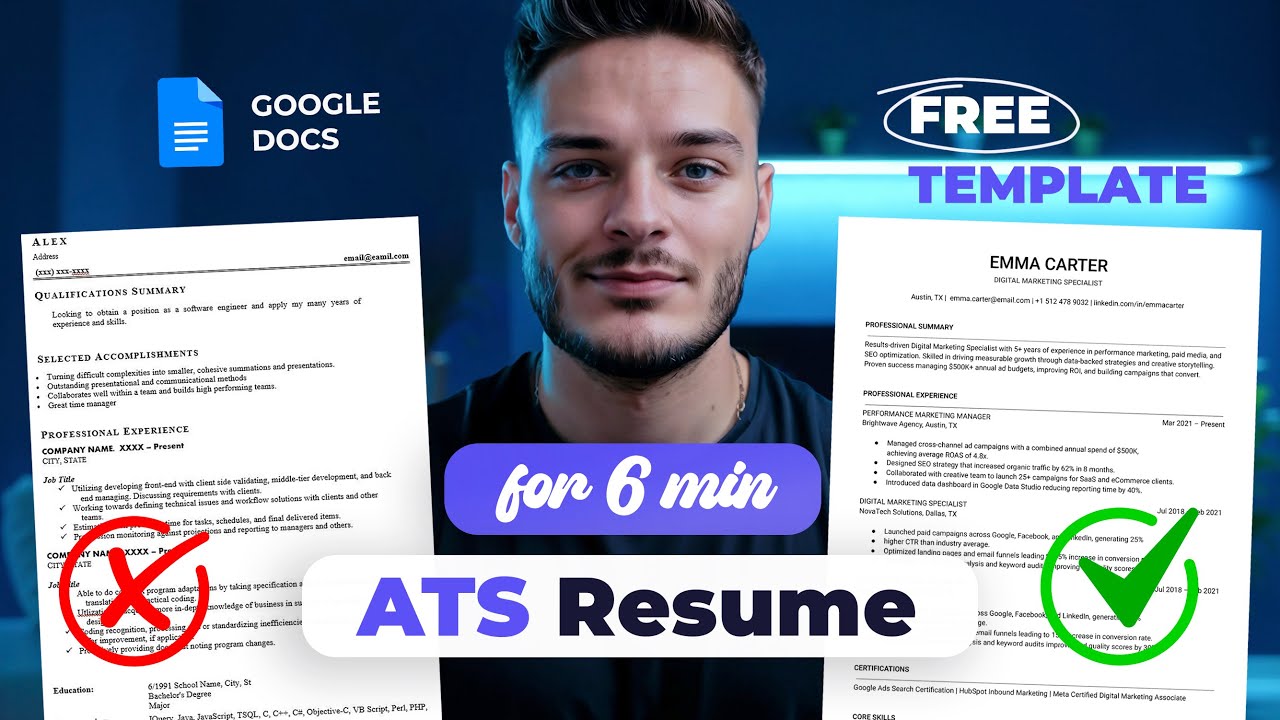
How to create ATS Resume in Google Docs (Step-by-Step + Free Template)
Автор: be.design
Загружено: 2025-10-26
Просмотров: 736
🎁 Free Resume Template:
https://docs.google.com/document/d/1-...
🎁 + Bonus Checklist:
https://docs.google.com/presentation/...
Also check out my Etsy store for premium, high-quality Google Docs & Word resume templates:
https://bedesignua.etsy.com
And my YouTube channel for more tutorials:
/ @be.designua
Learn how to create a professional ATS-friendly resume in Google Docs — step by step, with tips that actually get you noticed by recruiters.
Timestamps:
00:00 – Intro & what you’ll learn
00:28 – Step 1: Set up your font
00:52 – Step 2: Page setup (Adjusting Margins)
01:13 – Step 3: Header — Name & Job Title
02:04 – Step 4: Contact Information
02:30 – Step 5: Summary Section (Add Border)
03:12 – Step 6: Professional Experience (Add Tabs and bullet list)
05:00 – Step 7: Certification Section
05:27 – Step 8: Skills Section
05:48 – How to Exporting Resume
05:57 – Get Free Template
In this tutorial, I cover:
How to set up your document and margins properly
Choosing the right font for ATS
Filling out your header, professional summary, and contact info
Adding work experience, certifications, and skills
Using bullet points effectively
Pasting text without breaking formatting
Downloading your resume in PDF format
Доступные форматы для скачивания:
Скачать видео mp4
-
Информация по загрузке: