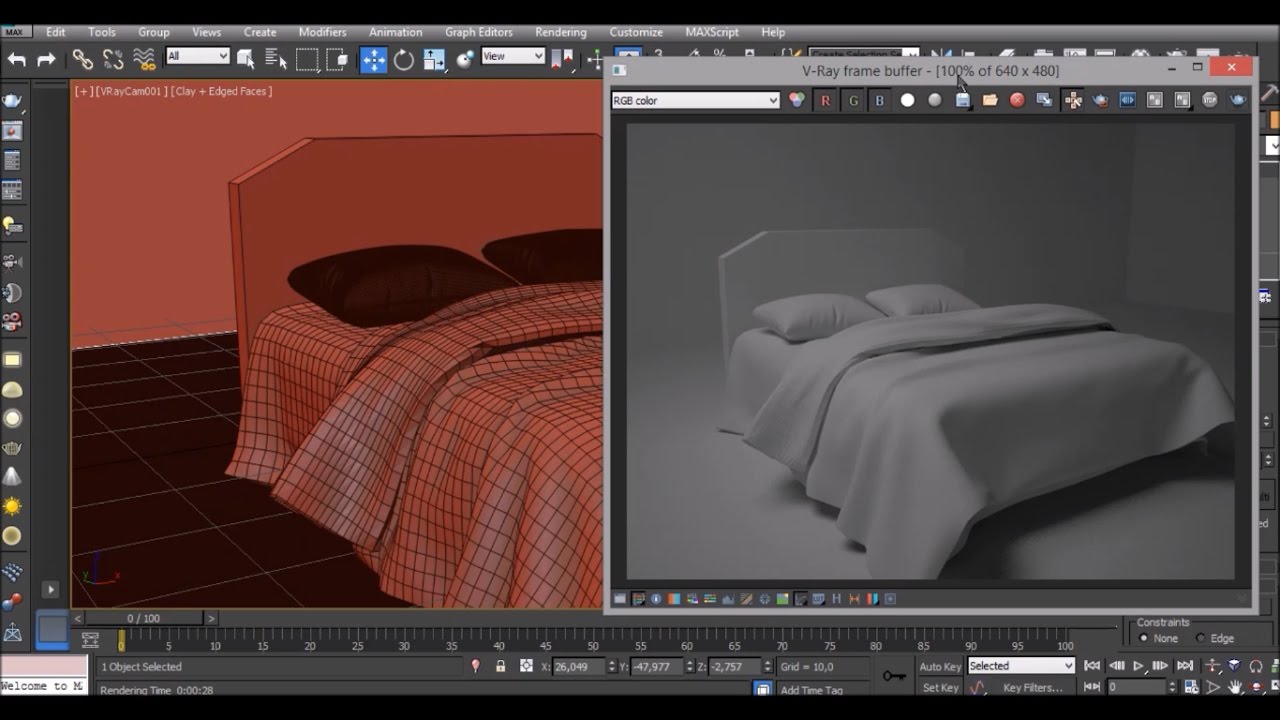
3ds Max Modeling: Adding Wrinkles To High Poly 3d Furniture
Автор: Adam Z - Learn Archviz
Загружено: 2014-11-23
Просмотров: 21525
Get this model, or the course here: https://bit.ly/31L1sjO
Download My Free Furniture Model Collection | https://bit.ly/3r89a05
All Pro courses | https://pro-courses.learnarchviz.com/
Follow me on IG | / learnarchviz
Learn Arch Viz Forum | https://arch-viz-forum.learnarchviz.com/
Udemy | https://www.udemy.com/user/adamzollin...
Download "Insiders Guide: Becoming and Arch Viz Professional" | https://www.learnarchviz.com/courses-...
Full course at YouTube discount: https://www.udemy.com/3ds-max-create-...
This tutorial is a part of my pro online course,
3ds Max: Create 3d Furniture In 3ds Max For Selling Online.
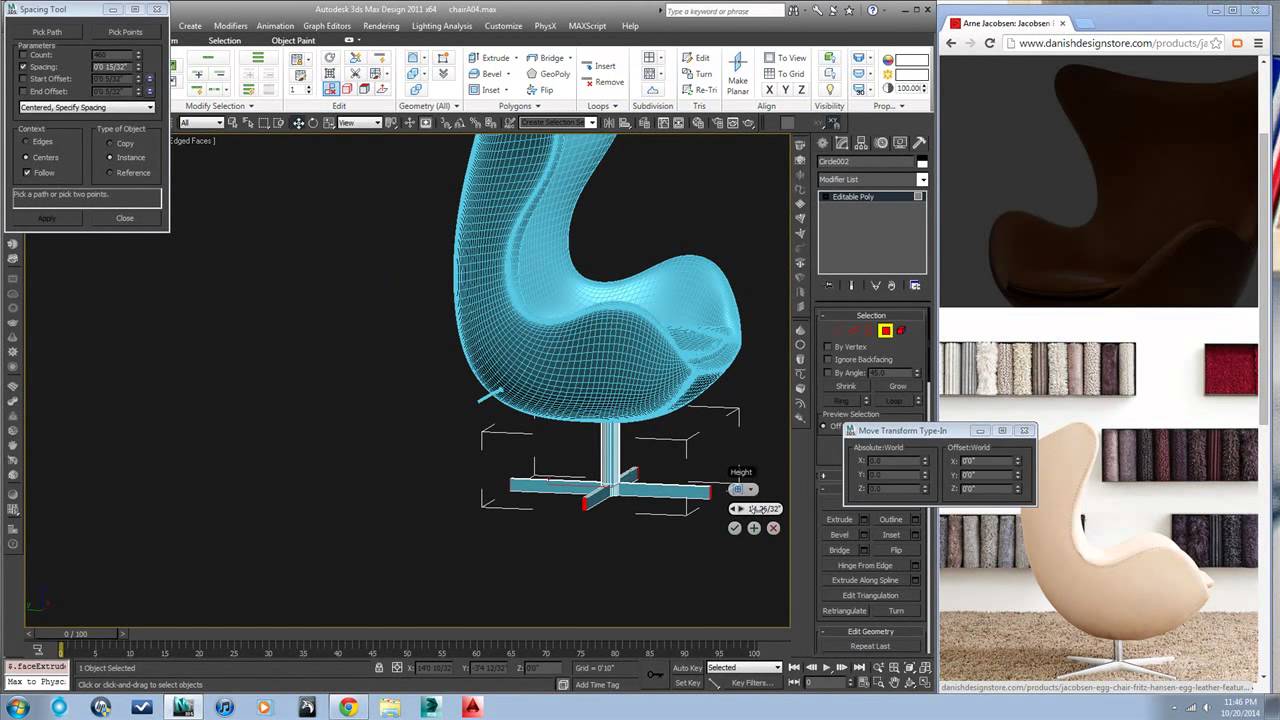
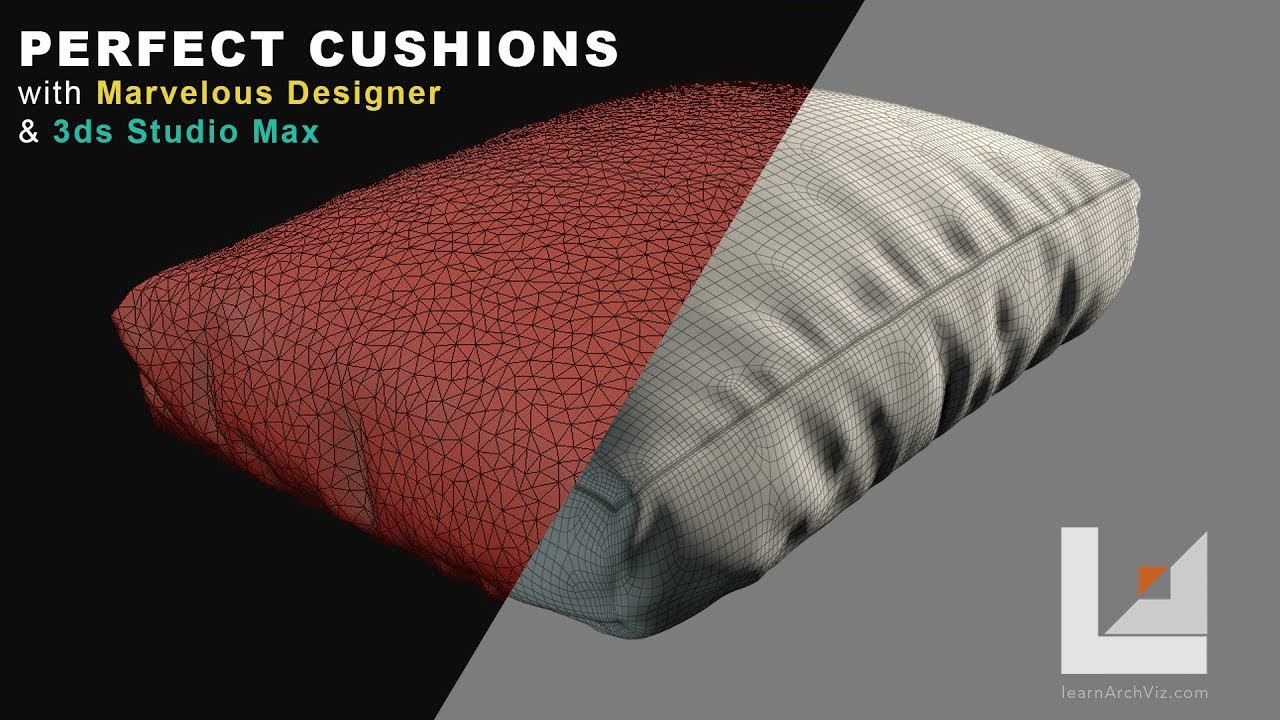
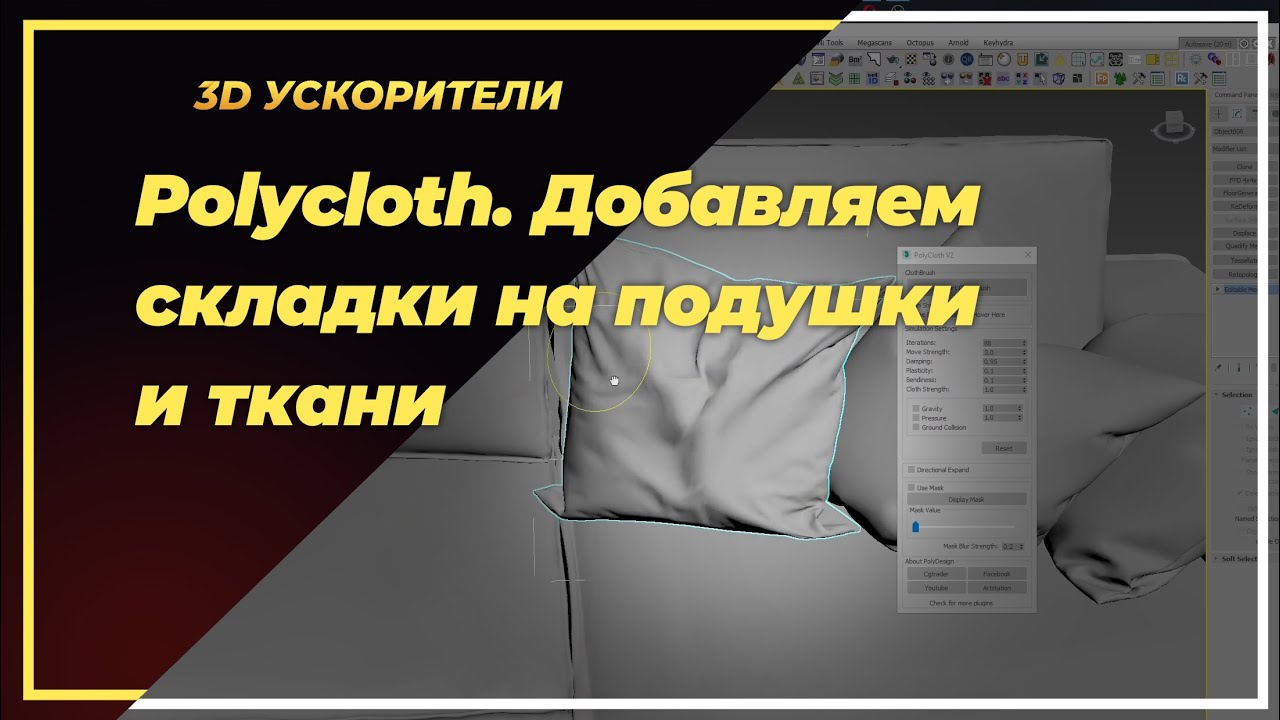
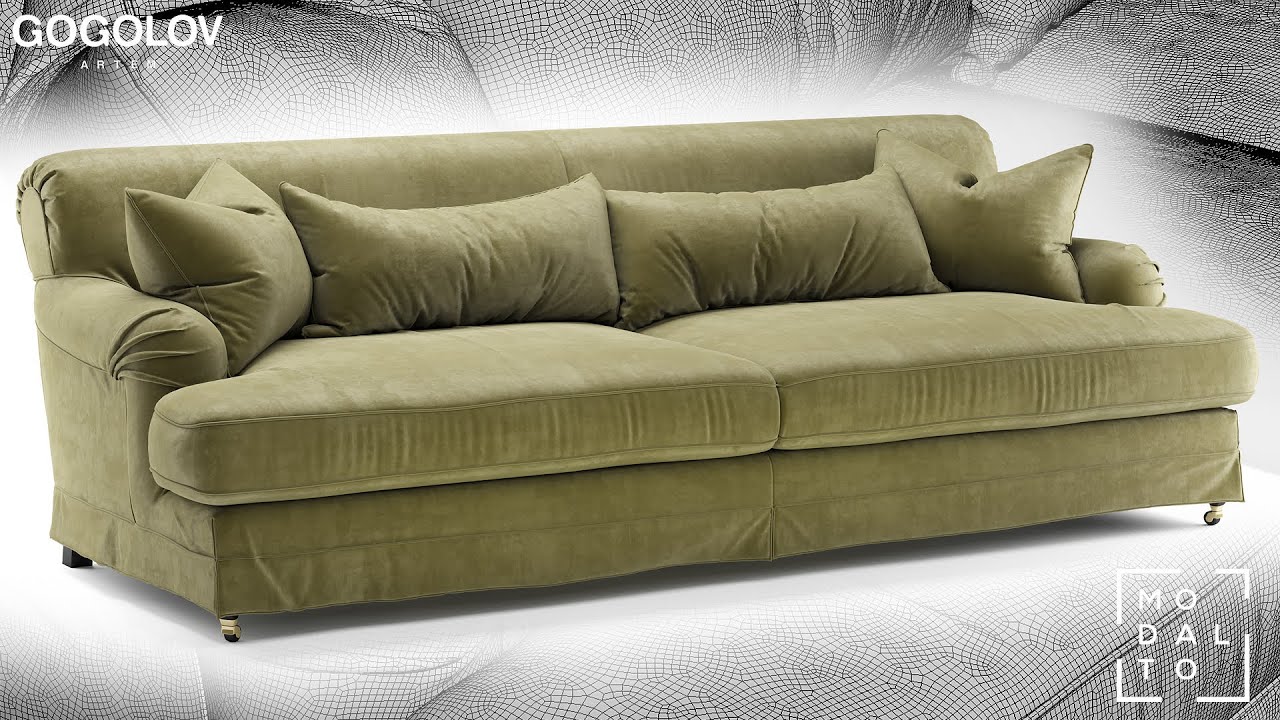
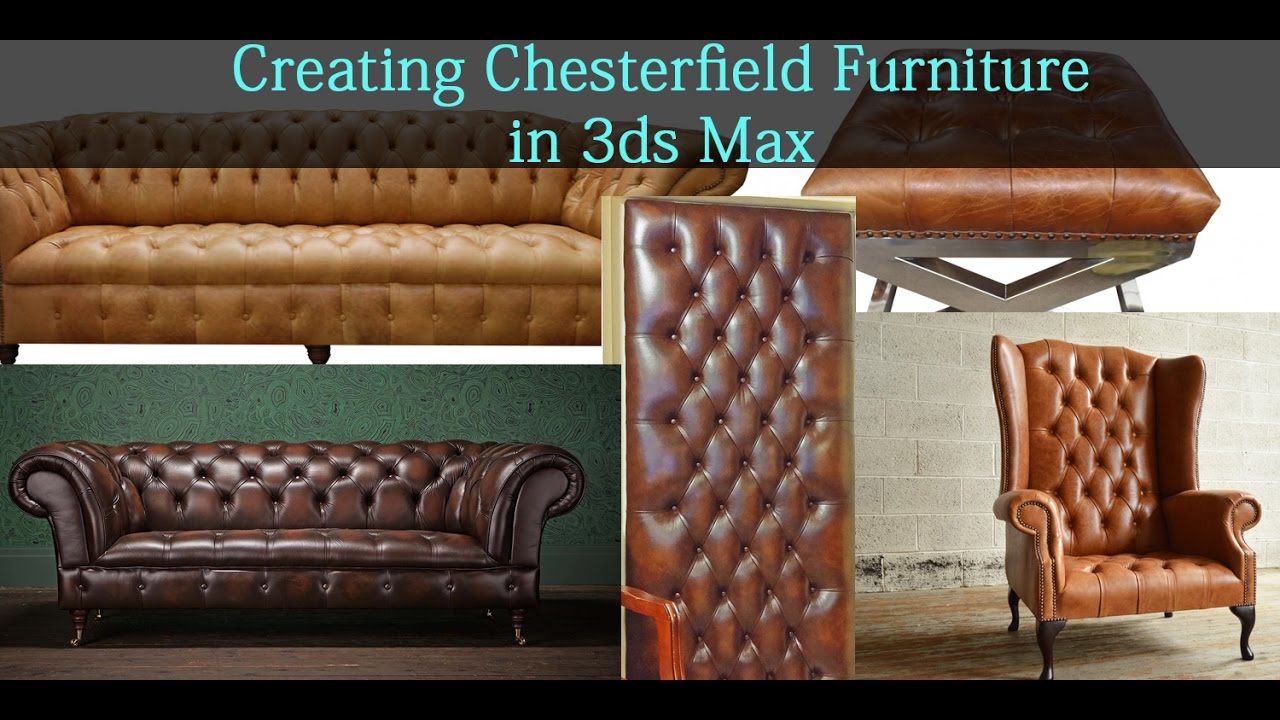
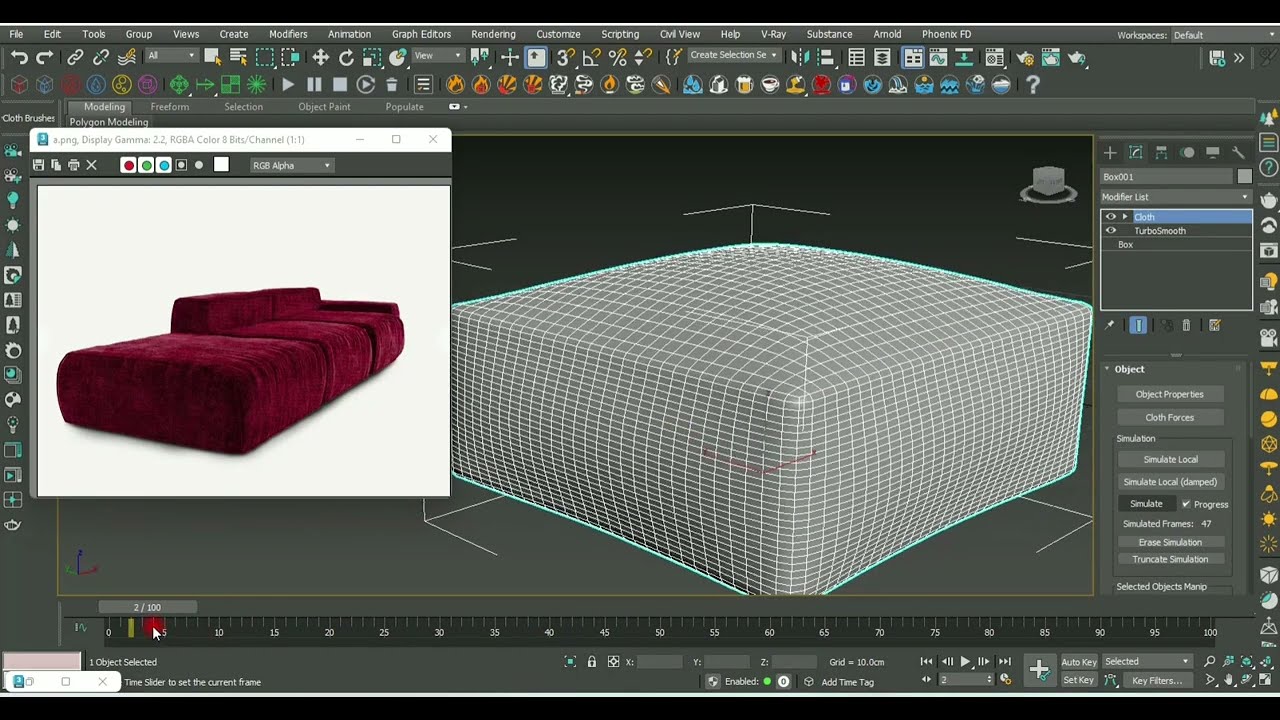
This video is a bonus video for the course, and it basically shows some other techniques that can be used when adding detail to your high poly furniture models in 3ds Max. I create some wrinkles using a simple painted map, the cut tool, and the displace modifier. I am trying to show how to create tons of detail, but maintain an efficient model.

Доступные форматы для скачивания:
Скачать видео mp4
-
Информация по загрузке: