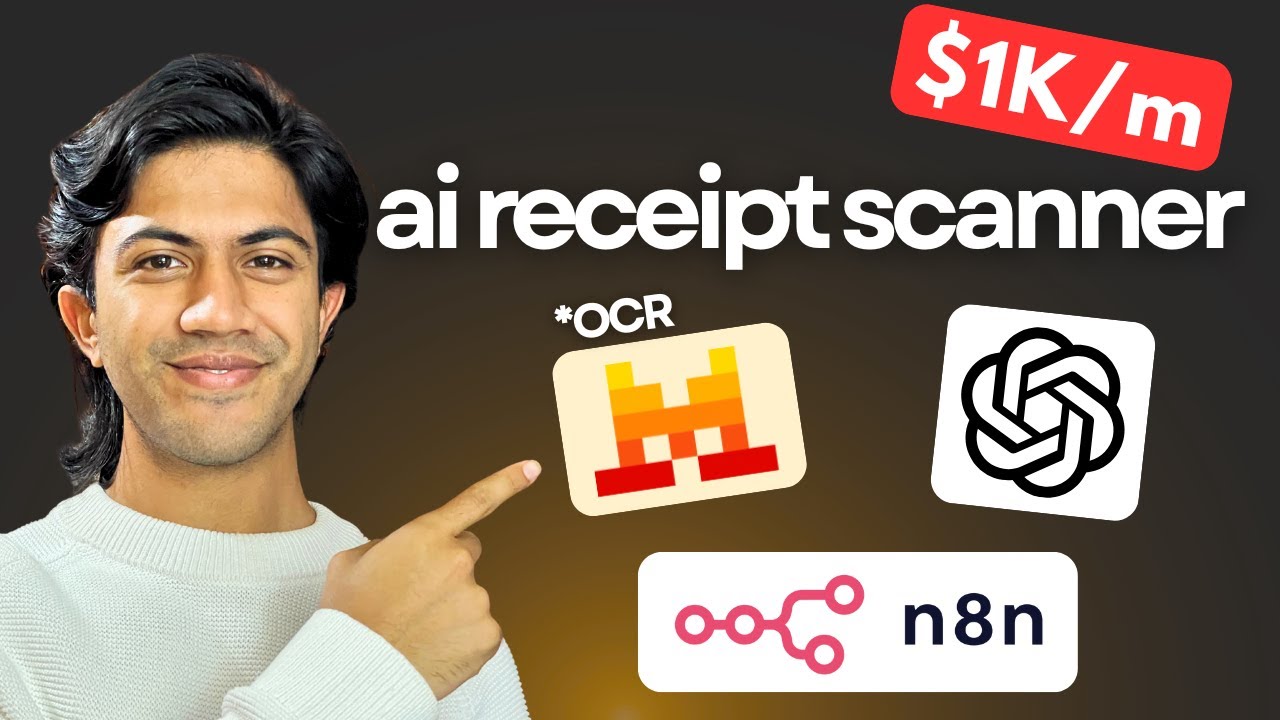
How to Build a Receipt Scanner in n8n (AI, No Code)
Автор: Ibrahim Rana
Загружено: 2025-10-18
Просмотров: 1417
Build a working AI receipt scanner in n8n — no code:
Upload a receipt image → extract text (OCR) → auto-categorize → log neatly to your spreadsheet. You’ll see the entire workflow end-to-end, and you can clone it for your own expenses or for clients.
What you’ll build:
An n8n workflow that accepts a file upload
OCR + AI parsing to extract merchant, date, items, totals
Automatic category routing (e.g., Café vs Fresh Foods)
Append structured rows to a Google Sheet (or your DB)
What you’ll need:
n8n (Cloud or self-hosted)
A spreadsheet destination (Google Sheets or CSV/DB)
An OCR option (e.g., your preferred service) and an LLM for parsing
15–30 minutes
#n8n #NoCode #AIAutomation #ReceiptScanner #OCR #GoogleSheets
Доступные форматы для скачивания:
Скачать видео mp4
-
Информация по загрузке:







![ПОЛНЫЙ ГАЙД на n8n. ИИ агенты и автоматизации (5+ часовой курс) [Без кода]](https://image.4k-video.ru/id-video/tUufFo-JTZQ)


