Retiming Animation in Maya with Time Warp Curves
Автор: My Oh Maya
Загружено: 2019-01-25
Просмотров: 39477
Follow My Oh Maya on Facebook - / my.oh.maya
Applying a Time Warp in Maya allows you to alter the rate of, or re-time existing animation. However, there are three similar but different methods for doing this in Maya.
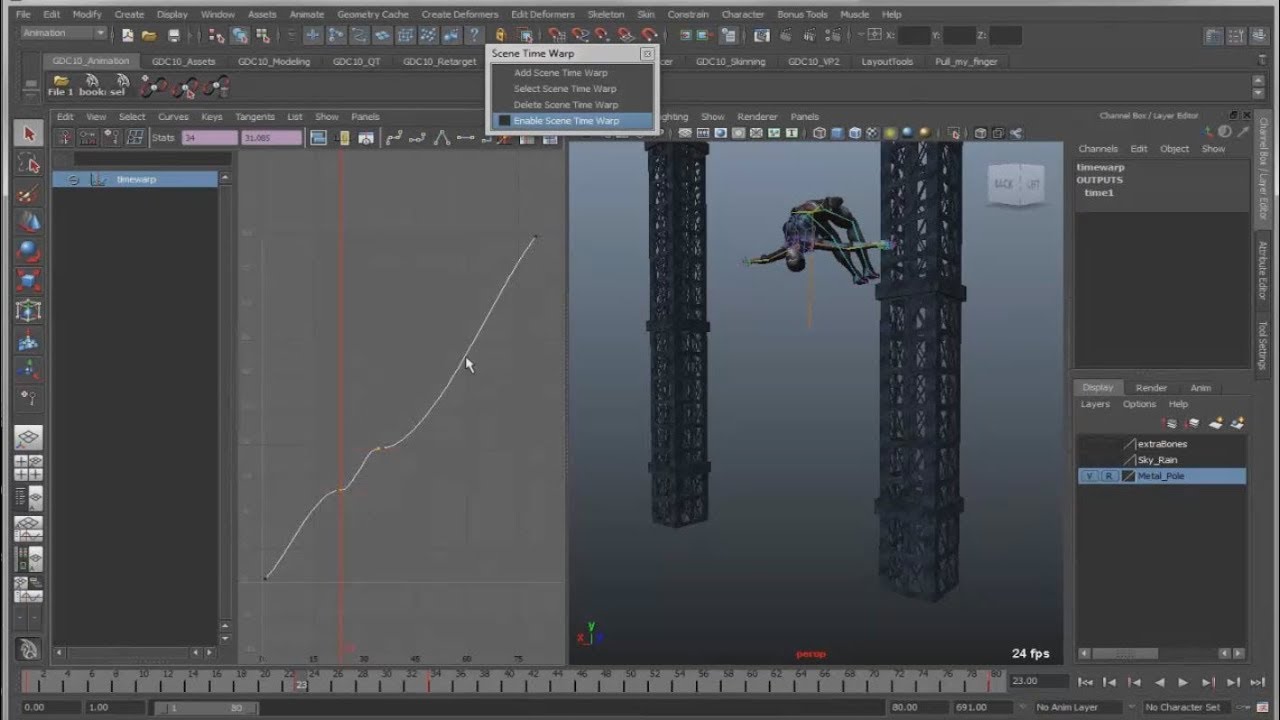
Scene Time Warp allows you to re-time all of the animation in an entire scene with a single Time Warp Curve.
The BonusTools Time Warp Animation allows you to re-time the animation of specific, individual objects
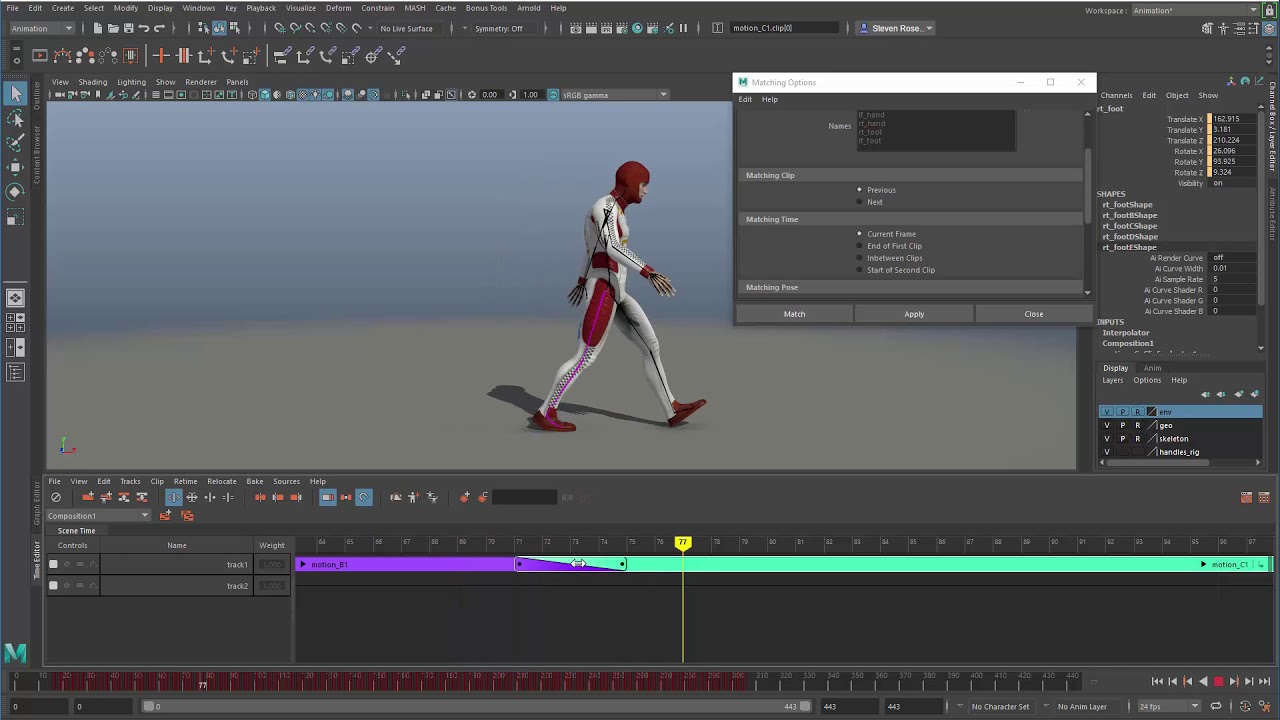
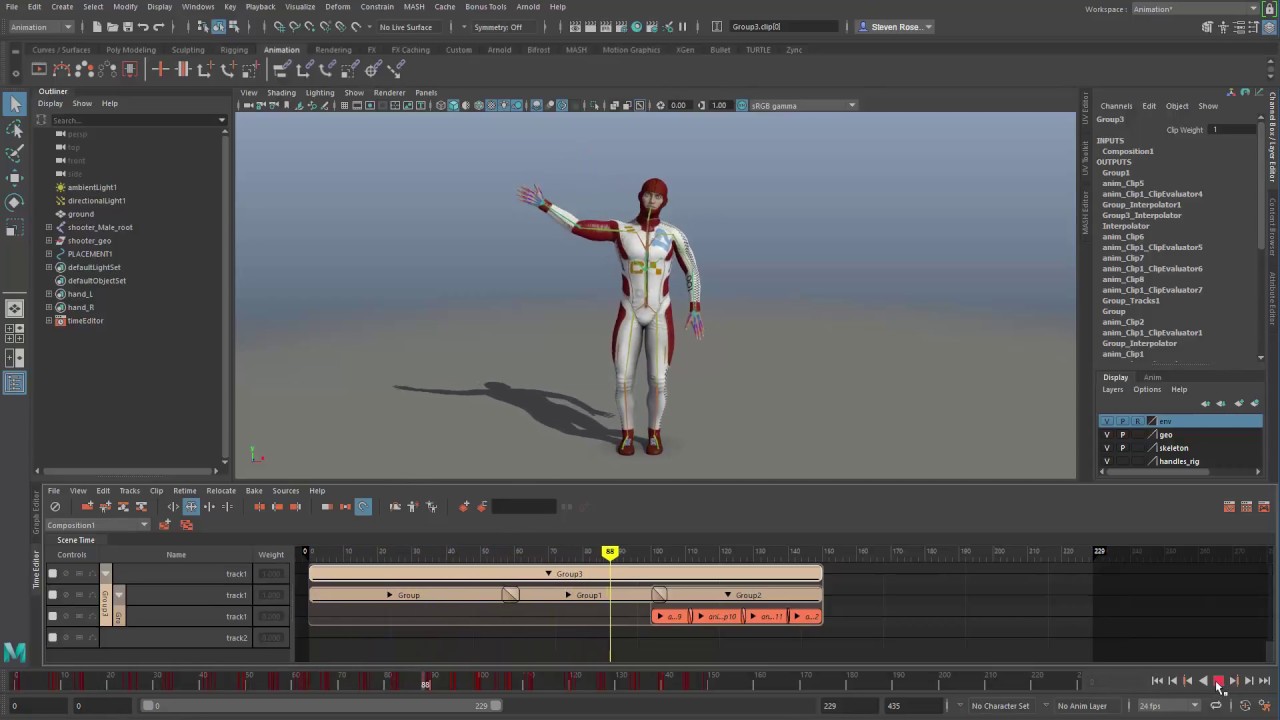
The Time Editor Time Warp allows you to re-time the animation for a specific clips of animation or group of clips in the Time Editor
In this demonstration I'll cover these three different types of Time Warps and explain how each method is useful for different situations.
Доступные форматы для скачивания:
Скачать видео mp4
-
Информация по загрузке: