How to Use the LaserSoft Connect App
Автор: LaserTechPro
Загружено: 2025-02-06
Просмотров: 783
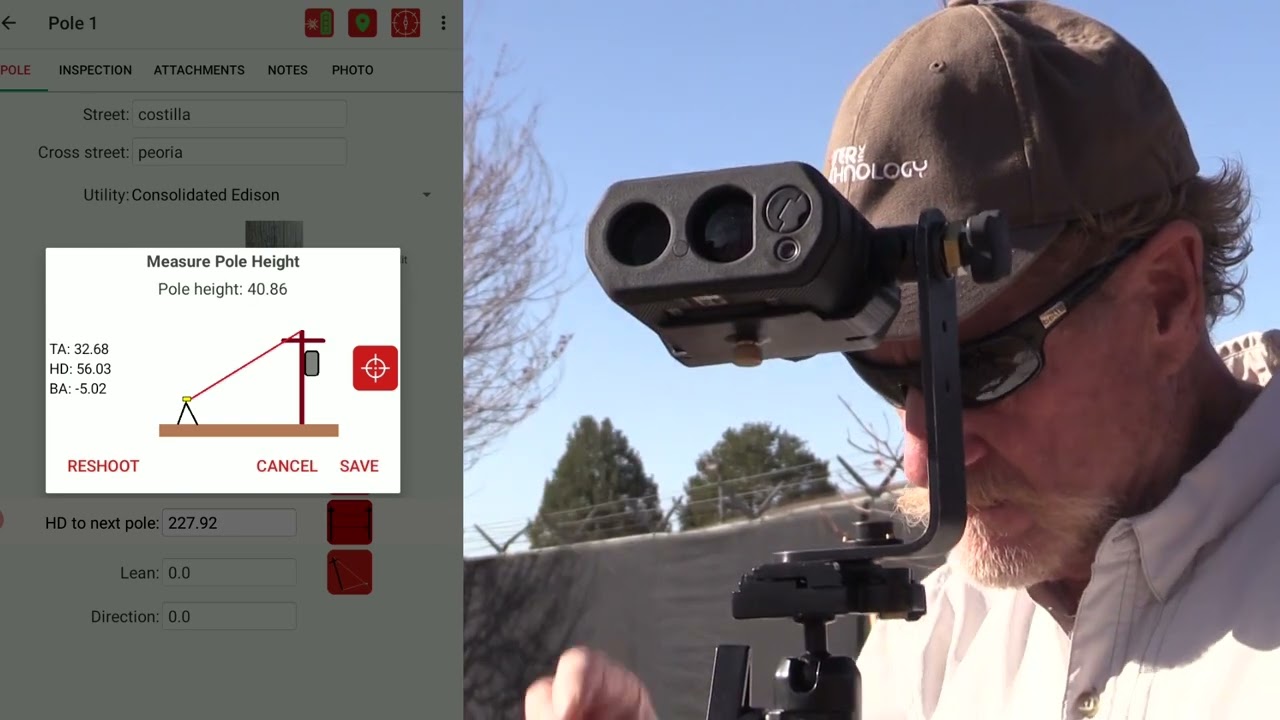
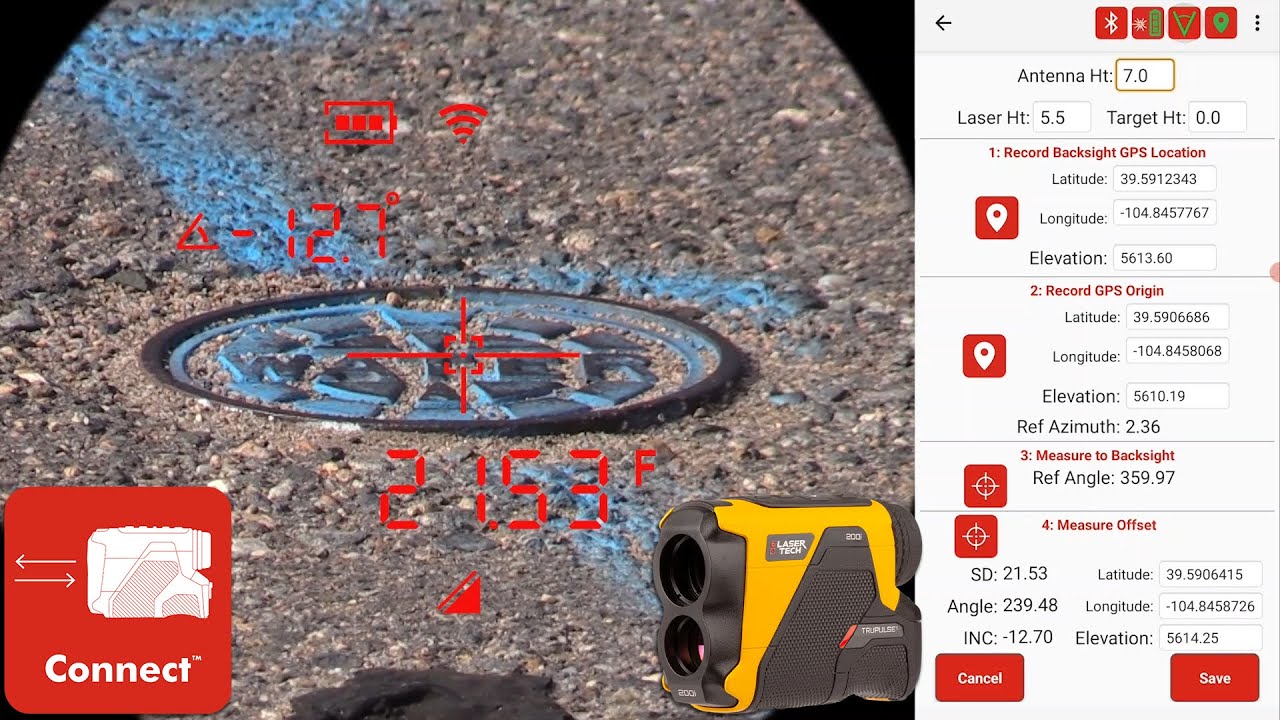
The LaserSoft® Connect app is free to download and use on Android devices so that GIS professionals can bridge the convenience of laser offset workflows with the power of Esri's ArcGIS Field Maps.
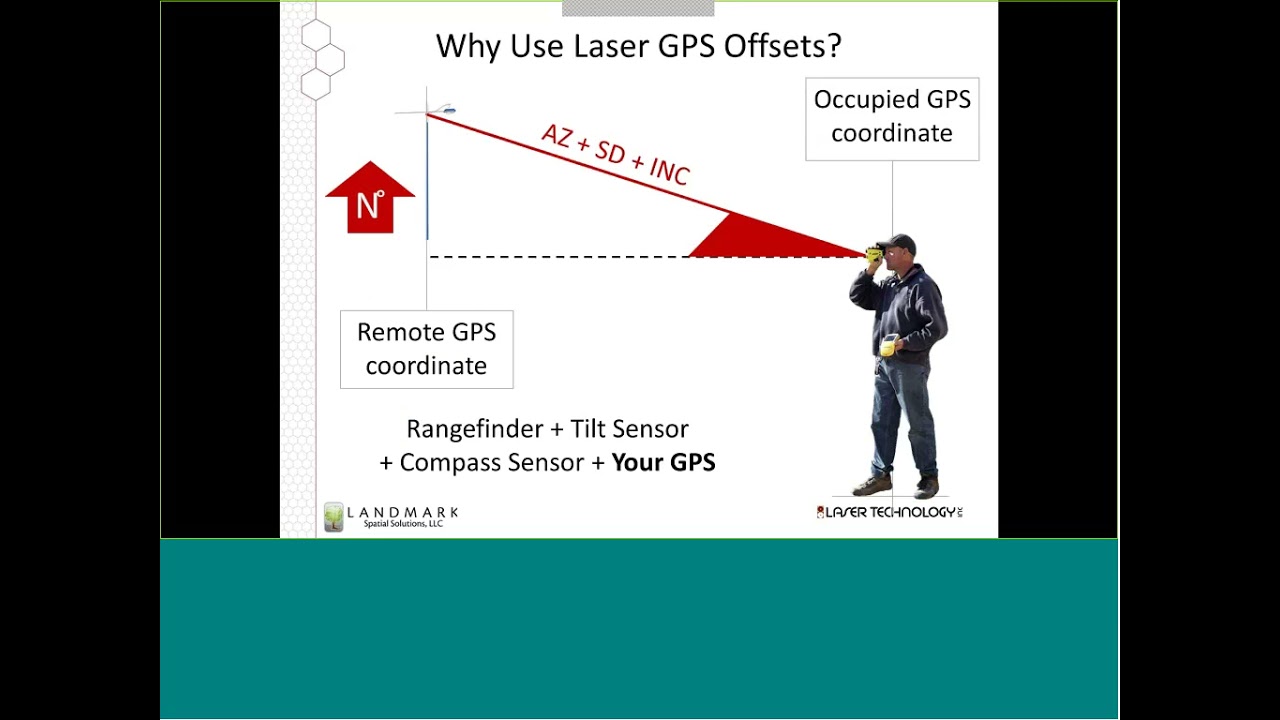
This video shows you how to use the three different offset workflows that the Connect app offers. Use the preferred workflow to position dangerous or hard-to-reach assets without physically occupying their locations.
Our smart measurement solutions, like TruPulse® rangefinders and MapStar® TruAngle® encoders, communicate with your GNSS receiver so that you can stick to safe, convenient locations.
00:00 First Steps and File Setup
01:11 Workflow 1: Distance - Angle
Equipment: TruPulse rangefinder, MapStar TruAngle Encoder, Connect App, ArcGIS Field Maps
04:33 Workflow 2: Distance - Distance
TruPulse rangefinder, Connect App, ArcGIS Field Maps
07:00 Workflow 3: Distance Azimuth
TruPulse 360 rangefinder, Connect App, ArcGIS Field Maps
08:06 More Features
Featured in this video:
LaserSoft Connect App https://lasertech.com/product/laserso...
Esri ArcGIS Field Maps https://www.esri.com/en-us/arcgis/pro...
TruPulse 200i https://lasertech.com/product/trupuls...
TruPulse 360i https://lasertech.com/product/trupuls...
MapStar TruAngle II https://lasertech.com/product/pm-maps...
Contact us with any questions or inquiries:
📞 1.877.696.2584
📨 info@lasertech.com
💻 https://lasertech.com/contact-us/
Доступные форматы для скачивания:
Скачать видео mp4
-
Информация по загрузке: