Скачать
Easy way to create a site location plan in Archicad
Автор: Visualreal Space Curators
Загружено: 2024-06-23
Просмотров: 605
Описание:
Retrieve Site Location Information:
Begin by dropping a pin on Google Maps to mark the site location.
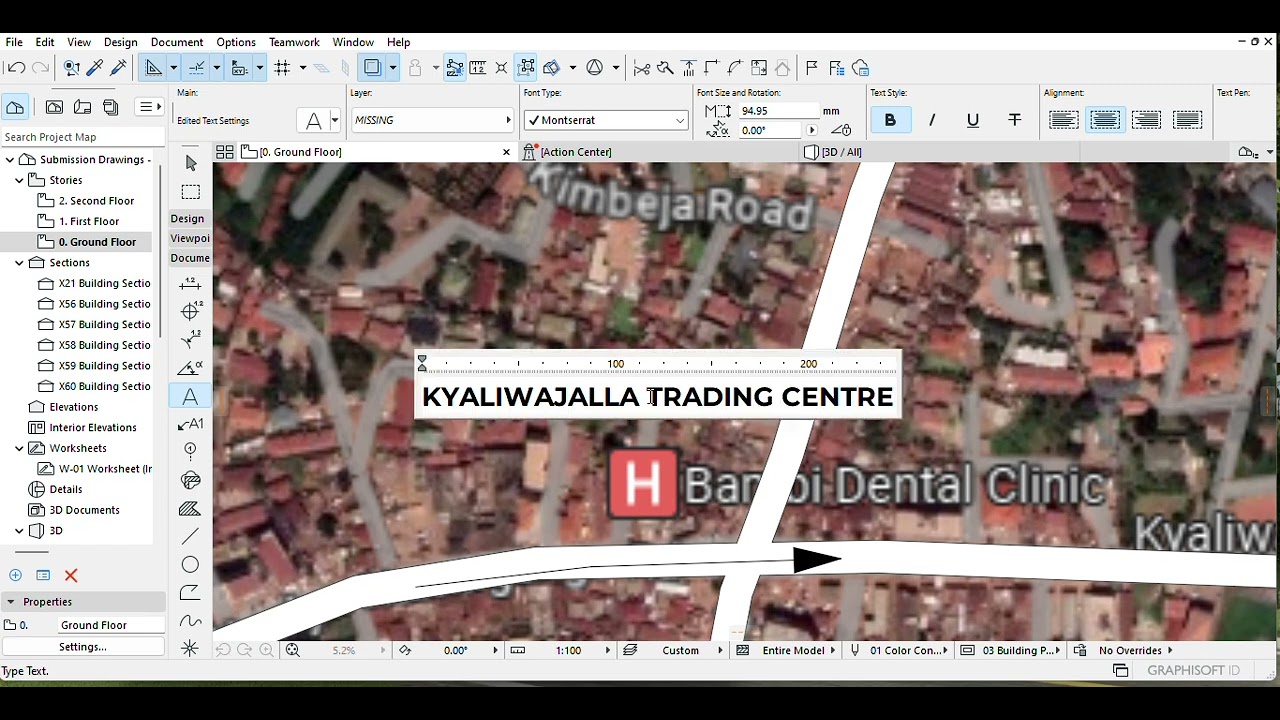
Take a screenshot of the map image with the scale.
Import the Image into Archicad:
Import the Google image into Archicad.
Rescale it to match the real-world dimensions.
Use Archicad Tools:
Utilize the Fill tool to mark the site boundary, roads, buildings, and landmarks.
Employ the Spline tool for precise drawing.
Add text labels to enhance clarity.
Finalize and Adjust:
Remove the reference image.
Adjust text and colors as needed.
Доступные форматы для скачивания:
Скачать видео mp4
-
Информация по загрузке: