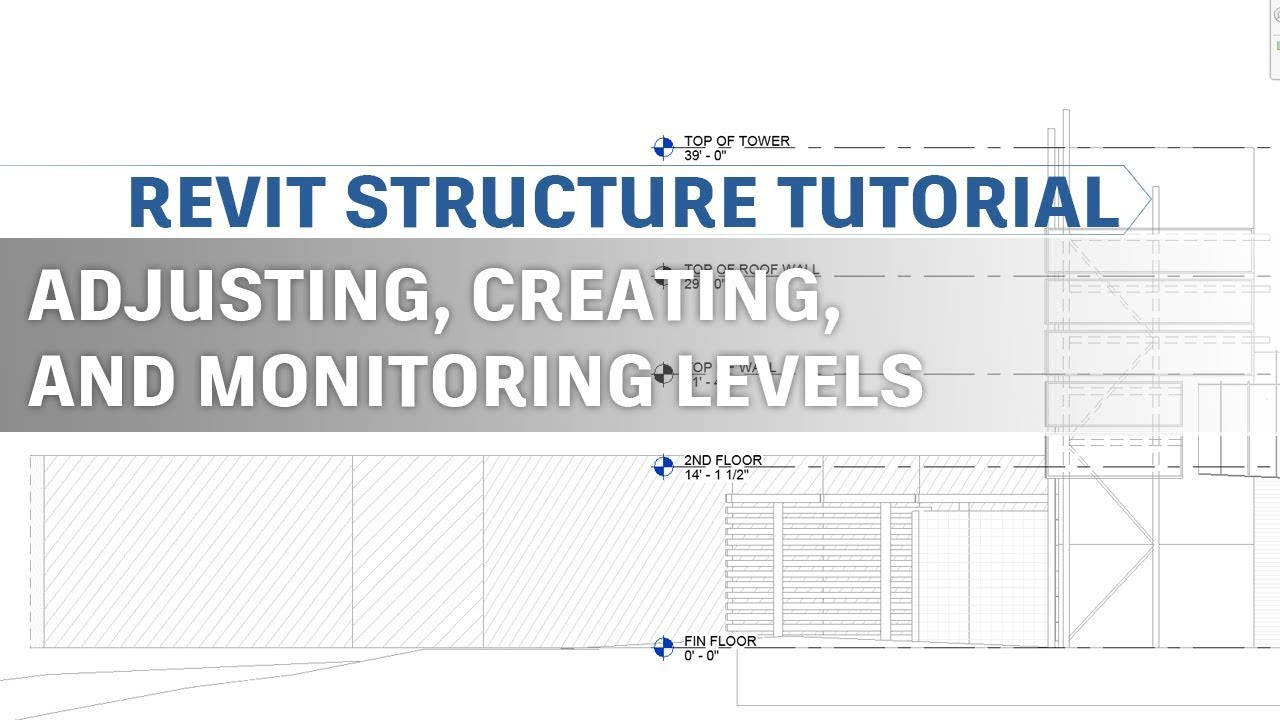
Revit Structure Tutorial - Adjusting, Creating, and Monitoring Levels in Revit
Автор: Cesar Trujillo
Загружено: 2019-03-13
Просмотров: 2155
In this video, I set up levels for my structural Revit model.
I show how I adjust the default levels that were established with the structural template by using the move and align commands. I go over the different options on how to create new levels. And I cover how to establish a "link" between the structural Revit model levels and the linked architectural Revit model levels with the monitor option.
This is the fourth video in a series of videos that shows how I set up a structural Revit project. If you would like to check out the previous videos, follow the links below.
Linking an Architectural Revit Model:
• Revit Structure Tutorial - Linking a Revit...
Halftone and Underlay a linked Revit Model:
• Revit Structure Tutorial - Halftone and Un...
Custom Visibility Graphics on a Linked Architectural Model:
• Revit Structure Tutorial - Custom Visibili...
Доступные форматы для скачивания:
Скачать видео mp4
-
Информация по загрузке: