GarageFarm.NET | Cinema4D + Redshift | Plugin overview tutorial
Автор: GarageFarm.NET Render Farm
Загружено: 2020-04-20
Просмотров: 7186
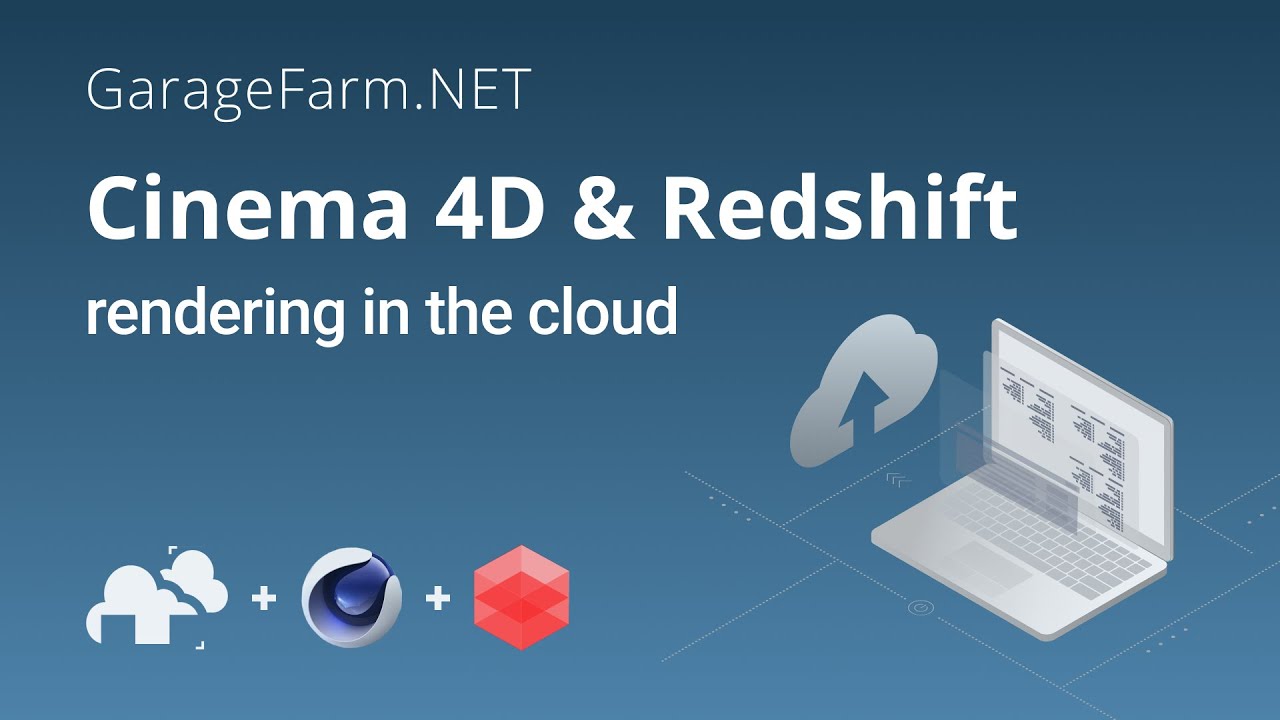
In this video, GarageFarm's very own render wrangler, Artur walks you through the process of rendering a C4D + Redshift scene in the cloud. Artur shows you how to install the GarageFarm plugin, set up your scene for rendering, and upload it to the farm - all in a few simple steps.
Using our GPU service is not only affordable, but it's also easy and requires no technical knowledge. Visit our website to learn more about who we are and how we can help you https://garagefarm.net/gpu/. You can register and test us for free using trial credits.
-----------------------------------------------------------------------------------------
UPDATE! In R21+, including R25, you can find our plugin in Extensions/RenderBeamer/renderBeamer: Beam it up. Feel free to contact our support in case of any difficulties uploading your project https://garagefarm.net/contact.
-----------------------------------------------------------------------------------------
⚡ GPU rendering price: $0.0025 / OB hour (OctaneBench hour)
There's no minimum charge. You pay for render time and only for as much as you use. We charge per minute of use, so you can pay as little as $1 if that’s all your scene needs to render.
--------------------------------------------------------
If you're new to cloud rendering and would like to learn more, here's a great resource for you https://garagefarm.net/how-to-use-onl....
If you're ready to get started, register at https://garagefarm.net/ and get $25 trial credits to test the service.
Make sure to follow us on social media for updates & tutorials:
Facebook: / garagefarm
Instagram: / garagefarm.net_renderfarm
Twitter: / garagefarm @GarageFarm
LinkedIn: / garagefarm
To expand your knowledge about rendering and CG as a whole, go to our blog page at https://garagefarm.net/blog/.
Happy rendering!
Доступные форматы для скачивания:
Скачать видео mp4
-
Информация по загрузке: