Скачать
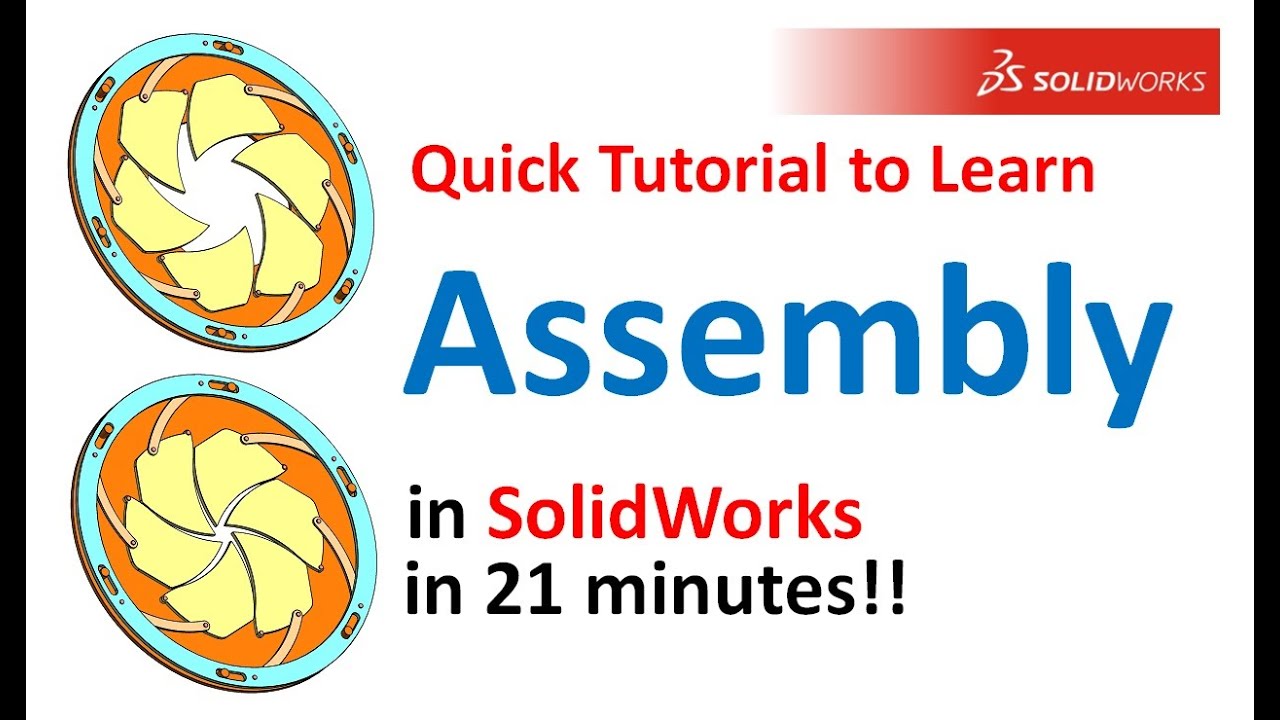
SolidWorks Advanced Assembly Tutorial for Mates and Animation
Автор: Mechanical Engineering Academy
Загружено: 2018-07-18
Просмотров: 6582
Описание:
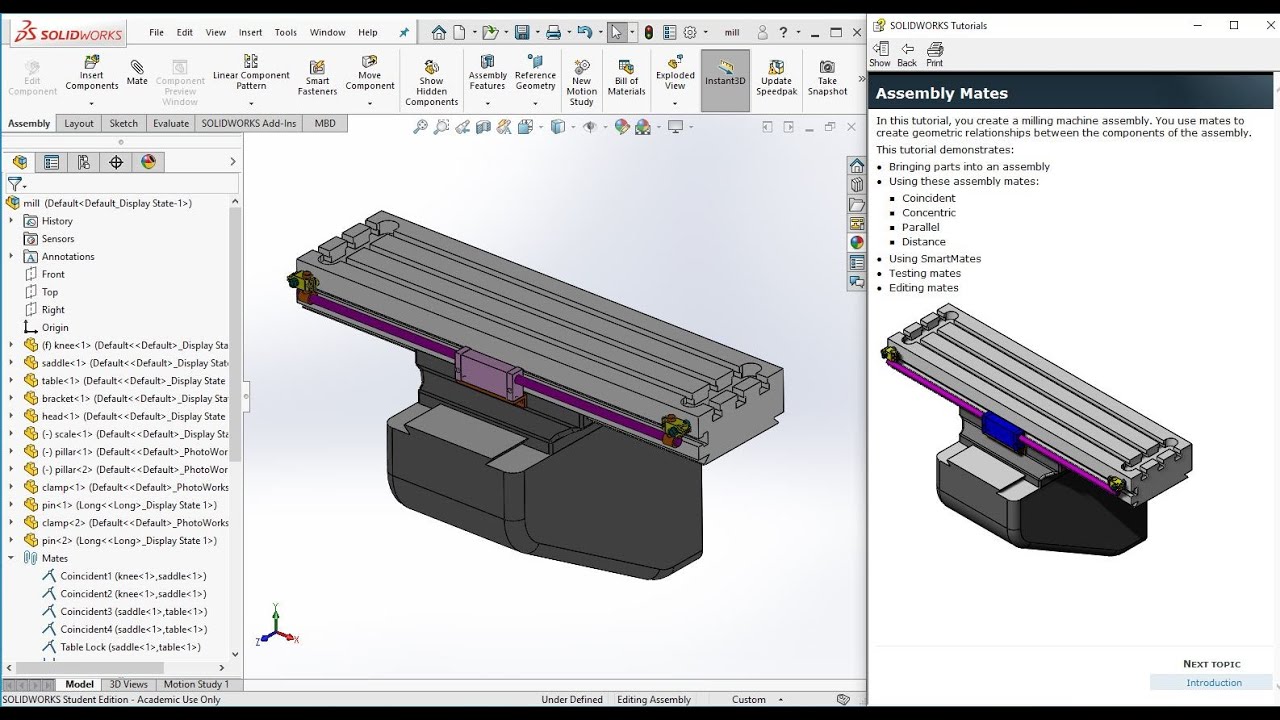
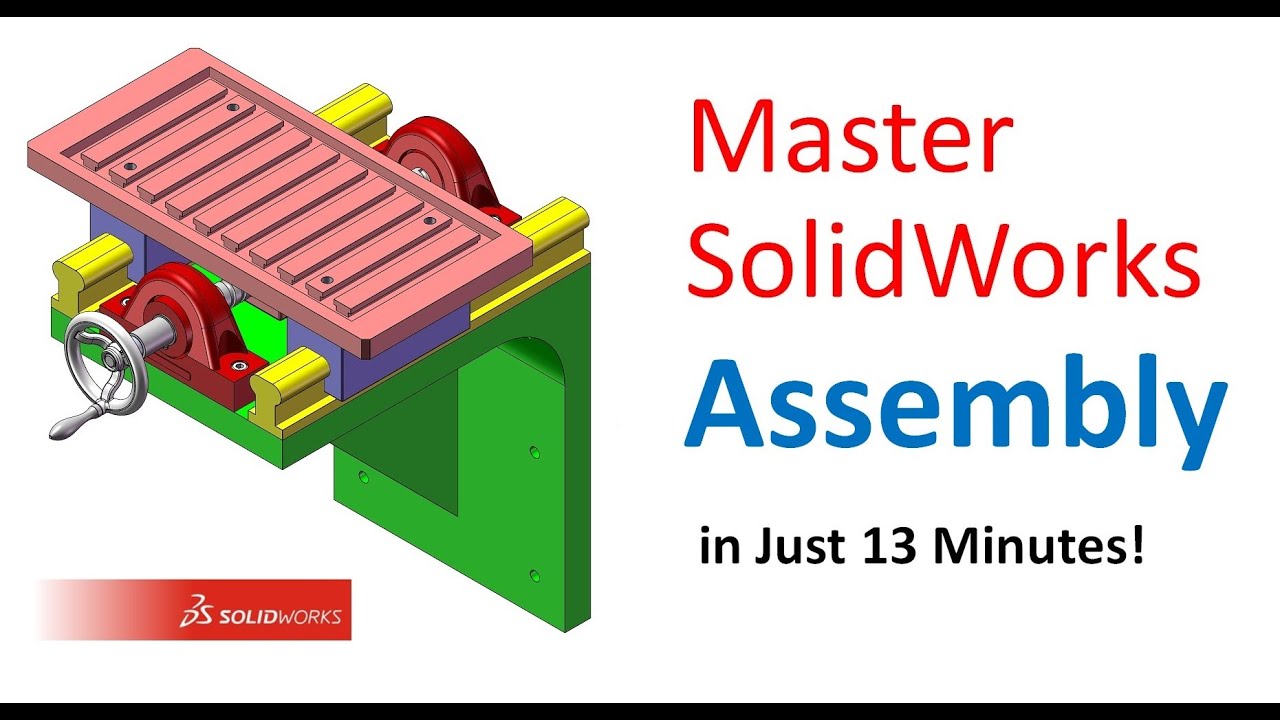
In this tutorial, you will create a milling machine table assembly. You will use mates to establish geometric relationships between the components of the assembly.
This tutorial demonstrates how to:
Import parts into an assembly
Use the following assembly mates: Coincident, Concentric, Distance, Tangent, Width, and Screw
Use the Pattern Driven Component Pattern to replicate components based on an existing pattern
Create a mechanism
Please use the following link to download the SolidWorks part files:
https://drive.google.com/drive/folder...
Доступные форматы для скачивания:
Скачать видео mp4
-
Информация по загрузке: