How to Use Neighborbrite Step by Step: Designing with Add Elements, Erase, and Reimagine
Автор: Neighborbrite
Загружено: 2026-01-15
Просмотров: 6
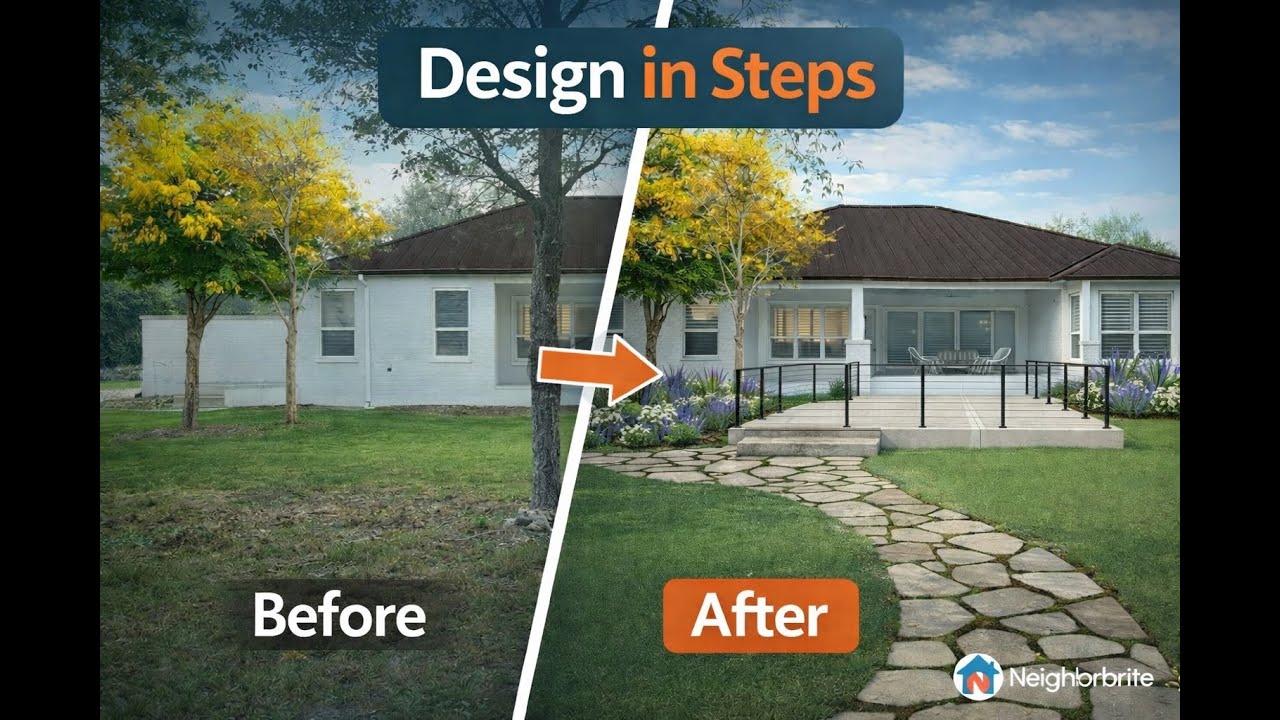
This tutorial walks through a practical, step-by-step workflow for designing a yard in Neighborbrite when a single text prompt isn’t enough.
You’ll learn why detailed prompts can miss things like proportions and dimensions—and how to get better results by breaking the design into stages. The video covers:
• Removing existing features using the Erase Elements tool
• Adding a concrete patio extension with Add Elements
• Visually adjusting size and proportions for better accuracy
• Using Reimagine Image to add planting beds and color
• Refining details like railings with Magic Edit
• Completing the design with paths and hardscape elements
By designing in steps, you gain more control over layout, scale, and final results while still benefiting from AI-assisted creativity. This approach is ideal when you have a specific layout or functional goal in mind.
Доступные форматы для скачивания:
Скачать видео mp4
-
Информация по загрузке:


