Part 02: Exporting 3D model to the holographic display | Tutorial Looking Glass Portrait| Part 02
Автор: Tutorials • Immersive Realities Industry 4.0
Загружено: 2022-07-30
Просмотров: 94
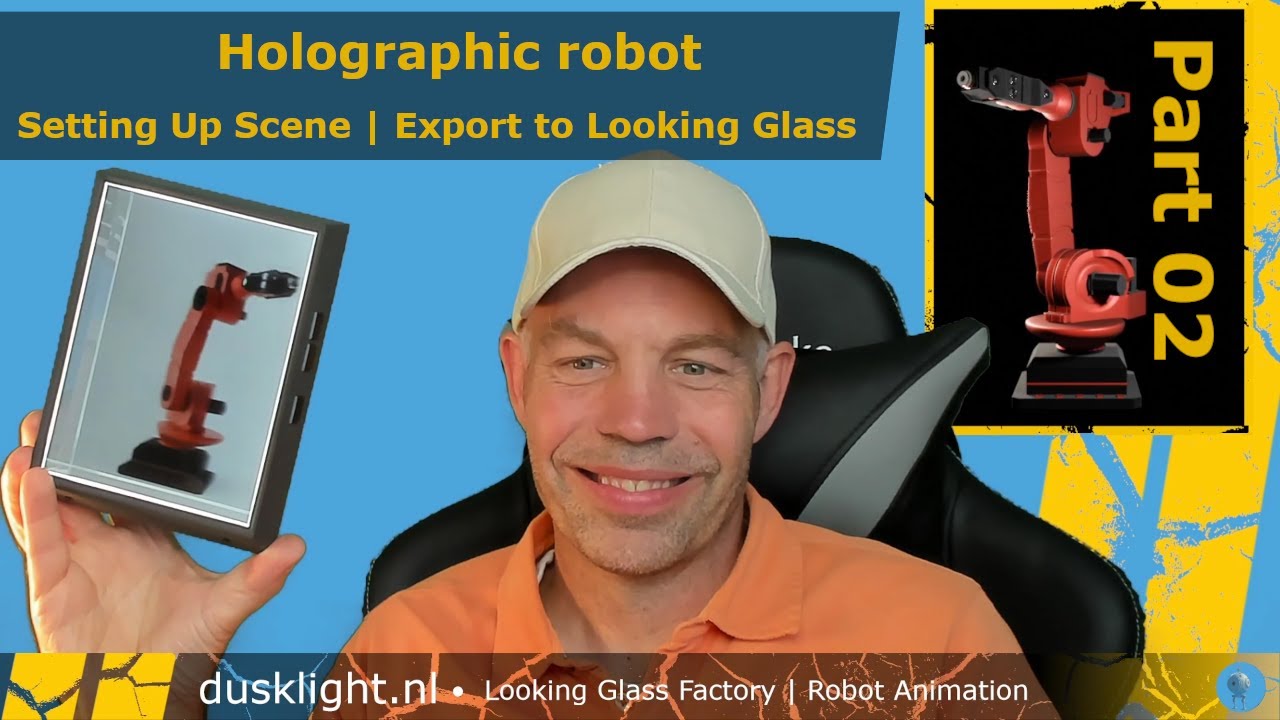
In this tutorial we will be exporting a 3D model and the animation to the looking glass portrait. This holographic display allows multiple viewing angles giving the real impression of depth and 3D views.
Part 01 can be fond here: • Part 01: Holographic Display Tutorial | S...
This tutorial includes
TIMESTAMP:
00:00 - 00:32: Introducing the 3D robot model & Looking Glass connection
00:32 - 01:32: Different (qs) views of the Looking Glass Portrait
01:32 - 02:59: Resolution of the images for the Looking Glass Portrait
02:59 - 04:07: Showing Textures / Colors on the model (screen duplicate)
04:07 - 04:35: Custom views in Shading & Overlays Settings
04:35 - 06:34: Rendering Quilt (and suggestions)
06:34 - 11:36: Creating the full animation in Blender for the Looking Glass Portrait
11:36 - 12:58: Uploading animation to the Looking Glass Portrait using the Holoplay Studio
12:58 - 14:27: Solving errors with the upload using the Holoplay Studio
14:27 - 14:50: Showing the Looking Glass Portrait and the animation
This tutorial guides you through the process of downloading the software (blender & AliceLG) and shows the installation step by step. The default scene of Blender (cube) is exported to the looking glass portrait. The final scene will export a robot to the looking glass (including the animation) where we set up the scene.
But let's first install the software and set everything up so we can get started and connect to the looking glass portrait. The technology behind the looking glass is excellent, the device shows a great 3D image with a true sense of depth. It may be hard to record with a single camera (webcam) but seeing the actual looking glass portrait is impressive. See also the other tutorial about the looking glass device.
Overview of the looking glass portrait device can be seen here: • Holograms and Looking Glass Portrait | Hol...
Доступные форматы для скачивания:
Скачать видео mp4
-
Информация по загрузке: