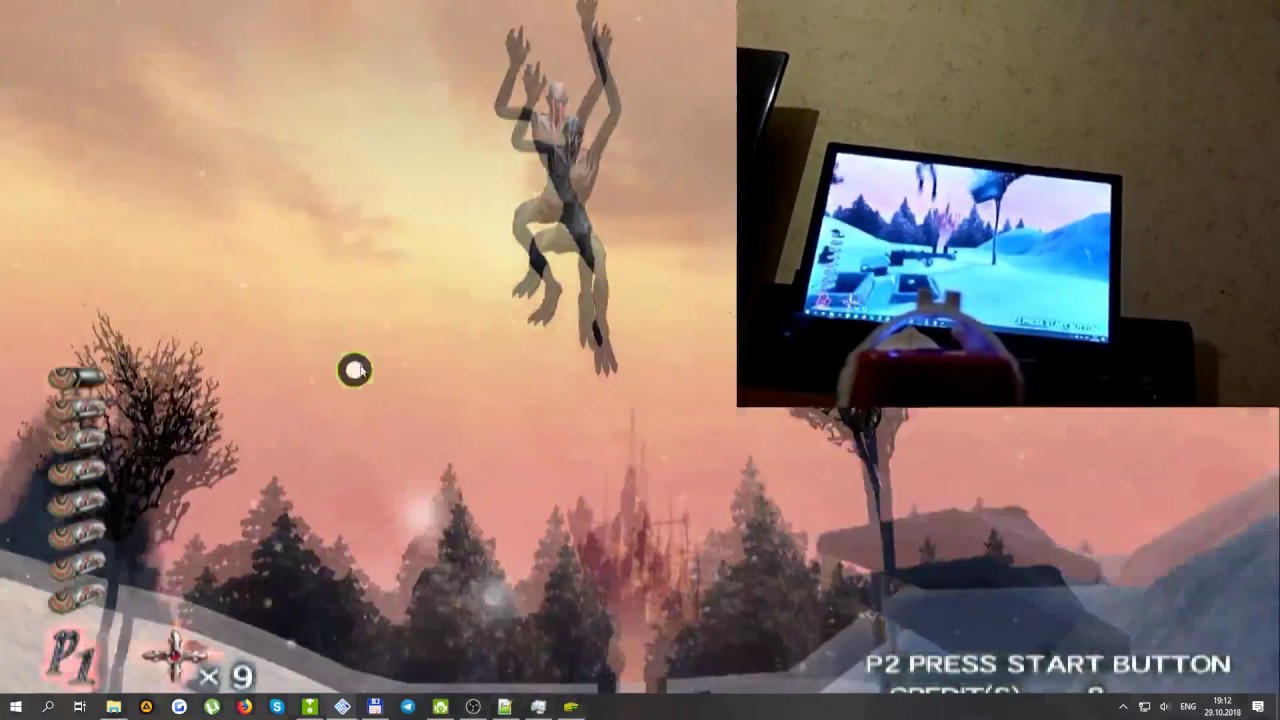
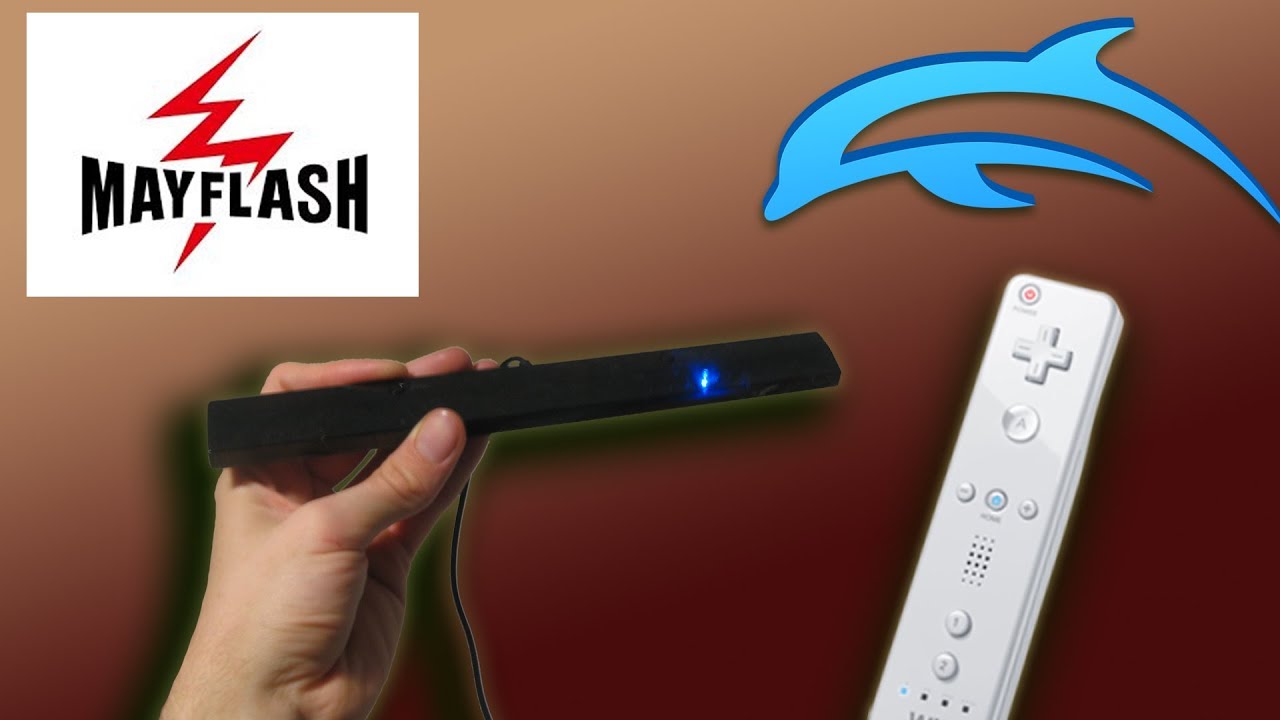
HOW TO USE A WIIMOTE AS A LIGHTGUN FOR MAME GAMES
Автор: Jasper Bartkovich
Загружено: 2022-06-17
Просмотров: 6988
You do not need a dolphin sensor bar. One that plugs into a computer through USB is sufficient.
If your computer does not have bluetooth you can purchase a bluetooth adaptor. (They’re on Amazon)
Touchmote works on Windows 7 and up.
This tutorial is for Windows 10, but the MAME configuration is still helpful.
Too long didn’t watch:
1. Connect your wiimote to your computer via Bluetooth
2. Download Touchmote online and connect the wii remotes to it
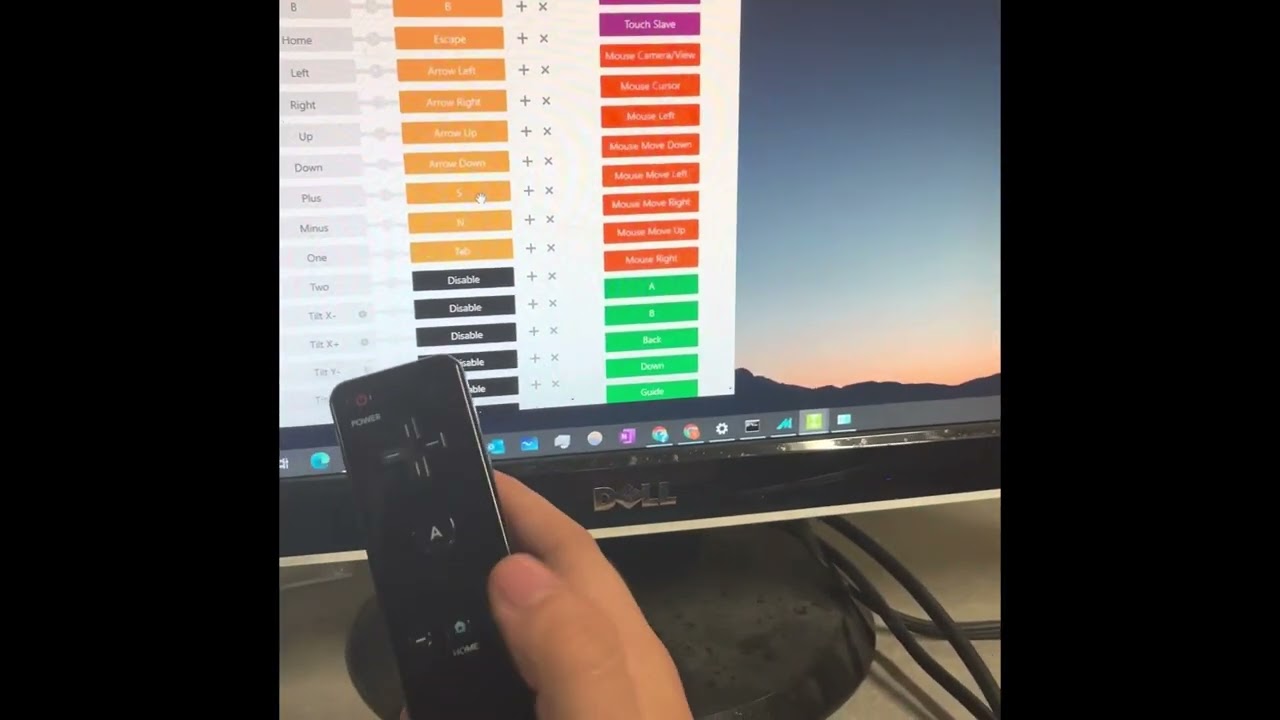
3. Configure controls on Touchmote
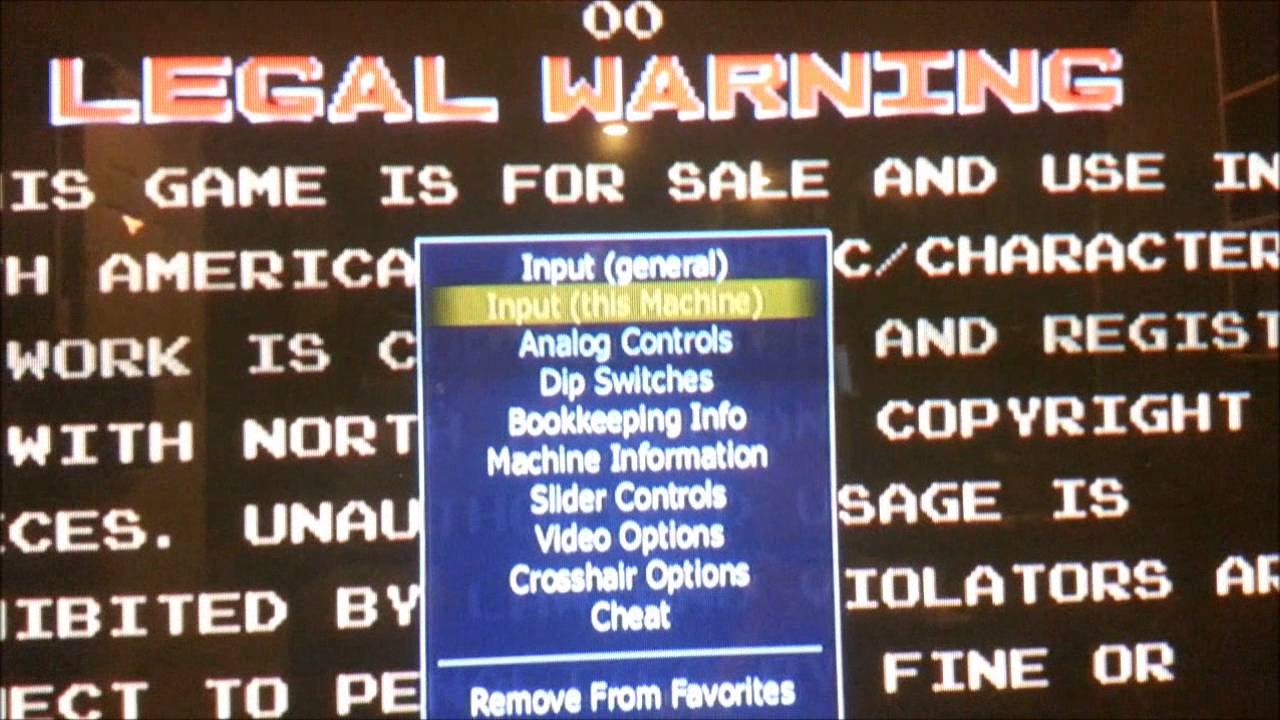
4. Open mame.exe and go to input device settings under “configure machine”
5. Make sure light gun,
mouse, and joy stick are on “lightgun”
6. Go to advanced settings, scroll down and make sure light gun, mouse and joy stick are turned on
7. Open desired light gun game
8. Press tab and configure controls
Доступные форматы для скачивания:
Скачать видео mp4
-
Информация по загрузке: