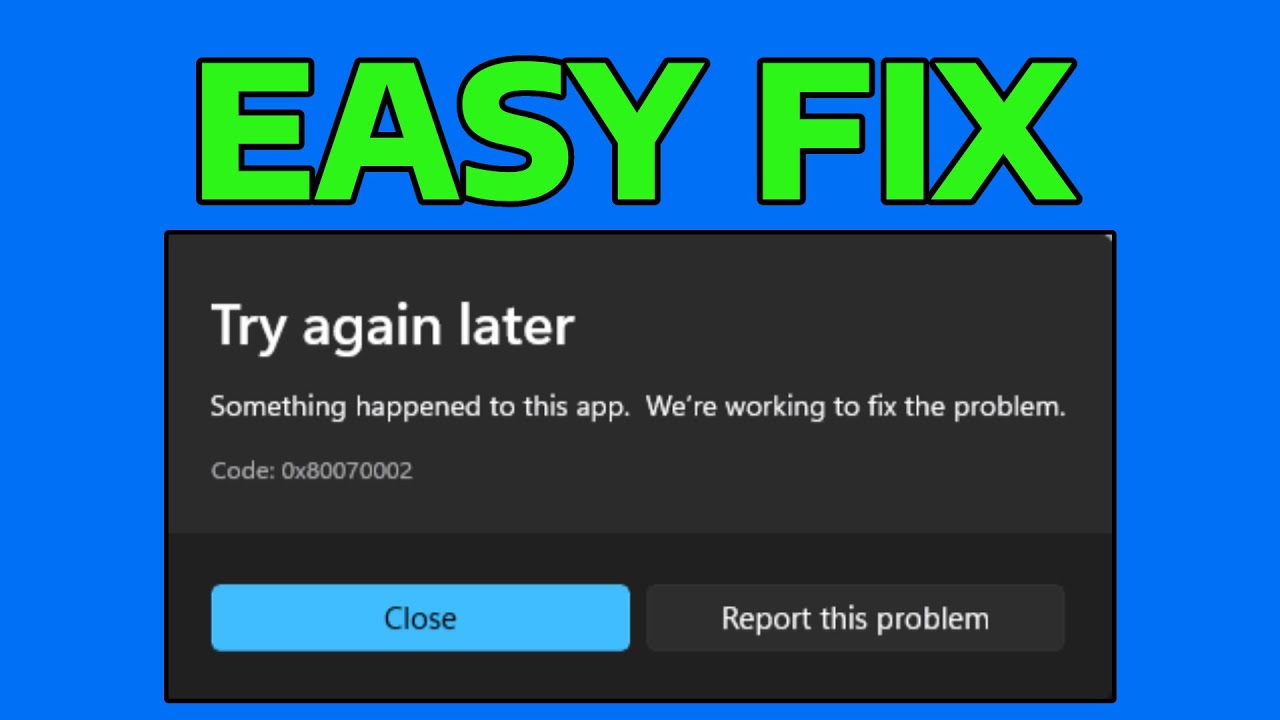
How To Fix Error 0x80070002 When Installing Gaming Services On Microsoft Store
Автор: Speedy Tutorials
Загружено: 2025-10-12
Просмотров: 247
How To Fix Error 0x80070002 When Installing Gaming Services On Microsoft Store
Support me: https://ko-fi.com/speedytutorials
If you're encountering error 0x80070002 while installing Gaming Services on the Microsoft Store, this error can prevent you from accessing games and services through Xbox Game Pass. In this tutorial, I'll show you how to fix this error and successfully install Gaming Services.
Download Gaming Services: https://apps.microsoft.com/detail/9mw...
Issues addressed in this tutorial:
error 0x80070002 gaming services fix
gaming services won’t install microsoft store
0x80070002 windows 10 microsoft store error
microsoft store gaming services installation failed
how to fix error 0x80070002 windows 11
This tutorial will apply for computers, laptops, desktops, and tablets running the Windows 11, Windows 10, Windows 8/8.1, Windows 7 operating systems. Works for all major computer manufacturers (Dell, HP, Acer, Asus, Toshiba, Lenovo, Samsung).
Доступные форматы для скачивания:
Скачать видео mp4
-
Информация по загрузке:






![[FIXED] Another Version of this Product is Already Installed](https://imager.clipsaver.ru/ROeZHxz6-vs/max.jpg)