Cakewalk Tutorial: Editing Multi-track Drums (Efficiency Tricks and Settings Optimization)
Автор: Aeonix Productions
Загружено: 2019-01-01
Просмотров: 6312
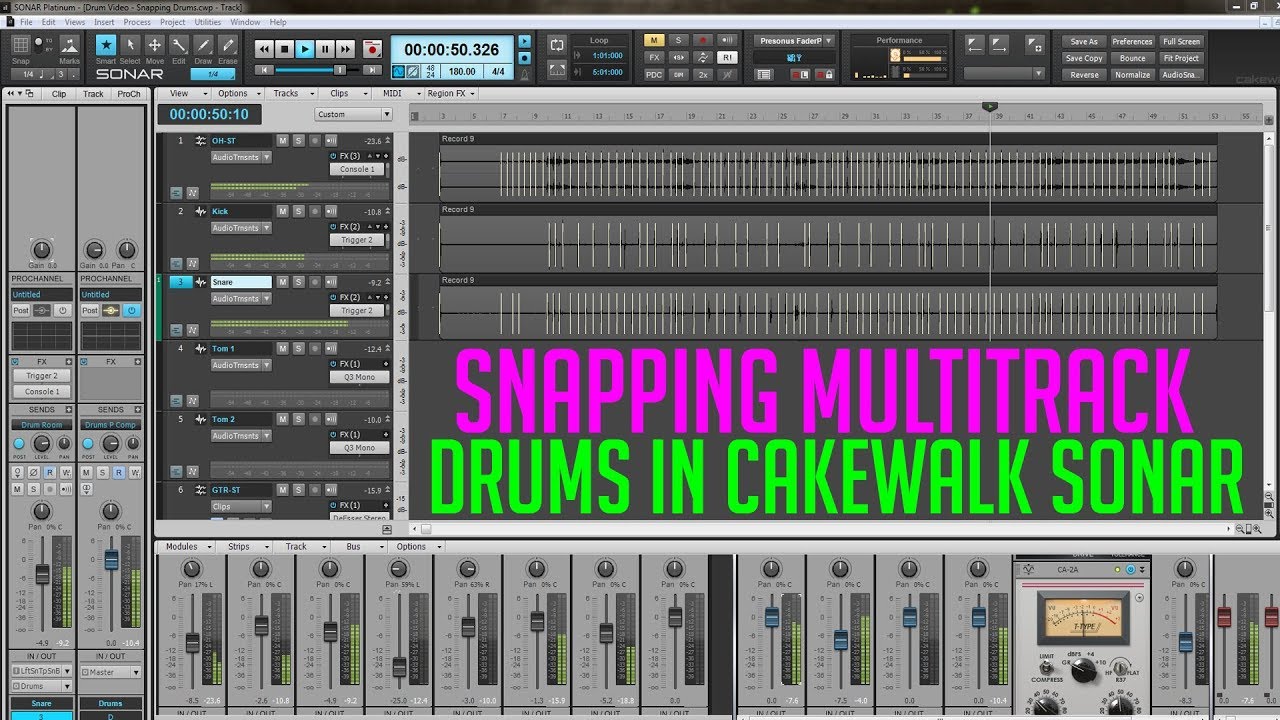
Optimize your slip editing with these must have settings along with an efficient solution to automate the slip editing process with Audiosnap!
I forgot to mention after doing your manual slip editing, Highlight the clips and Go to Clips-Fade Clips or alt-F if you have setup the shortcut like i have demonstrated at the start.
Timestamp:
Jump to Manual Slip Editing: 01:36
Jump to Audiosnap Slip editing Trick: 03:45
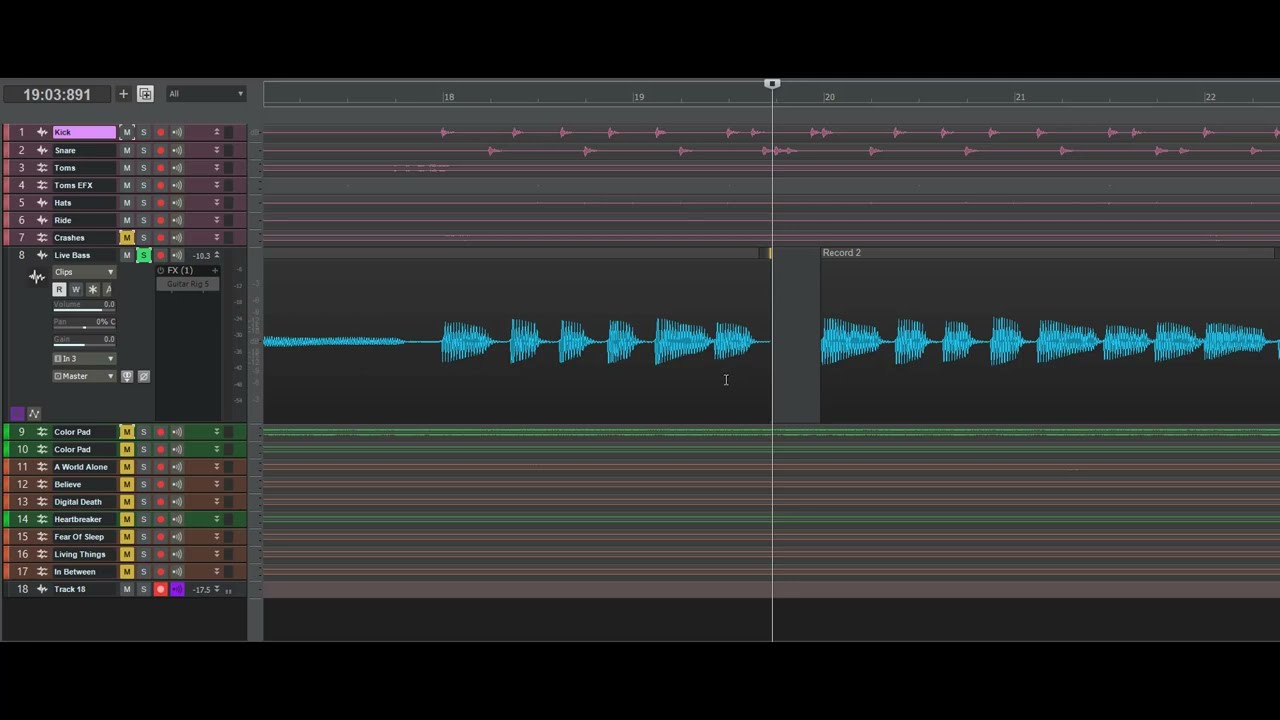
Before Quantize: 09:00
After Quantize: 10:24
My Settings:
Clip select after split 00:17
Edit - preference - editing - selection after single split right portion
Grid Color 00:30
Edit - preference - colors - Vertical Beat Lines
Edit - preference - colors - Vertical Measure Lines
Shortcuts: 00:51
Enable/disable automatic crossfades on/off - ~
Fade selected clips - Alt+F
Recorded & Filmed by Aeonix Productions
www.aeonixproductions.com
/ aeonixproductions
Contact info@aeonixproductions.com for inquiries about our Audio & Video Recording, Mixing & Mastering, Backline & PA System Rental and Band Live Sound Mixing services.
#Cakewalk #DrumEditing #Audiosnap

Доступные форматы для скачивания:
Скачать видео mp4
-
Информация по загрузке: