Create Cinematic 3D Tracking in After Effects | Step-by-Step Guide | MotionGraphics
Автор: krishna
Загружено: 2026-01-14
Просмотров: 8
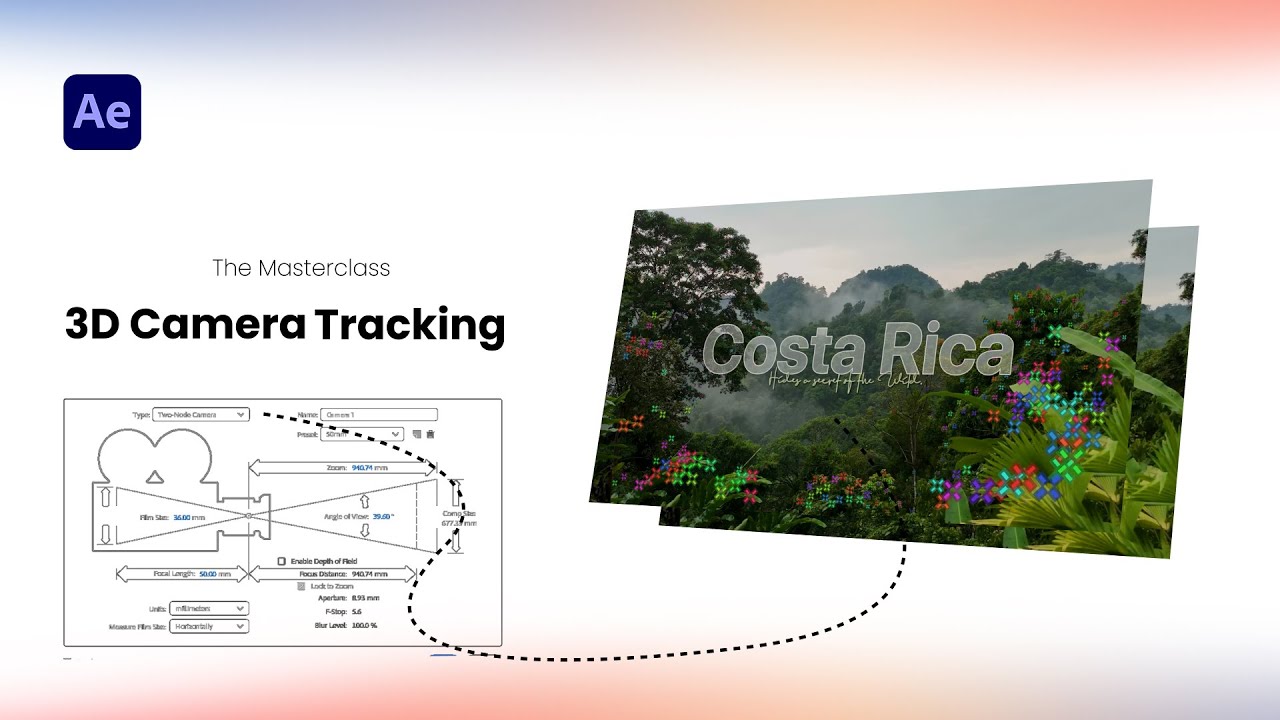
In this tutorial, we dive deep into the professional workflow of 3D Camera Tracking within Adobe After Effects. As a cinematic editor, mastering this tool is essential for seamlessly integrating text and graphic elements into moving footage to create a realistic, high-end look.
Key Learning Points:
Scene Analysis: Preparing your composition for the tracking engine.
Camera Solving: Using the 3D Camera Tracker to generate accurate track points.
Element Integration: Creating 3D text that anchors perfectly to your environment.
Advanced Control: Leveraging Null Objects to manage complex motion and alignment.
Timestamps
00:00 – Intro and Final Result Preview.
00:15 – Composition Setup and Footage Import.
00:32 – Initializing 3D Camera Tracker and Analyzing Points.
01:07 – Creating 3D Text and the Tracked Camera.
01:33 – Text Customization (Font, Styling, and Placement).
01:52 – Adjusting Alignment using 3D Views for Depth Accuracy.
02:46 – Using Null Objects for Advanced Motion Control.
03:08 – Final Rendering and Cinematic Polish.
#AfterEffects #3DCameraTracking #MotionGraphics #VFX #AdobeCreativeCloud #VideoEditing #CinematicArts #VisualEffects #AfterEffectsTutorial #PostProduction
Доступные форматы для скачивания:
Скачать видео mp4
-
Информация по загрузке: