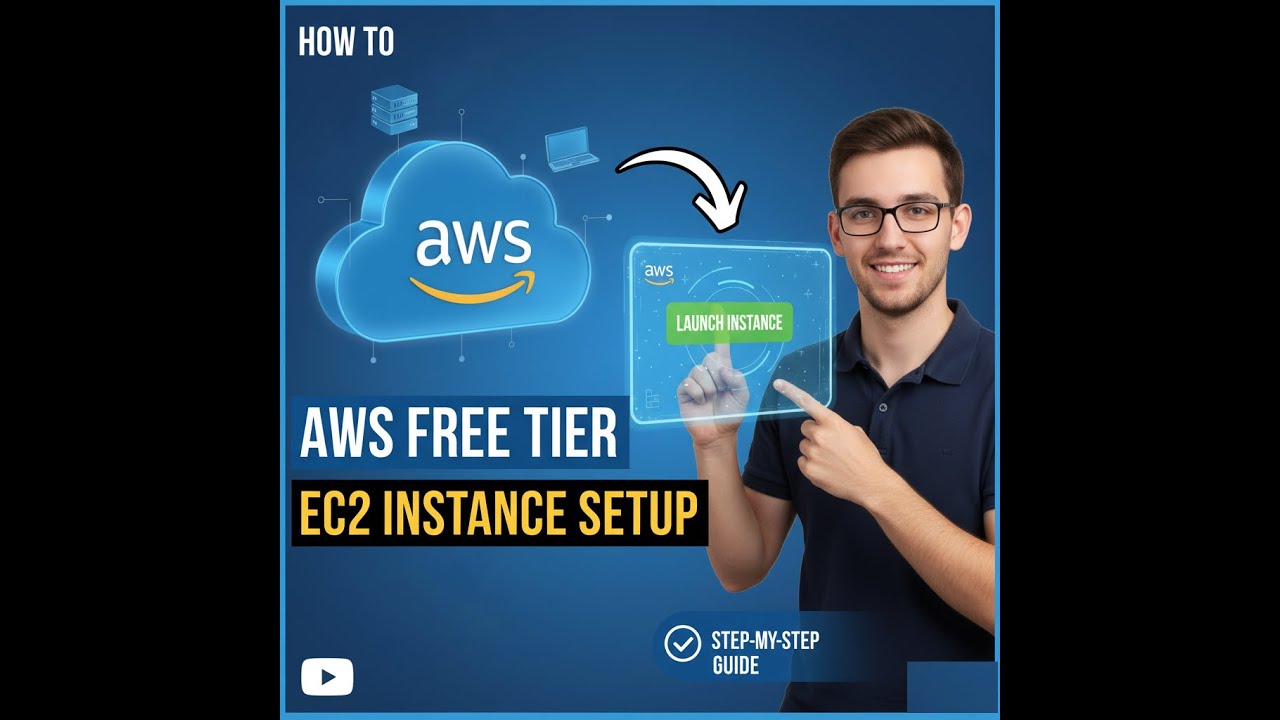
How to Get Free Linux on AWS + Setup an EC2 Instance (Free Tier)
Автор: TechWithQuorith
Загружено: 2025-10-24
Просмотров: 68
Get FREE Linux on AWS and launch your first EC2 instance — step-by-step. Includes exact commands & safety tips. Follow along and pause where needed.
Timestamps:
2:32 Open EC2 console & Launch Instance
2:44 Choose Free Tier AMI (Amazon Linux / Ubuntu)
2:55 Select Free Tier instance type (t2.micro / t3.micro)
3:15 — Choose Ubuntu Linux (Free Tier Eligible)
4:12 — Key Pair Setup (Permission Key for SSH)
5:14 — Increase Storage to 30GB Free
6:31 — Connect to EC2 via SSH (Setup Explained)
7:02 — Add Host & IP Configuration
7:43 — Import SSH Key (Attach to Instance)
8:47 — Accessing Server Files Using WinSCP
9:22 — Load PEM Key in WinSCP
10:40 — Install NVM & Fix Node.js Installation
12:02 — Upcoming Video: Host Discord Bot on AWS
Install node using nvm I skipped that lol
curl o https://raw.githubusercontent.com/nvm... | bash
cmd
ssh -i key.pem ec2-user@PUBLIC_IP
Resources
AWS Free Tier & credits (official): https://aws.amazon.com/free/ :contentReference[oaicite:2]{index=2}
EC2 launch tutorial (official): https://docs.aws.amazon.com/AWSEC2/la... :contentReference[oaicite:3]{index=3}
-Termius
https://termius.com
Contact Me:
https://sudeshkumar.info
If this helped — like & subscribe for more Linux & cloud tutorials.
#TechWithQuorith #TechTutorial #LinuxTutorial #CloudComputing #devops #aws #howto #viral #explorepage
Доступные форматы для скачивания:
Скачать видео mp4
-
Информация по загрузке: