How to make film end credits on inshot
Автор: Vid Edit Ké
Загружено: 2026-01-20
Просмотров: 7
#inshoteditingtutorial #inshot #editingtutorial
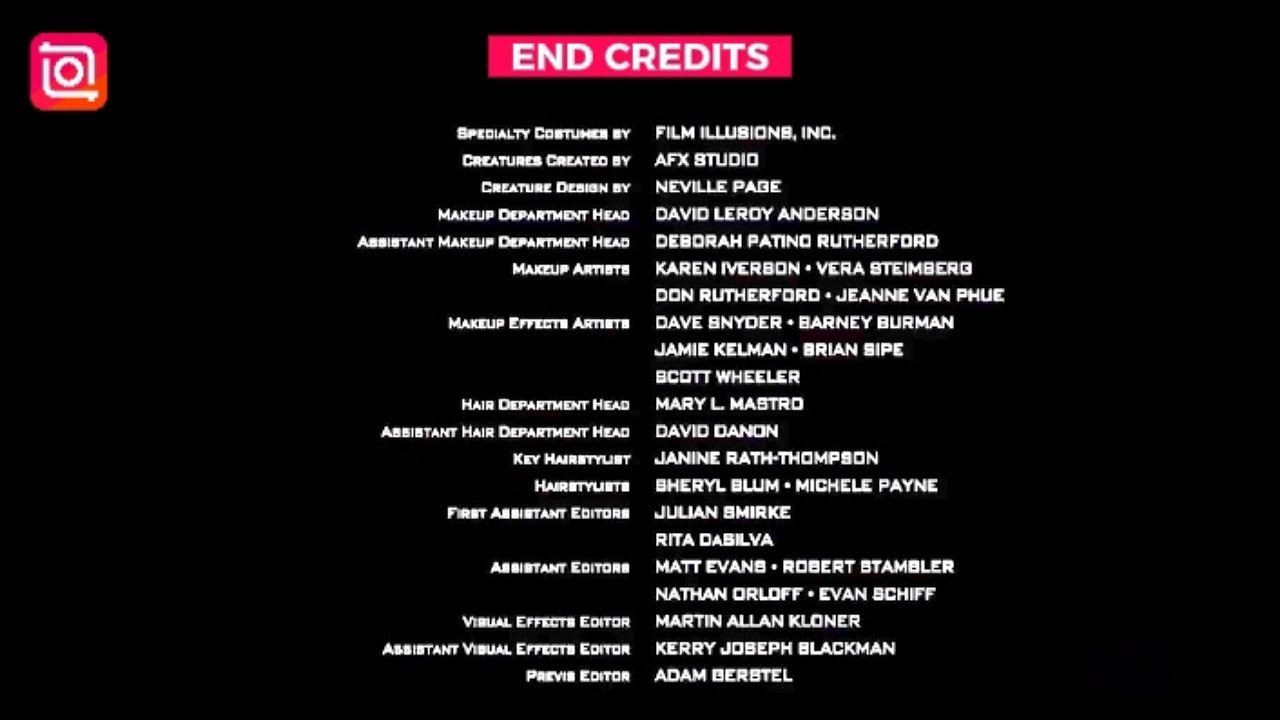
Rolling film end credits inshot editing tutorial.In this tutorial we will learn how to make the rolling film end credits using the inshot mobile editing application.
👉Steps
1.Open inshot and select a black background then extend duration.Your background duration will determine how long your credits will be.
2.Add text then adjust the font and size.Type the film end credits.Inshot has no limit to the number of credits that you can type.
3.Match the text type to the background duration.
4.At the start,move the text down and add a keyframe.
5.Move to the end and move the text up to create the rolling film end credits.
6.That's how to create the rolling film end credits on inshot mobile video editor.
Vid Edit Ke is a channel dedicated to simplifying video editing. We mostly use the capcut video editing application for our tutorials.
Capcut is a free and simple all in one video editing application that is simple to use and available on all devices.
Hope you find the videos to be helpful.
🎶Music Credit
Jon Holun - Find Paradise
Music provided by Vlog No Copyright Music
#inshoteditingtutorial #inshot #editingtutorial
Доступные форматы для скачивания:
Скачать видео mp4
-
Информация по загрузке: