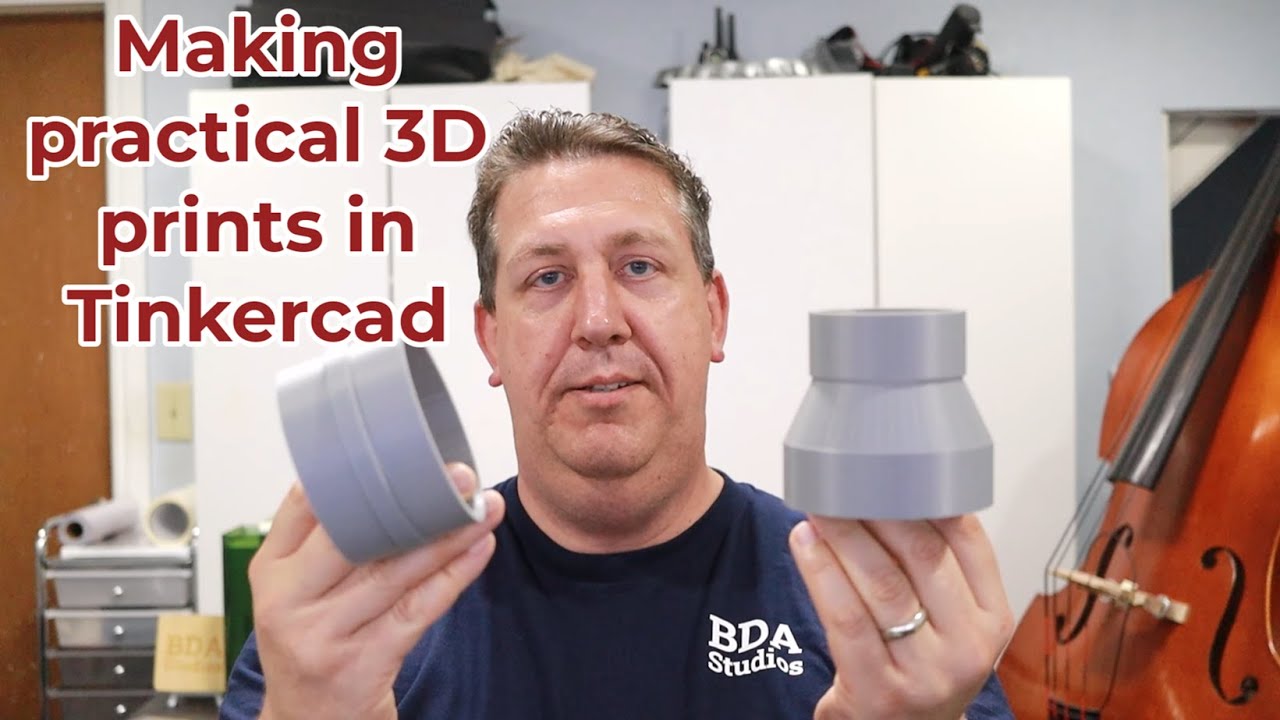
Making practical 3D prints in Tinkercad. BDA Studios video
Автор: BDA Studios
Загружено: 2025-06-17
Просмотров: 105
Let's make some practical 3D prints! Using Tinkercad, I show you how to create hose adapters for an exhaust on my xTool M1 Ultra. This process applies to any product you need to make an adapter for and includes steps to create SVG files and then import those files into Tinkcad to make a 3D model. I also highly recommend getting a Bambu Lab A1 Mini if you haven't started your 3D journey yet.
All of the machines shown in this video were purchased with my own money and the items created are my own designs unless otherwise noted.
#xtool #bambulab #xtoolf1 #xtoolm1ultra #bambulaba1 #bambulaba1mini #bambulabx1carbon #anycubic #qidiq1pro #etsyshop #smallbusiness #anycubickobra3maxcombo
00:00 Introduction
00:21 Solving a specific problem
02:06 Create an SVG in XCS
03:37 Import the SVG into Tinkercad
13:41 Creating a second part
17:42 Print from Bambu Studio
18:39 Bambu A1 Mini in action
19:32 Final results
Checkout the AnyCubic Kobra 3 Max here (affiliate link): https://store.anycubic.com/?ref=zzaaarco
Save $20 off your purchase in the AnyCubic store with this coupon: HZOEOIYAKC
Here are the items used in this video (Amazon Affiliate links):
Bambu Lab A1 Mini Combo: https://amzn.to/3ZAkkwy
xTool M1 Ultra 20w: https://amzn.to/3TfqZZr
Digital Calipers (similar to what I have): https://amzn.to/3HxYio8
Доступные форматы для скачивания:
Скачать видео mp4
-
Информация по загрузке:


