TELL ME! What are Your Best Cricut Maker TIPS???
Автор: Create With Katerina
Загружено: 2026-01-22
Просмотров: 4
I just bought my very first Cricut Maker, and I’ll be honest—I know almost nothing about how to use it 😅
This is NOT an unboxing video. This is me coming at Cricut as a total beginner and asking for real-world advice from people who actually use these machines.
I’ve avoided Cricut for years because vinyl, weeding, and heat transfers are not my thing. I run print-on-demand for my shirts through Printify, so I don’t keep inventory or do heat press work myself. What I do need is a faster, smarter way to make stickers and bookmarks in-house—without losing money on high production and shipping costs.
Wholesale stickers and bookmarks get expensive fast, and I want to be able to sell:
• Stickers for around $3
• Bookmarks for around $4
That’s why I finally took the plunge.
Right now, my plan is to use my Cricut primarily for:
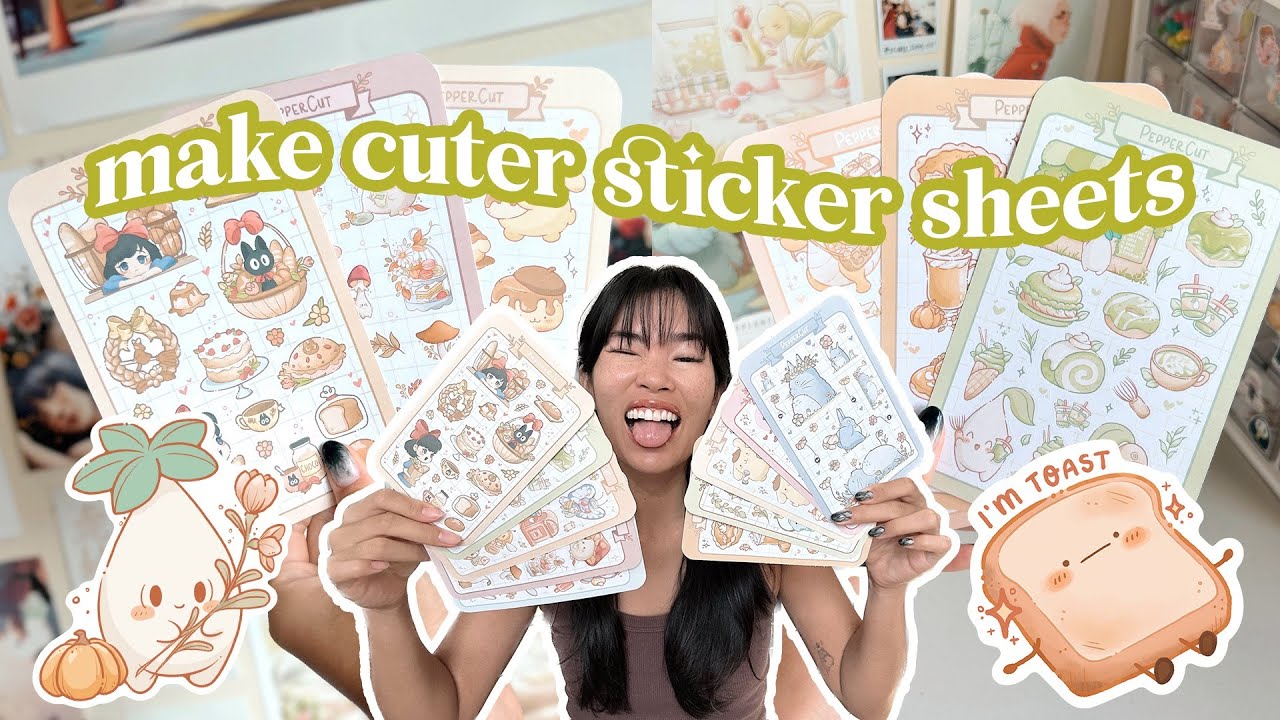
• Print-then-cut stickers
• Laminated bookmarks
• Paper, cardstock, and possibly chipboard projects
• Journaling and planner accessories
I’m not interested in vinyl projects (at least for now), so I’d love tips specifically outside of the typical Cricut vinyl world.
I also grabbed Cricut supplies on sale at Michaels (buy two, get two free!), which made sticker paper cheaper than anything I’ve bought online before—and that definitely helped push me over the edge.
Eventually, I plan to upgrade my ancient iPad so I can design more directly using Procreate, especially for journaling and digital art—but one step at a time 😅
So now I’m asking YOU 👇
If you use a Cricut Maker:
• What do you actually use yours for most?
• Any must-know beginner mistakes to avoid?
• Best settings for stickers, laminated paper, or bookmarks?
• Can you use non-Cricut mats and pens?
• Favorite tutorials or creators I should watch?
Drop your tips, advice, and video recommendations in the comments—I’m learning from the community on this one 💬
Thanks for helping a Cricut newbie out, and I’ll see you in the next video!
#CricutMaker
#CricutBeginner
#CraftRoom
#StickerBusiness
#BookmarkMakers
#SmallBusinessTools
#JournalingSupplies
#CreativeBusiness
#DIYStickers
#craftingcommunity
🎯 Still digging for your favorite scissors... again? 😅Join thousands of sewists, crafters, and journalers 🧵📓🎨 who are finally organizing their creative chaos with this FREE checklist!
✨ Grab your copy ofTame the Craft Chaos: The Ultimate Organizing ChecklistTransform your space into the cozy, functional, joy-filled studio you deserve → https://lnkm.io/zHUgW 💖🧺
🛍️ Shop My Creations:
🧵 Visit my handmade shop: https://Etsy.com/shop/ValijaDesigns
📱 My Phone Case shop: https://Etsy.com/shop/ThePhoneFoundry — nature, trendy, coquette, Halloween, national parks, anime & more!
🧚♀️ My Fairycore shop: https://Etsy.com/Shop/EverfeyDesigns
👕 Sewing & Quilting T-shirts: https://lnkm.io/mTVyM
🧷 Make sure to favorite my shops so you’ll see new drops as they go live!Each shop is growing with fresh new designs every week 💫
📌 Subscribe for fabric hauls, journaling tutorials, behind-the-scenes studio fun, and handmade goodness delivered to your screen!
🎯 My Favorite Quilting Laser Light→ https://amzn.to/4eNcmqd
🛠️ My Favorite Tools & SoftwareThese are what I use in my handmade business, Etsy shops, and YouTube workflow:
🔗 Wholesale Fabrics: https://lnkm.io/olAhQ
💡 ProfitTree (for digital product selling): https://lnkm.io/FHaOn
🛒 Shopify: https://lnkm.io/CDkpH
📊 Everbee for Etsy SEO: https://lnkm.io/SfMpN
🎨 Artistly AI: https://lnkm.io/lLJGO
📈 TubeBuddy for YouTube: https://lnkm.io/QiSQw
🔗 Link Whisper (for bloggers): https://lnkm.io/WGWtF
🎨 Creative Fabrica: https://lnkm.io/vxBha
🖨️ Printify (for POD): https://lnkm.io/oXZPW
📬 Flodesk (for emails): https://lnkm.io/pZCoh
🚀 Go High Level: https://lnkm.io/GoHighLevel
🧠 SEO Press (WordPress): https://lnkm.io/IVmSC
🌐 Domain Names: https://lnkm.io/WopVJ
💻 Hosting: Fast, https://lnkm.io/NiDeo
🚀 ManyChat:https://lnkm.io/ManyChat
👉 Google Workspace: https://lnkm.io/crQJF
🗂️ Need to delegate more?Download my FREE guide:📌 365 Things You Can Delegate to a Virtual Assistant Today👉 https://lnkm.io/yhUco
💬 Let’s Connect📘 Facebook: CoachKaterina🐦 X (Twitter): @CoachKaterina💼 LinkedIn: Katerina Gasset🎵 TikTok: @coachkaterinaamplifier📸 Instagram: @katerinagasset
🧠 Want business, marketing, or SEO content?Check out my other channel here → https://lnkm.io/GZFJD
💖 Affiliate DisclaimerSome of the links above are affiliate links. If you purchase through them, I may earn a small commission (at no cost to you). Thanks for supporting my channel & handmade journey! 🫶

Доступные форматы для скачивания:
Скачать видео mp4
-
Информация по загрузке: