MySql Database with java using notepad and cmd.
Автор: Coding Geeks
Загружено: 2021-05-18
Просмотров: 19039
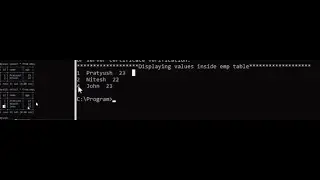
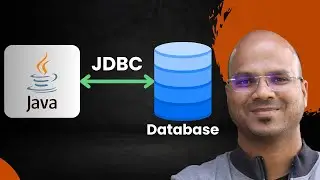
In this video we are connecting MySql database with java code. Using cmd (Command line) code we will connect to the database and create a table using sql query from our java code. We are performing all the operations step by step so that it would be easy for you to follow.
Pre- requisites:-
MySql server (prefer to use the latest version)
Jdk 8 should be installed
Set environment variable : • Set path for Environment variable using cmd.
Code:-(Resource folder)
https://drive.google.com/drive/folder...
While connecting to database we're entering password as "root". You should use whatever password you have given at the time of MySql server installation.
Please comment below for related queries. We'll try to help as soon as possible. Thank you!

Доступные форматы для скачивания:
Скачать видео mp4
-
Информация по загрузке: