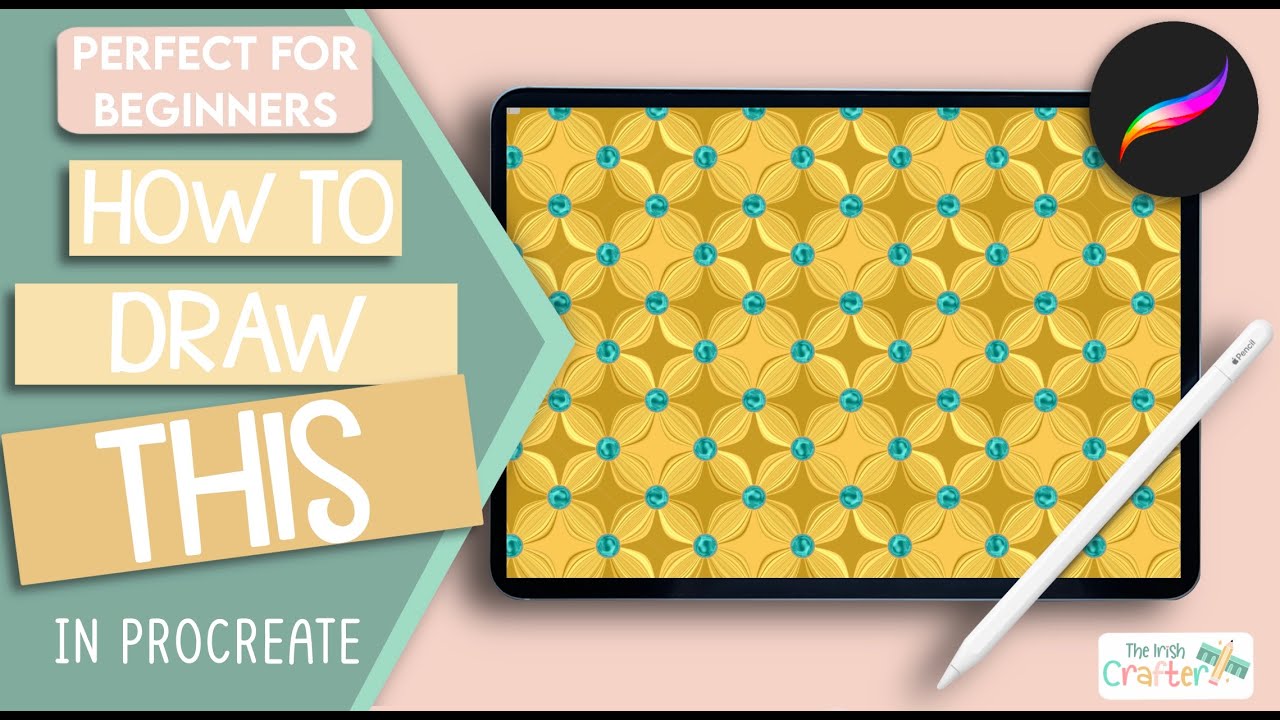
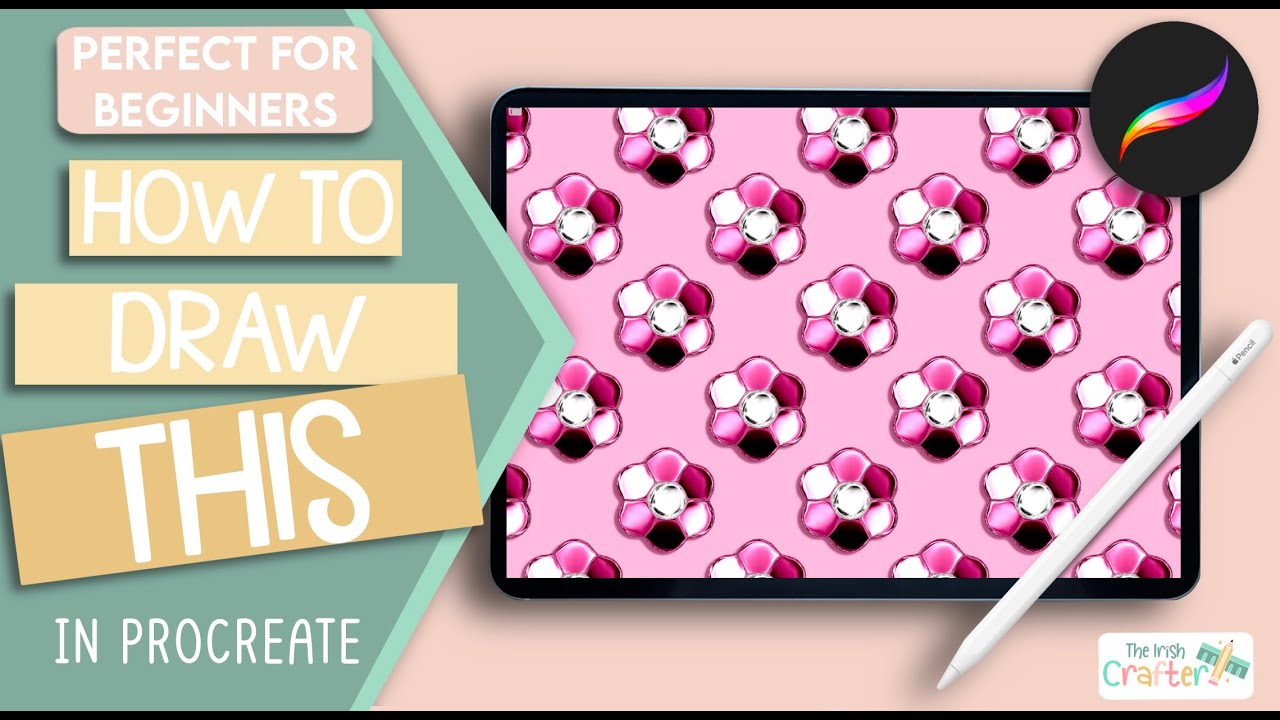
🌸 How to Draw a Stunning Metallic Flower Pattern in Procreate | Beginner-Friendly Tutorial 🌸
Автор: The Irish Crafter
Загружено: 2025-06-18
Просмотров: 3865
In this beginner-friendly Procreate tutorial, I'll guide you step-by-step on how to create a gorgeous metallic flower repeating pattern. Perfect even if you're new to Procreate, this easy-to-follow video covers every step clearly, from setting up your canvas to mastering advanced techniques like Gaussian blur, liquify, and noise effects.
✨ What's Included in This Tutorial:
Creating and resizing perfect circles using Quick Shapes
Easy shading techniques for a metallic look
Adding realistic texture using Noise and Liquify
Turning your artwork into a seamless repeating pattern
🎨 Free Resources:
Downloadable template for quick set-up
Colour palette with RGB codes for instant use
👉 Grab the template and colour palette here: https://www.theirishcrafter.com/procr...
Whether you're a beginner or an experienced digital artist, you'll love creating this striking metallic floral pattern that can easily be customized to match your style!
🔔 Don't forget to subscribe and turn on notifications to never miss a creative tutorial!
———————————————
Here’s what I use:
🆓Free Procreate brushes: https://theirishcrafter.com
🧽My screen protector and cleaner: https://paperlike.com/theirishcrafter
🎨My drawing software: https://apps.apple.com/ie/app/procrea...
📝My fonts: https://www.creativefabrica.com/ref/4...
Links to IPad and pencil depending on country:
Ireland 🇮🇪
📱My iPad: https://amzn.to/3TVbOEZ
✍🏻My Pencil: https://amzn.to/4kianv8
UK 🇬🇧
📱My iPad: https://amzn.to/44qOHXQ
✍🏻My Pencil: https://amzn.to/4lbXqVc
Canada🇨🇦
📱My iPad: https://amzn.to/44FZPBp
✍🏻My Pencil: https://amzn.to/449Ae3N
USA🇺🇸
📱My My iPad: https://amzn.to/3HZyNML
✍🏻My Pencil: https://amzn.to/3I4p3AK
#ProcreateTutorial #MetallicFlower #DigitalArt #ProcreatePatterns #BeginnerFriendly #ProcreateArt #ipadart
0:00 Introduction
00:45 Setting up your canvas
01:35 Preparing your brush and layers
02:00 Drawing a circle using quick shapes
02:35 How to use colour drop
03:26 Duplicating and resizing layers
04:26 Merging layers
04:51 How to use Alpha Lock
05:16 How to use Gaussian Blur
05:37 Using the noise adjustment
06:17 Turning on the brush cursor
06:36 Preparing the liquify settings
06:56 Creating the metallic petals and centre
08:10 Using pinch to tidy the edges
08:38 Creating a shadow
09:35 Filling in the background
09:48 Creating the repeating pattern
12:40 Conclusion
Доступные форматы для скачивания:
Скачать видео mp4
-
Информация по загрузке: